Andrew Ng Open-Sources OpenWorker
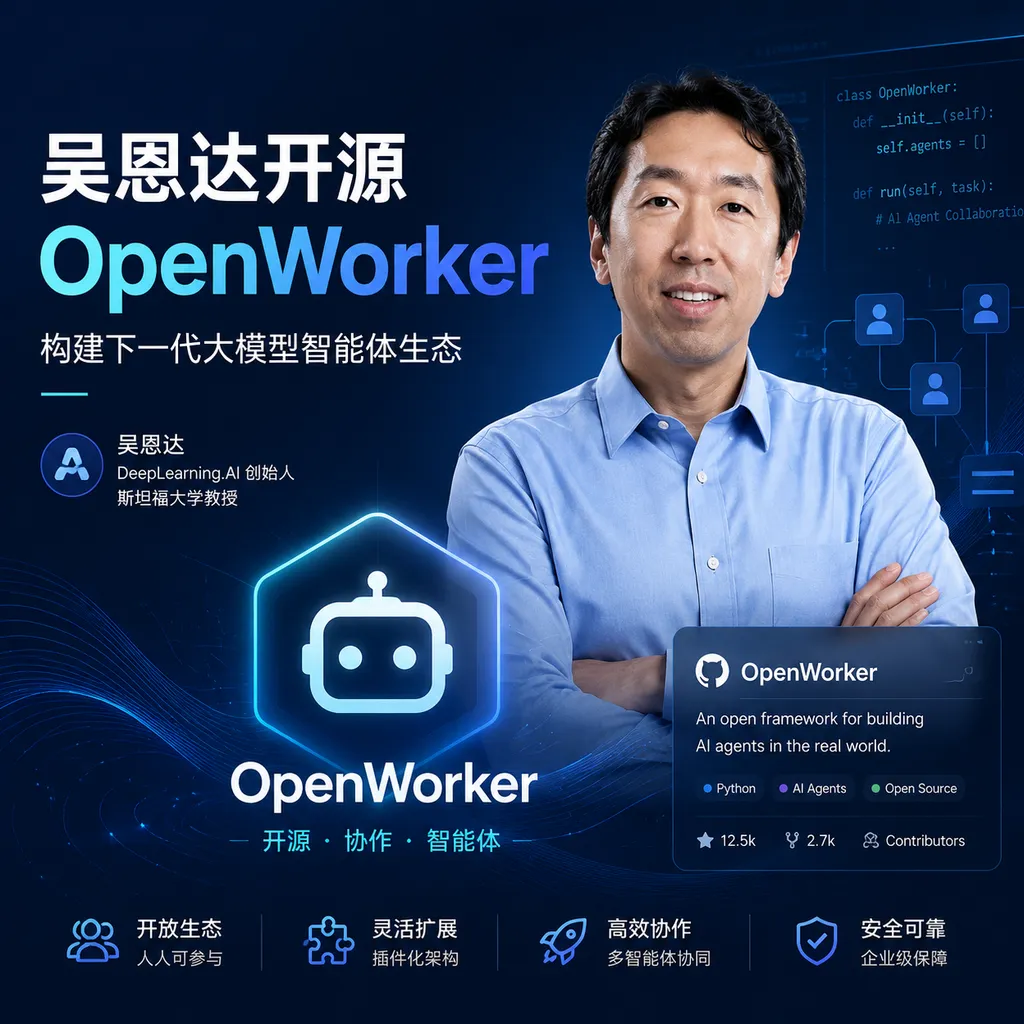
Andrew Ng’s team has open-sourced OpenWorker, a desktop task-oriented AI agent that uses a local desktop shell, the aisuite multi-model layer, and tool connectors to handle office tasks involving files, calendars, Slack, and more. It does not introduce a new paradigm, but it offers a valuable agent engineering template for developers to study and deconstruct.
Andrew Ng Open-Sources OpenWorker: No Chitchat, Just Files and Finished Tasks
On July 24, Andrew Ng open-sourced OpenWorker, a desktop AI agent project. Its goal is not to create yet another chat window, but to take over multi-step office tasks: reading local materials, organizing schedules, preparing client briefs, drafting reports, handling Slack alerts, and writing the results back to files or business tools.
As of July 25, OpenWorker had received approximately 3.7k stars on GitHub. The macOS version is already available, while the Windows version can also run but is currently unsigned. For ordinary users looking to install it directly, this means the system may display security warnings. For developers, the more sensible approach remains to review the code, dependencies, and permissions before building it from source.
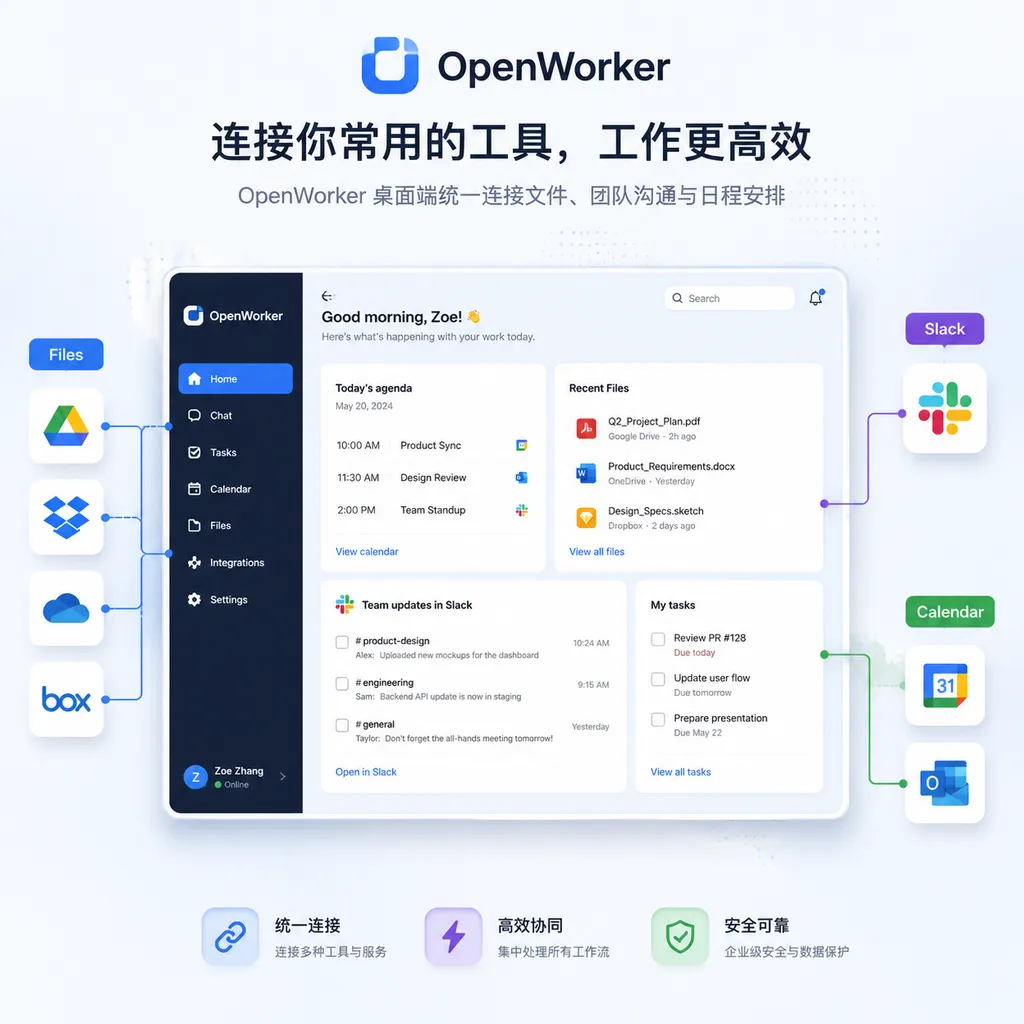
The most noteworthy aspect of OpenWorker is not whether it can write a report, but that it attempts to bring several key components of a desktop agent into a relatively complete open-source implementation: a desktop application, a local agent service, a model abstraction layer, tool calling, execution confirmation, and final deliverable creation.
None of this is revolutionary. In fact, local-first architecture, model independence, tool integrations, and human confirmation have nearly become the standard formula for desktop agents in 2026. But this is also where OpenWorker’s value lies: rather than using a flashy demo to gloss over engineering challenges, it provides a reference project that can be downloaded, modified, and extended.
From Chatbots to “Deliverables”
Over the past two years, many so-called agent products have merely added a layer of tool calling to chatbots. After the user assigns a task, the model outputs a set of recommendations, while the user still has to do the actual copying, pasting, file editing, and message sending.
OpenWorker emphasizes a different product boundary: the user specifies the goal, the agent organizes the steps, and ultimately produces a usable result. For example:
- Extract client background information from local files and compile it into a pre-meeting brief;
- Reorganize meeting arrangements based on calendar conflicts;
- Consolidate materials and generate a fully formatted report;
- Categorize Slack alerts, then draft or send response messages;
- Modify document content instead of merely telling the user how it should be changed.
The difference may appear to be just one additional final step, but in practice it crosses an important boundary. Answering questions mainly tests a model’s generation capabilities, whereas delivering a finished product requires the agent to simultaneously handle context retrieval, task decomposition, file reading and writing, tool permissions, error recovery, and user confirmation.
In other words, when a chat product makes a mistake, it usually just generates a piece of unreliable text. When an execution-oriented agent makes a mistake, it may overwrite files, send messages to the wrong recipients, or alter the wrong calendar events. The closer its capabilities come to those of a real “coworker,” the harder it becomes to manage the boundaries of permissions and responsibility.
OpenWorker therefore includes review and confirmation mechanisms before important actions are executed. This is not a conservative design that obstructs automation, but an indispensable safety valve for desktop agents at their current stage of development.
aisuite Serves as Its Model-Switching Layer
OpenWorker is built on aisuite, a Python framework previously released by Andrew Ng’s team. aisuite is designed to be relatively decoupled from model providers, offering a unified interface for connecting to models from different vendors as well as locally hosted large language models.
According to the information currently disclosed by the project, OpenWorker is not tied to any single model. It can connect to GPT, Claude, and Gemini, as well as models such as Kimi, GLM, DeepSeek, and Inkling. It also supports calling local models through Ollama.
Its overall architecture can be roughly understood as follows:
Tauri Desktop Application (TypeScript / Rust)
                ↓
       Local Python Agent Service
                ↓
 aisuite Unified Model Access and Switching Layer
          ↙            ↘
 Cloud Model Providers    Local Models via Ollama
                ↓
 Tools Such as Files, Slack, Email, and Calendars
                ↓
       User Confirmation and Result Delivery
Tauri handles the desktop interface and system integration, the local Python service runs the agent logic, and aisuite sits between the models and the application. This separation is nothing new, but it is pragmatic: the frontend does not need to account for the interface differences among model providers, while the agent logic does not need to be deeply coupled to any particular model SDK.
For developers, model independence is not merely about making it “easy to switch models.” Desktop tasks differ significantly in cost, latency, and privacy requirements. A routine document-classification task can be assigned to an inexpensive or local small model, while client analysis involving complex reasoning and long contexts can be routed to a more capable cloud model. A unified model layer makes this kind of routing easier to implement.
However, model interchangeability does not mean tasks can be migrated without any loss.
Differences among models in tool-calling formats, long-context stability, structured output, instruction following, and error recovery still directly affect agent success rates. Changing the model name from A to B only demonstrates that the interface has been unified; it does not prove that the original workflow remains reliable. In real deployments, developers still need to conduct task-level evaluations for each model rather than merely running a few chat tests.
“Local-First” Does Not Mean Data Never Leaves the Computer
OpenWorker runs on the desktop and can access local files, making it easier to integrate into real workflows than a browser-only agent. However, “running locally” can easily be misinterpreted as meaning that “all data stays local.”
If the user selects a cloud model, the agent may still need to send file excerpts, task context, or tool outputs to the model provider. Only when the model, vector retrieval, tool services, and logging pipeline are all deployed locally does the system approach a genuinely local closed loop.
Therefore, enterprises or development teams testing OpenWorker should examine at least the following:
- What context is actually sent: Is it the entire file, or only the necessary excerpts retrieved from it?
- Whether tool permissions are minimized: Calendars, Slack, and the file system should not receive full read and write access by default.
- Whether high-risk operations require confirmation: Sending messages, deleting files, overwriting content, and modifying schedules should be handled according to risk level.
- How credentials are stored: Are API keys, OAuth tokens, and local configurations stored in the operating system’s secure storage?
- Whether logs expose content: Debug logs often retain more sensitive data than the model requests themselves.
- Whether failed operations can be rolled back: If the agent encounters an error midway through execution, it should not merely leave behind a vague failure notice.
OpenWorker’s pre-execution review is a step in the right direction, but it does not automatically eliminate every risk. If a confirmation dialog says only “Do you want to continue?”, users will quickly develop the habit of clicking through mechanically. A more effective confirmation interface should clearly display the tool about to be called, the object to be modified, the content differences, and whether the action can be undone.
This is also one of the biggest engineering differences between desktop agents and traditional SaaS: a desktop agent must not only enable the model to understand what it should do, but also enable the user to understand what it is about to do.
Windows Works, but the Lack of Signing Is a Practical Barrier
OpenWorker’s macOS version is currently available. Although the Windows version is also functional, it has not yet been signed.
Code signing may sound like just another part of the release process, but it is especially important for desktop agents. Applications of this kind typically need to access local files, launch background services, and hold credentials for external tools, so operating systems and security software are naturally more cautious about them. An unsigned installer not only makes installation more difficult for ordinary users, but can also become an obstacle to enterprise endpoint management.
As a result, Windows support is currently better suited to developer testing than large-scale distribution. Developers can review the source code and build it themselves, but they should not blindly disable security mechanisms merely to bypass system warnings. If OpenWorker is to evolve from an open-source reference implementation into a stable tool, it will need to address signing, automatic updates, dependency supply-chain security, and permission documentation.
Compared with Claude Cowork and ChatGPT’s Work Features, Its Advantage Is Customizability, Not Necessarily User Experience
OpenWorker is not entering an empty market. Claude, ChatGPT, and a variety of open-source agent frameworks are all attempting to move models beyond chatboxes and into files, browsers, and office software.
The advantage of closed-source products is usually their level of polish: the model, tool protocols, account system, sandbox, and interface are controlled by the same team, so users do not need to manage dependencies, keys, or model compatibility themselves. OpenWorker’s advantage is the opposite—the code is visible, the model can be switched, and the logic can be modified. It is also better suited to integrating with internal enterprise tools.
If the goal is simply to have AI occasionally organize a document, a mature commercial product will probably be more convenient. If the goal is to study agent harnesses, control the data path, deploy local models, or connect an internal ticketing system to a workflow, OpenWorker will be more attractive.
Compared with some general-purpose open-source agents, it also shows no obvious paradigm-level innovation:
- Local desktop shells are already a common form factor;
- Multiple implementations of model abstraction layers already exist;
- Connectors for files and office tools are not scarce;
- Human confirmation before critical actions is an industry consensus;
- Focusing on final deliverables rather than chat logs is becoming a shared direction for agent products.
OpenWorker is therefore not a project based on an idea “no one else has thought of.” It is more like a reference implementation, in the style of Andrew Ng’s team, that organizes these points of consensus into a coherent whole: clearly structured, relatively easy to get started with, and suitable for teaching and secondary development.
The Real Challenge Is Not Connecting Models, but Ensuring Task Completion
Today, building an agent prototype that can call file and calendar tools is not difficult. The hard part is making it run continuously and complete tasks reliably in real-world desktop environments that are messy and constrained by permissions.
Developers planning to build on OpenWorker should prioritize four metrics rather than focusing on whether the model’s answers appear intelligent:
- End-to-end success rate: Does the task actually produce the correct file or perform the correct action?
- Number of human interventions: How many times does the user need to confirm, correct, or provide additional information?
- Error recoverability: Can the system retry or choose a different path after a tool timeout or abnormal model output?
- Cost per task: How many tokens, how much time, and how many external API calls does a complete task consume?
Developers should also establish reproducible task sets. For example, they could define a fixed set of document organization, meeting rescheduling, and message classification tasks, recording the expected results, permitted scope of modifications, and prohibited actions for each task. Only by rerunning the set after every change to the model, prompt, or tool implementation can they determine whether the change genuinely improves capabilities or merely makes the demo look smoother.
State management is one of the most easily overlooked aspects of agent engineering. A model may perform well in one step yet forget constraints by the eighth step of a ten-step task. A reliable system needs to preserve plans, tool outputs, modification records, and actions awaiting confirmation, rather than stuffing all information into an ever-expanding conversational context.
3.7k Stars Indicate Attention, Not Maturity
OpenWorker quickly received approximately 3.7k stars after its release, indicating that developers remain highly interested in execution-oriented desktop agents. Andrew Ng’s influence, aisuite’s existing user base, and the popularity of open-source desktop agents all contributed to its early visibility.
But GitHub stars are more like watchlist entries than certifications of stability. Whether a desktop agent is truly usable depends on release cadence, issue response, connector maintenance, cross-platform compatibility, and security audits. Because OpenWorker needs access to files, communication tools, and calendars, it carries far greater risk than an ordinary chat demo.
Our assessment is that OpenWorker’s most valuable role at present is not as an “AI coworker” ready to replace employees immediately, but as a well-structured reference project for desktop agents.
It demonstrates a clear technical path for task-oriented agents in 2026: the desktop client interfaces with users and system permissions; a local service orchestrates tasks; a unified model layer switches among reasoning capabilities; tool connectors provide access to real workflows; and human confirmation safeguards high-risk operations.
This approach is not new, but it is practical enough. OpenWorker is worth dissecting for teams building internal agent platforms. For ordinary users who simply want to download, install, and fully delegate their work, however, it still has considerable work ahead before it can become a seamless and reliable desktop coworker, including signed distribution, permission governance, task evaluation, and failure recovery.
References
- ITHome: Andrew Ng Open-Sources OpenWorker Desktop AI Agent — Covers the project’s release date, supported platforms, primary features, model compatibility, and early GitHub star count.
- GitHub: OpenWorker Repository — Project source code, installation instructions, release updates, and issue information. Refer to the repository for the latest details.