SenseTime U1 Pro Launches, Pushing Image Generation to 8K

SenseTime today officially launched the SenseNova U1 Pro image-generation model, supporting up to 8K native resolution, specialized aspect ratios, and high-information-density image-and-text generation. It is also now available through SenseTime’s Xiaohuanxiong and SenseNova API services.
SenseNova U1 Pro Officially Launched by SenseTime: Image Generation Is Now Competing on “Whether It Can Be Delivered”
SenseTime officially launched the SenseNova U1 Pro image creation model today. It is no longer merely a tool that turns prompts into images. Instead, it shifts the competitive focus toward several metrics closer to real production workflows: support for resolutions up to 8K, special aspect ratios, complex text layouts, and whether a single image can simultaneously organize information and deliver visual design.
According to information disclosed by SenseTime, SenseNova U1 Pro is now available through SenseTime’s SenseChat, and has also been integrated into the SenseNova API service. The model is positioned as an “image creation” model, but based on its capability descriptions and demonstration cases, it is not targeting the general text-to-image entertainment market. Rather, it is aimed at content that can enter workflows directly, including infographics, commercial posters, product visuals, educational illustrations, and film storyboards.
This also distinguishes U1 Pro from the previous round of competition among image models: people are no longer satisfied with images that merely “look right.” They are beginning to ask whether the canvas is large enough, whether the text is usable, whether the layout remains stable, and whether the style will fall apart after several rounds of revisions.
Up to 8K, but Resolution Is Not Everything
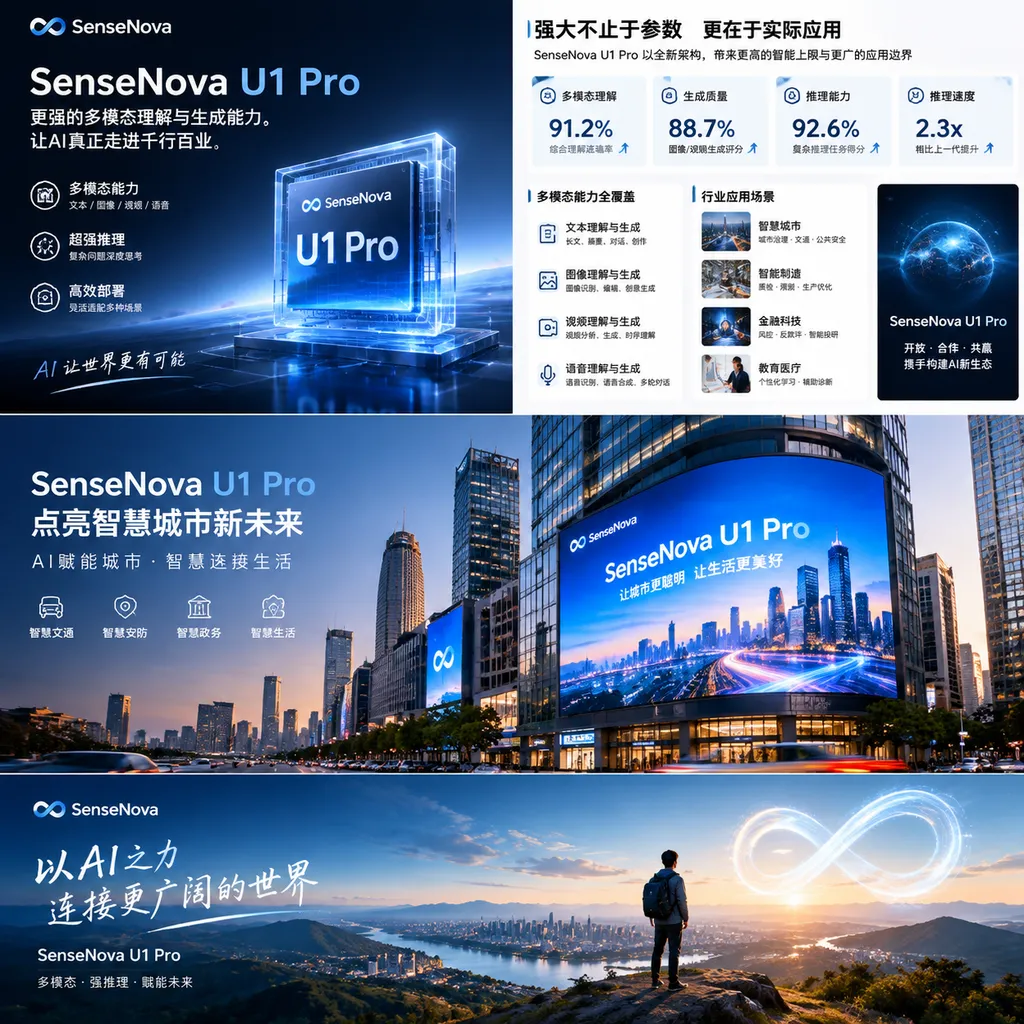
The most direct selling point of SenseNova U1 Pro is its support for resolutions of up to 8K, along with special aspect ratios and ultralong, oversized canvases.
For developers and content teams, this means the model is no longer limited to 1:1, 4:3, or 16:9 images designed for smartphone screens. It can attempt to handle canvases closer to real-world design tasks, such as:
- 9:16 city-themed posters and short-video covers;
- 4:1 ultrawide scrolls, exhibition visuals, or horizontally scrolling displays;
- A4 portrait-format science and educational infographics;
- 16:9 architectural renderings and film concept visuals;
- High-resolution assets for printing, exhibitions, and large-screen displays.
Traditional text-to-image models often expose two problems after upscaling. First, although the details increase, text, icons, and lines are prone to distortion. Second, once the canvas becomes larger, the spatial relationships between subjects become unstable, making the final result look more like an “enlarged draft” than a deliverable design.
U1 Pro aims to solve the latter problem. SenseTime emphasizes that the model can maintain the stability of relationships among text, lines, icons, and modules on high-resolution canvases, while handling image-and-text content with a high information density. In other words, it attempts to make a large canvas a design space rather than merely enlarging a small image.
However, it is important to distinguish between “supporting 8K” and “generating print-ready 8K output every time.” Publicly available materials currently focus mainly on the model’s positioning and sample cases. They have not yet disclosed standardized third-party evaluations, complex-text accuracy rates, failure rates at different resolutions, or the specific time and cost of 8K generation. For teams that genuinely need batch production, these metrics matter more than the maximum resolution itself.
Image Generation Models Are Beginning to Handle “Information Structure”
Another major focus of U1 Pro is precise content expression. SenseTime says the model can organize complex information through an intrinsic chain of thought that interleaves text and images, generating knowledge content that is logically clear, textually accurate, and well integrated across text and visuals.
These tasks are significantly different from ordinary poster generation. Users are not simply saying, “Make a nice-looking image.” They may provide a title, column headings, explanatory text, hierarchical relationships, and a visual style, asking the model to simultaneously complete content decomposition, layout planning, illustration generation, and final compositing.
For example, one handbag-themed infographic presented by SenseTime is titled Anatomy of a Shell: The Self That Is Carried. Its content is organized around five thematic modules: “Selection Principles,” “Container,” “Lining Secrets,” “Accumulated Life,” and “The Sentiment of Wear.” The truly difficult part here is not drawing a handbag, but breaking down abstract relationships involving identity, consumer choices, and everyday use into an infographic with a clear reading path.
Similarly, the model can generate an A4 portrait-format photography science infographic explaining “Silver Halide Photography: How Light Becomes a Photograph.” It can also organize World Cup match data, tactical analysis, and reasoning results into a visual analytics report.
This shows that U1 Pro’s capability focus has shifted from “image content generation” toward “visual communication.” The model must first understand the information, then determine what should become the title, what needs to be illustrated, which elements should occupy the visual center, and only then choose the color and typographic styles.
This capability is especially valuable for enterprise knowledge bases, educational content, and business presentations. In the past, automatically generating an infographic typically required several tools working in sequence: a language model first wrote the copy, design software handled the layout, an image model generated the illustrations, and a human then adjusted the text and spacing. U1 Pro’s approach is to compress these steps as much as possible into a single generation process followed by multiple rounds of refinement.
From “Looking Right” to “Looking Good,” SenseTime Wants to Add Design Capability
SenseTime also lists “outstanding visual design” as one of U1 Pro’s core capabilities.
Based on its official demonstration cases, the model covers scenarios including Quanzhou-themed illustrations, fashion magazine covers, seasonal festival posters, product photography for new tea beverages, museum exhibition posters, and architectural design renderings. What these works have in common is that the prompts describe not only the subject, but also the canvas, grid, typographic hierarchy, color scheme, materials, cultural elements, and distribution platform.
Take the Quanzhou-themed poster as an example. The user specified a 9:16 portrait format, a woodblock-print style, a two-color palette of black and orange-red, a white background, grainy noise, and paper-cut-style lines, while also requiring the inclusion of elements from Quanzhou’s history and culture. The model is not handling a single object, but an entire visual system: the style must remain consistent, local culture must not be reduced to a simple pile of symbols, and the text and illustrations must suit vertical-format distribution.
These tasks are also where generative design tools most easily reveal an “AI look.” Many models can generate a single image with an attractive visual texture, but once titles, section headings, brand marks, and platform specifications are added, the composition can quickly lose control. What U1 Pro is attempting to solve is the transition from “generating an image” to “generating an image with design logic.”
Of course, “design aesthetics” remain difficult to measure with a single score. The final result depends on prompt quality, task complexity, brand guidelines, and human selection. The examples SenseTime has provided so far are primarily representative cases rather than conclusions from blind tests against different models. Therefore, the claim that its “performance rivals leading overseas models” should be viewed as a vendor positioning statement, not as something that has already been publicly validated.
Technical Approach: Unifying Language and Vision, Then Adding a Long-Horizon Generation Loop
SenseNova U1 Pro is the flagship version of SenseTime’s SenseNova U series. Previously, during the World Artificial Intelligence Conference in July 2026, SenseTime had already disclosed some of U1 Pro’s technical direction: the model is based on the NEO-unify native unified architecture and attempts to place language and visual capabilities on the same multimodal foundation.
This approach differs from the traditional pieced-together solution in which a language model handles understanding, a diffusion model generates the image, and external tools perform editing. The goal of a unified architecture is to enable the model to switch repeatedly between understanding and generation, rather than reading the prompt once at the beginning and then handing the task over to an independent image-generation module.
SenseTime previously described this process as a Long-Horizon Agentic Generation Loop—that is, continuously understanding, planning, generating, checking, and revising in pursuit of a complex goal. In practice, the workflow may look like this:
- Read the user’s requirements for the content, canvas, and style;
- Break down the title, body text, illustrations, and layout hierarchy;
- Generate a first version of the visual concept;
- Check the relationships among the text, icons, and composition;
- Revise local content while maintaining the overall style;
- Output the final image suitable for the target platform.
If this closed loop can operate reliably, the model’s role will shift from “image generator” to “visual delivery assistant.” This is especially important for multi-round editing: users will not need to describe the entire image again each time, but can simply modify the title, local text, color scheme, or a single visual module.
SenseTime also stated that the SenseNova-Vision unified vision foundation model provides the capability base for U1 Pro, integrating traditional vision tasks such as instance segmentation and object detection into a unified multimodal model. For image creation, this theoretically makes it easier for the model to understand object boundaries, spatial relationships, and local structures in an image, rather than treating the entire image as an indivisible collection of pixels.
What This Launch Means for Developers
For developers, the value of U1 Pro lies not in adding yet another image model, but in its potential to cover a range of intermediate steps that previously required “a model plus human labor.”
1. E-Commerce and Brand Visuals
E-commerce teams can use it to generate key product visuals, campaign posters, social media covers, and adapted images for different platform sizes. Support for special aspect ratios can reduce the cost of redesigning the same creative concept for different channels.
However, what truly determines whether it can be deployed is whether brand logos, product text, SKU information, and price tags can be rendered consistently. If the model can only generate images that “look like advertisements” but cannot guarantee accurate product information, designers will still need to redo the final mile.
2. Education and Knowledge Content
For educational institutions, publishing teams, and corporate training departments, high-information-density image-and-text generation is more attractive. Complex knowledge can be transformed into timelines, structural diagrams, flowcharts, and long-form educational graphics, reducing manual layout work.
However, educational content cannot be judged solely by its visual quality. When diagrams involve medicine, engineering, science, or finance, factual accuracy, units, formulas, and labels still require human or programmatic verification. Image models can help express knowledge, but they cannot replace knowledge review.
3. Film, Television, and Digital Content
SenseTime has previously showcased film storyboard concepts containing complete world-building specifications and 22 consecutive shots, as well as ultralong Chinese-style landscape scrolls, character designs, and film concept visuals.
In these scenarios, the most important factor is not how attractive a single image is, but whether characters, settings, and lighting remain consistent across multiple images. If U1 Pro can maintain the world-building and visual style throughout a long-horizon generation process, it may have an opportunity to enter preliminary concept design rather than being used only for inspiration sketches.
4. AI-Native Applications
After the model’s integration into the SenseNova API, developers can embed image creation capabilities into products for office work, marketing, education, and content production. However, whether it is suitable for large-scale invocation will also depend on the pricing model, concurrency limits, output formats, editing capabilities, and content safety policies to be announced by the company.
For application developers, 8K also implies higher costs for GPU memory, bandwidth, and storage. Many products do not need to output 8K by default. Instead, they should select thumbnails, social-media dimensions, high-definition assets, or print-ready files based on the end-use scenario. A high capability ceiling does not mean the product should invoke the highest specification every time.
SenseTime Is Betting Not on “Drawing Better,” but on “Reducing Rework”
Over the past two years, the main areas of competition among image-generation models have been realism, artistic styles, and prompt adherence. With U1 Pro, SenseTime is focusing on metrics that are harder to measure but closer to commercial value: whether information can be organized accurately, whether complex layouts can remain stable, whether images can be adapted to different sizes, and whether the generated results can be put into use after only minor modifications.
This is the right direction. Enterprise users will not hand over their entire design process simply because a model can generate a beautiful image. They care more about whether a poster requires three fewer rounds of revisions, whether half a day of PPT layout work can be saved, and whether a long-form graphic can be used without rechecking every title.
However, U1 Pro still needs to prove itself with real production data. 8K output, high-information-density layouts, and long-horizon agentic generation all sound highly attractive. The real barriers include the long-term stability of complex Chinese text, consistency of brand assets, local controllability after multiple rounds of revision, success rates for batch tasks, and the cost and speed of the API service.
As of today, SenseNova U1 Pro has moved from its previous preview and demonstration phase into official availability, and is now accessible through SenseTime’s SenseChat and SenseNova services. For developers building AI design, content production, or multimodal office products, it is worth adding to the testing list. However, before formally replacing existing design workflows, teams still need to conduct a round of stress tests using their own business materials.
If testing can prove that it not only generates 8K images, but also remains stable with complex Chinese text, brand layouts, and continuous revisions, then SenseNova U1 Pro’s competitiveness will amount to more than “another advance for a Chinese image model.” It will mean that image generation has genuinely been pushed into a deliverable, reusable production workflow.