ROCm 10.1 Expands Radeon AI Support
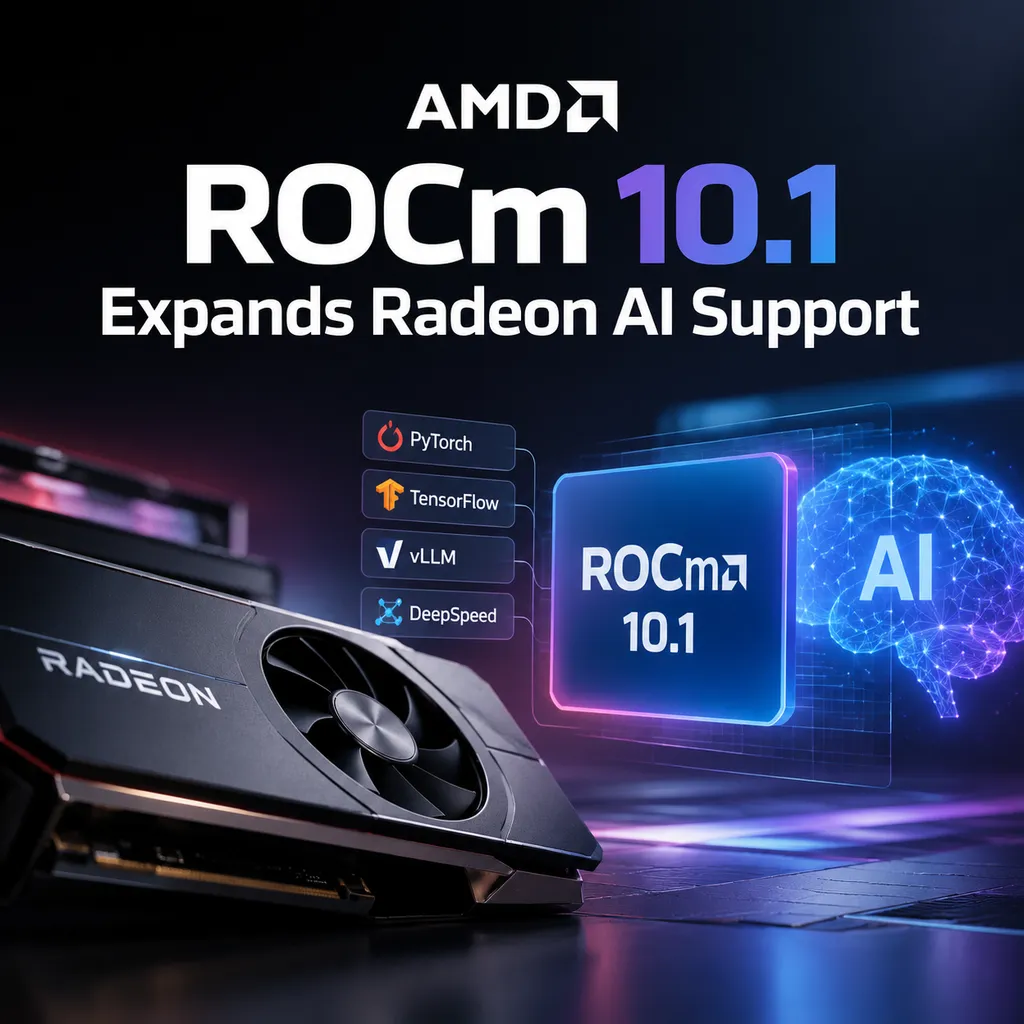
AMD released ROCm 10.1 on October 5 and rolled out companion drivers for the Radeon RX 9000 and RX 7000 series, as well as the Radeon AI PRO R9700. The update covers data movement, development tools, libraries, and virtualization, but whether it translates into a smoother local AI development experience still depends on compatibility with the framework, operating system, and specific graphics card.
AMD Brings ROCm 10.1 to Next-Generation Radeon GPUs
AMD released ROCm 10.1 on October 5 local time, along with AMD Software: Adrenalin Edition drivers supporting this version for a range of Radeon discrete GPUs. Supported products include the Radeon RX 9000 series, RX 7900, 7800, 7700, and 7600 series, as well as the Radeon AI PRO R9700. The drivers do not introduce updates to gaming performance or image quality. Their focus is enabling these GPUs to use the new ROCm accelerated computing software stack.
This is not merely a version-number update. For AMD, whether ROCm can run reliably on consumer GPUs in developers’ hands directly affects whether Radeon can become a practical option for local model inference, fine-tuning, and AI application prototyping. For developers, GPU specifications are only the starting point; whether the driver, frameworks, operator libraries, and deployment tools work together determines whether a GPU is genuinely “usable.”
The Update Focuses on the Development Pipeline, Not Individual Benchmarks
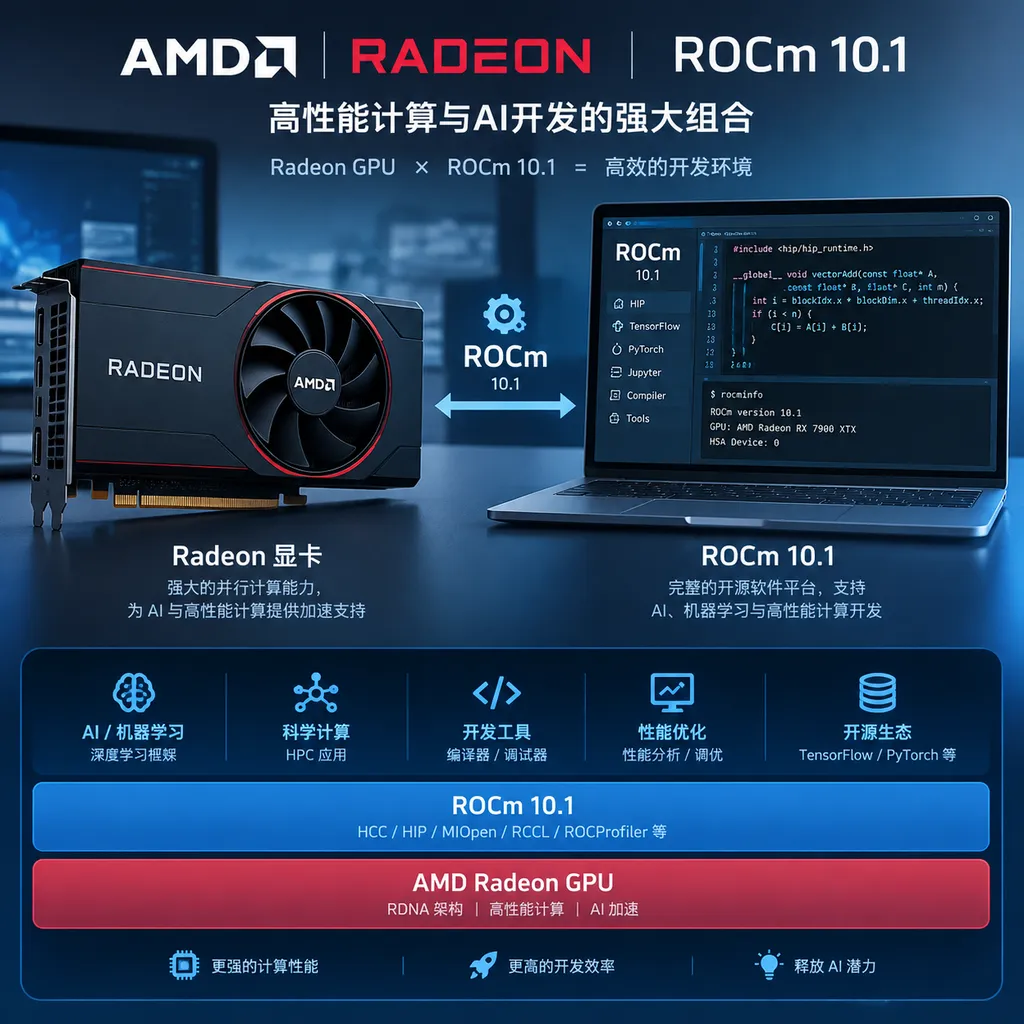
The ROCm 10.1 updates listed by AMD cover data movement and placement efficiency, the ROCm CLI, LLVM 24, AI and mathematical libraries, hipThreads acceleration, GPU virtualization, and WSL2 support entering the technical preview stage. These changes affect different layers of the stack and cannot simply be summarized as “all models are faster now.” More accurately, AMD is attempting to improve the entire GPU computing path, from development and execution through deployment.
The first area is data movement and placement efficiency. AI workloads do more than perform matrix multiplication on the GPU: data must move from storage and host memory into VRAM, while model weights, input batches, and intermediate results must also be scheduled across different memory locations. If data transfers slow down computation, increasing peak GPU compute performance will not reduce task completion times proportionally. Improving data movement and placement is intended to reduce this kind of waiting and scheduling overhead. However, the actual benefits will vary depending on the workload, VRAM capacity, batch size, and framework implementation. Specific throughput improvements cannot be inferred from the release notes alone.
The second area is the development toolchain. ROCm CLI provides a unified entry point for command-line operations, while LLVM 24 support means that the ROCm compiler toolchain has followed the newer LLVM release. For teams that need to compile HIP programs, troubleshoot toolchain issues, or maintain custom operators, updates of this kind are more directly meaningful than they are for desktop users. They help keep the toolchain modern, but they do not automatically eliminate the interface differences between CUDA and ROCm, nor do they mean that CUDA projects can be migrated without verification.
Library updates are more closely tied to the daily work of model developers. Deep learning frameworks delegate a large number of operations to underlying libraries. Operator implementations, precision support, and hardware scheduling in those libraries affect training and inference speed, and also determine whether certain operations can run correctly. As a result, the new AI and mathematical libraries may improve performance or coverage for specific tasks. The important question is not simply that “the libraries were updated,” but whether the support matrix, installation experience, and known limitations of development stacks such as PyTorch have also been improved for these Radeon GPUs.
ROCm 10.1 also mentions hipThreads acceleration and expanded GPU virtualization support. The former involves AMD’s own GPU programming and execution paths, while the latter concerns more flexible use of GPUs in virtualized environments. For individual developers, virtualization may not be the highest priority. For laboratories, cloud platforms, and teams that need workload isolation, it may affect resource allocation and deployment methods. Support of this kind typically depends on the specific hardware, software configuration, and management environment, and should not be considered something that every GPU can enable out of the box.
What Does WSL2 Entering Technical Preview Mean?
The change most likely to attract the attention of Windows developers is WSL2 support entering the technical preview stage. This moves ROCm’s Linux development environment on Windows hosts forward: developers may be able to use a Linux toolchain within a Windows desktop system without having to switch entirely to a separate Linux host just to try ROCm.
However, “technical preview” should be understood literally. This is a stage for developers to validate the functionality and provide feedback, and it should not be treated as stable production support. The actual usable scope will still depend on AMD’s requirements for GPU models, Windows versions, the WSL kernel, drivers, and framework versions. Before incorporating it into continuous integration or customer-facing deployment workflows, teams should at minimum confirm that model dependencies can be installed, target operators are available, VRAM and device access behave as expected, and regression tests pass against their own real workloads.
This also reminds developers to distinguish between “ROCm support” and “full support for the entire AI ecosystem.” A GPU’s inclusion on a compatibility list does not mean that every PyTorch version, inference engine, quantization backend, or extension library has already been adapted. In practice, it is best to start with the official installation instructions and compatibility matrix for the target framework, then test the project’s dependencies, rather than judging whether the environment is ready based solely on the GPU name.
Can Radeon Become a Practical Choice for Local AI?
The practical value of ROCm is first apparent in local inference and development prototyping. For individual developers, small teams, or projects with data residency requirements, using a local GPU can reduce cloud API costs, avoid sending sensitive data to third-party services, and make it easier to validate applications in offline or low-latency scenarios. Radeon’s consumer products have broad coverage, and if software support and installation experience continue to improve, developers may be able to use the GPUs they already have for model inference, fine-tuning experiments, RAG application validation, and multimodal workflow development.
However, CUDA and ROCm cannot be compared solely by hardware price or peak compute performance. The development efficiency provided by a mature ecosystem is also a cost factor: if a model depends on CUDA-specific operators, migration may require replacing implementations, adjusting dependencies, or even maintaining HIP code independently. Certain quantization formats, inference engines, and performance analysis tools may also differ in their level of support. ROCm’s compatibility work has lowered the barrier to migration, but it cannot erase the gap created by accumulated ecosystem advantages. AMD also provides migration tools such as HIPIFY to help convert some CUDA code. These tools can reduce duplicated effort, but they are not automatic translators that guarantee any project can be migrated without modification.
ROCm 10.1 is therefore better viewed as an incremental step in ecosystem development, rather than proof that AMD GPUs have fully caught up with the CUDA development experience. For teams already running on AMD hardware, the upgrade may deliver practical benefits in the toolchain, libraries, or platform support. For developers preparing to build a new workstation, the decision should still be based on the target models, inference frameworks, VRAM requirements, and maintenance costs. Running the complete software stack on the target GPU first, then comparing cost and performance, is generally more reliable than choosing a GPU based on isolated theoretical metrics.
What Developers Should Check Before Upgrading
If you plan to try ROCm 10.1, consider confirming the following items first:
- Whether the GPU model is supported: This driver release covers the RX 9000, RX 7900/7800/7700/7600 series and the Radeon AI PRO R9700. Do not assume that Radeon models outside the support list are compatible.
- Operating system and driver versions: ROCm capabilities depend on the combination of software components, so the GPU driver, operating system version, and ROCm version all need to be compatible.
- Framework and dependency compatibility: Check whether the PyTorch version, inference engine, acceleration libraries, and custom operators in the project support the target environment.
- VRAM and model configuration: Model precision, context length, batch size, and KV cache all affect whether a model can run. Compatibility does not mean that the available VRAM is sufficient for the target model.
- Performance under real workloads: Measure first-token latency, generation speed, throughput, and VRAM usage separately. Different tasks have different sensitivities to data movement, operators, and batching.
This checklist is particularly important for ROCm because version support often requires multiple components to be aligned. Being able to launch a sample model in an experimental environment does not mean that the extensions, quantization, and concurrency settings in a production project will also work correctly.
Verdict: Useful Progress, but Compatibility Delivery Still Matters
The signal from ROCm 10.1 is clear: AMD is not only maintaining a computing stack for data-center accelerators, but also continuing to expand AI development support for Radeon discrete GPUs. Updates to LLVM, libraries, data scheduling, and virtualization represent continued work to fill out the development infrastructure. WSL2 entering technical preview also tests a way to lower the entry cost for Windows developers.
These changes are worth watching, but developers should not treat a version release alone as justification for migrating a project. What ultimately determines whether ROCm can enter a daily workflow is whether commonly used frameworks can be installed reliably, whether key operators are covered, whether performance is predictable, and whether sufficient documentation and community experience are available when problems arise. AMD is improving these conditions; whether the ecosystem gap narrows as a result will depend on future releases, framework adaptation, and real-world developer feedback.
For this update specifically, the most cautious conclusion is that support is expanding and the development toolchain continues to mature. For Radeon users, it is an upgrade worth validating in a test environment, not a signal to deploy to production without evaluation.