Step 5 Preview: Integrate with WorkBuddy, free for two weeks limited time
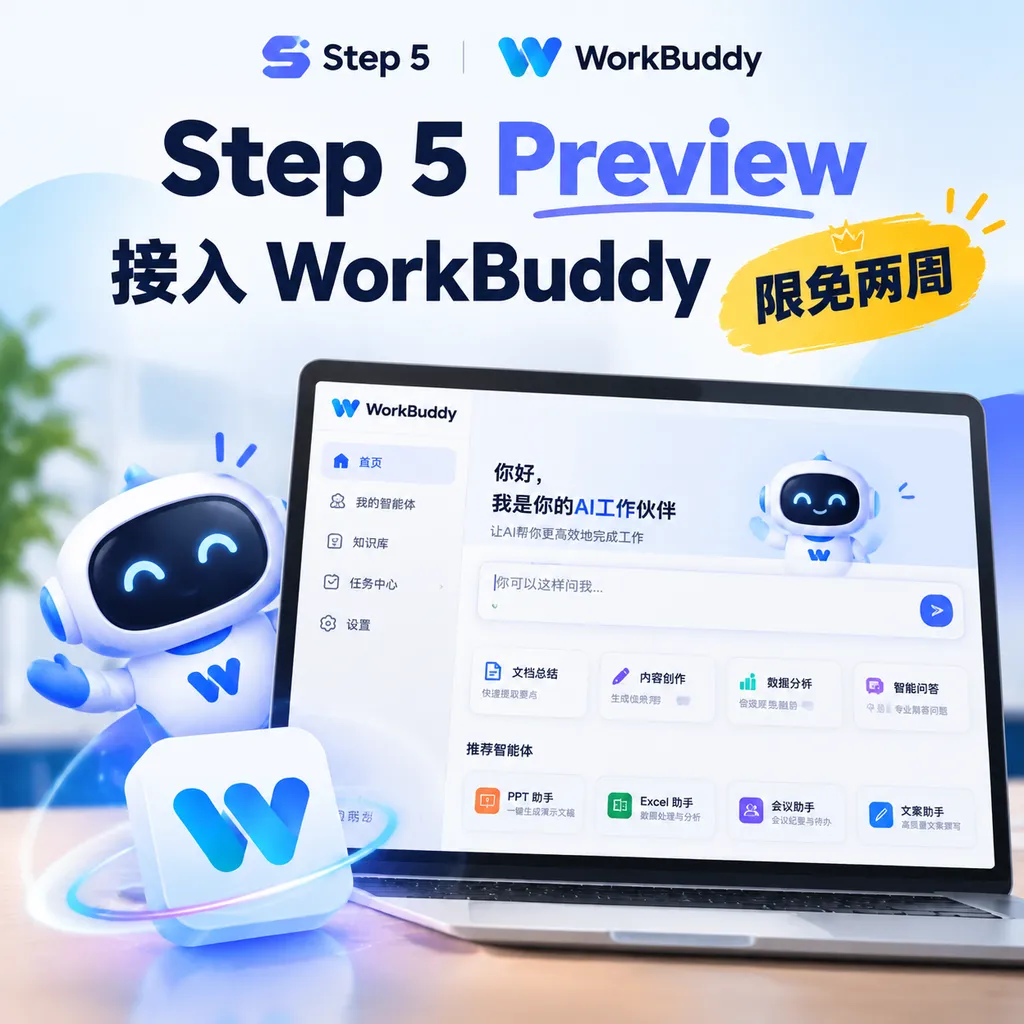
StepFun announces that its flagship model, Step 5 Preview, is now available on Tencent WorkBuddy and will be offered for an exclusive limited-time free trial from October 12 to 25. The model focuses on AI programming, long-context processing, and complex agent tasks. Its full weights will be open-sourced on October 15.
Step 5 Preview Integrated into WorkBuddy, with Two Weeks of Free Access
StepFun announced today that its flagship model Step 5 Preview has officially been integrated into Tencent WorkBuddy. Starting October 12, 2026, users will be able to access the model exclusively for free for two weeks, with the promotion running through October 25.
The significance of this integration is not simply that “there is one more model to choose from.” WorkBuddy is positioned as an AI workstation capable of reading local files, calling tools, and executing tasks, while Step 5 Preview is focused less on casual conversation and single-turn Q&A and more on complex tasks that require long contexts and multiple rounds of execution, such as AI programming, software engineering, professional knowledge work, and financial research. Their capabilities are broadly aligned.
For developers, the most important thing to watch in the short term is not the word “free,” but whether a domestic model with a million-token context window and optimization for Agent tasks can eliminate some of the problems that “look capable but cannot actually finish the job” in real desktop workflows.
What Exactly Happened in This Update
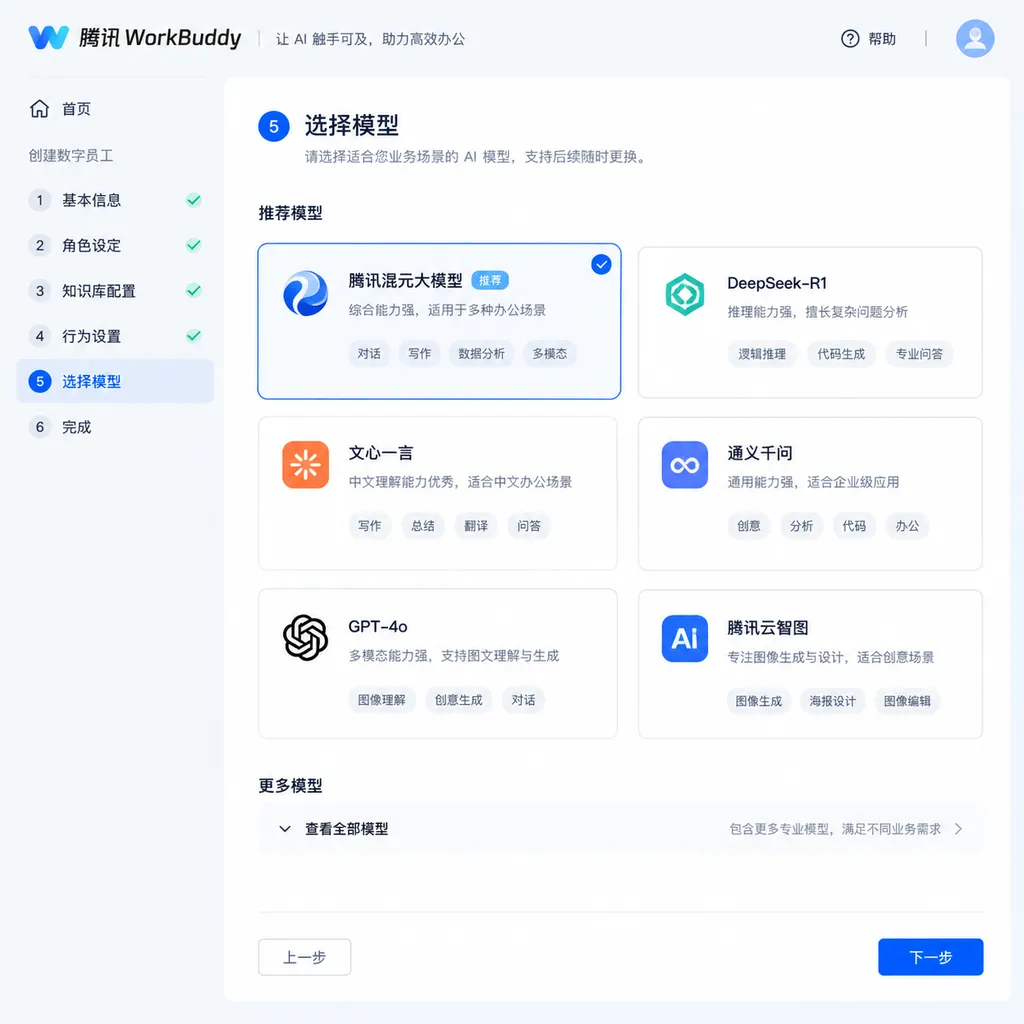
According to information released by StepFun, Step 5 Preview is now available on Tencent WorkBuddy. Users can select the model in WorkBuddy and initiate tasks directly through natural language, without applying for a separate API key or configuring the model endpoint themselves.
The free-access period runs from October 12 to October 25. The official announcement describes it as an “exclusive free promotion,” which means that during this period, WorkBuddy is one of the primary ways to try Step 5 Preview. The specific daily quotas, concurrency limits, and whether different task modes use the same quotas should be confirmed based on what is actually displayed in the WorkBuddy client and on the promotion page.
One point is worth noting: the free access available through WorkBuddy is not the same as free credits on the open platform API. It is better suited to directly testing the model's performance on real tasks, such as having it read a project directory, analyze logs, modify code, organize materials, or turn multiple files into a deliverable. If you need to integrate the model into your own service, you will still need to follow the interfaces, pricing, and usage limits subsequently announced by the Step Open Platform.
Step 5 Preview's Core Specifications Are Not Just About “600B”
Step 5 Preview uses a sparse MoE, or mixture-of-experts, architecture. Its total parameter count reaches 600B, while approximately 27B parameters are activated during each inference. One way to understand this is to imagine a hospital with a large number of specialist doctors: the model has a very large overall “staff,” but when dealing with a specific problem, it does not need every specialist to see the patient at the same time. Instead, it dispatches only a subset of them.
The direct value of this design is that it balances model capability and inference cost. The total parameter count determines how much different knowledge and capability the model can accommodate, while the activated parameters affect how many computational resources are required for each inference. For users, the final performance is not simply equivalent to “600B must be stronger than 27B.” The key factors include the routing mechanism, training data, inference strategy, and whether the model can maintain state throughout multi-turn tasks.
It also supports a 1-million-token context window and natively supports text and visual inputs. A million-token context is not simply a matter of “being able to fit a million Chinese characters into a chat window.” More importantly, it changes how the model processes tasks: developers can provide a more complete code repository, error logs, configuration files, API documentation, and historical change records at once, without repeatedly splitting the material, summarizing it, and feeding the summaries back into the model.
Of course, a long context is not free.
First, actually putting a large amount of information into the context can increase input costs and processing time. Second, a model being able to “see” one million tokens does not mean it can use every piece of content with equal precision. Third, real Agent tasks typically also involve tool calls, state management, and permission controls. Expanding the context window alone cannot automatically solve the problem of execution reliability.
Therefore, Step 5 Preview's million-token context is better understood as an upper capability limit, rather than a capacity that developers must fill every time. For everyday code Q&A, tens of thousands or hundreds of thousands of tokens may already be more than enough. But in cross-module refactoring, full-repository troubleshooting, long-form due diligence, and Agent tasks lasting several hours, this capability becomes much more valuable.
Why WorkBuddy Is a Suitable Destination
The biggest difference between WorkBuddy and traditional chat products is that it attempts to place the model inside the user's working environment. Users can provide a goal, and WorkBuddy then handles decomposing the steps, reading files, calling tools, and delivering the result. In simple terms, it does not merely answer “how should this be done”; it attempts to continue and “get the work done.”
This corresponds directly to Step 5 Preview's product positioning: Agentic tasks in the real world.
Consider a software engineering task. With a conventional chat model, developers typically have to complete the following process manually:
- Find the relevant code files;
- Copy the code and error logs;
- Explain the project structure and runtime environment;
- Modify the files based on the model's suggestions;
- Run the tests and paste new errors back into the conversation;
- Repeatedly confirm whether the model changed the correct locations.
In a workstation such as WorkBuddy, the model can theoretically participate directly in this workflow: read the project directory, trace call relationships, analyze logs, modify code, run tests, and continue making corrections based on the test results. The value of the model is no longer limited to generating a piece of code that looks reasonable. The question becomes whether it can advance the task to an acceptable, verifiable state.
This is also why Step 5 Preview places AI programming and software engineering among its core scenarios. Truly difficult programming tasks are rarely as simple as “write a function.” More often, they involve understanding an unfamiliar project, dealing with historical baggage, preserving existing interfaces, avoiding regressions, and still remembering the original goal after multiple tool calls.
What Tasks Should Developers Focus on Testing?
During the free-access period, instead of using the model for several rounds of simple Q&A, it is better to test it with tasks closer to actual work.
1. Full-Repository Understanding and Issue Localization
You can give WorkBuddy a medium-sized project and ask it to first output the module structure, key dependencies, and startup flow, then assign it a real bug and have it trace the issue from the logs to the relevant code.
Pay attention to three things:
- Whether it can correctly locate the truly relevant files instead of merely searching for keywords;
- Whether it can distinguish the surface-level error from the root cause;
- Whether it explains the scope of impact and validation plan before making changes.
The value of a long context is fairly direct here. Project documentation, configuration files, stack traces, and test code can all enter the task context at the same time, so the model does not have to make guesses based on an isolated piece of code.
2. Multi-File Refactoring
For example, ask the model to migrate a set of legacy synchronous interfaces to an asynchronous implementation, or replace an outdated dependency. Such a task will typically involve business code, type definitions, tests, build scripts, and deployment configuration at the same time.
To determine whether the model is reliable, do not just look at whether it generated code. Check whether it can:
- First map out the dependency relationships;
- Make changes in stages rather than overwriting a large number of files at once;
- Preserve compatibility with existing interfaces;
- Proactively add or update tests;
- Continue iterating based on new logs after tests fail.
If the model immediately makes extensive changes without a validation step, then even if the final code runs, it is not suitable for direct automated execution by an Agent.
3. Long-Document and Reference-Material Analysis
A million-token context is also suitable for processing long materials such as technical specifications, product requirements, contract clauses, investment research materials, and historical meeting records. Developers can place multiple documents into the same task and ask the model to extract conflicts, establish references, or generate a research report with citations.
However, these tasks require particular caution about “long-document hallucinations.” The model may omit key sections because there is too much material, or it may mix conclusions from different versions. A more reliable testing method is to require it to cite the original location of each claim and separately flag uncertain content, rather than judging only whether the final summary reads smoothly.
4. Continuous Agent Execution
You can give the model a multi-step task, such as reading the project documentation, generating an implementation plan, modifying a specified module, running tests, and organizing a change summary.
The biggest difference between models here is not how polished the initial plan looks, but whether the model adjusts its approach after encountering errors in the third or fourth step. Real-world Agents cannot succeed on every step on the first attempt. The ability to correct course based on tool feedback is what separates “can chat” from “can get work done.”
Who Should Try It During the Free-Access Period?
If you are simply looking for a model for everyday Q&A, Step 5 Preview may not be the top choice. Its strengths are clearly oriented toward the following types of users:
- Developers who need to work with large code repositories;
- Users of Claude Code, Codex-like tools, or other programming Agents;
- People who need to analyze large volumes of technical materials, financial materials, or project documentation;
- Those who want to test the performance of domestic models on long contexts and multi-turn tool calls;
- Enterprise users evaluating whether WorkBuddy is suitable for team office automation.
In terms of the cost of getting started, WorkBuddy's free-access period lowers the barrier to entry. Users do not need to first study API authentication, context assembly, or tool protocols. They can put the model into an actual task and run it. For developers, this is more informative than looking only at benchmark scores.
However, free access should not be equated with production readiness. Development tasks involve writing code, executing commands, and handling file permissions, so it is advisable to start in a test repository or copy, while keeping Git branches and rollback points for important operations. When dealing with company source code, customer data, or sensitive documents, you also need to confirm WorkBuddy's data processing, permission isolation, and retention policies.
The Open-Source Timeline Also Matters
StepFun previously released Step 5 Preview on September 20 and announced that it would open-source the complete model weights on October 15. In other words, the two-week free-access period beginning today and the release of the weights a few days later provide two different ways to try the model:
- If you want to quickly experience the model's performance in real workflows, you can use WorkBuddy directly;
- If you want to study the model architecture, deploy an inference service, or perform further fine-tuning, you can wait for the complete weights and supporting information on October 15.
These two paths target different users. WorkBuddy is more like “start using the model as a colleague,” while open-sourcing the weights means developers can gain greater control over the deployment environment, inference service, and data flow. For enterprise teams, the value of the latter lies not only in cost, but also in the possibility of private deployment and system integration.
Assessment: The Real Question Is Whether the Model Can Complete the Loop
Step 5 Preview's parameter scale and million-token context are both eye-catching, but these metrics alone do not prove that it is already a mature Agent model. The difficulty of complex tasks often lies in context management, tool selection, error recovery, and result validation.
The integration with WorkBuddy instead provides an observation window that is closer to real-world practice than a leaderboard. Users can place the model directly into code repositories, knowledge bases, and office workflows to see whether it can move from “giving advice” to “completing tasks.”
My assessment is that the free-access period is worth trying for developers, but it is not worth using only to run a few simple questions. The tests Step 5 Preview should really face are real tasks with long chains, multiple files, feedback, and rollback requirements. If it can remain stable in these scenarios, then its million-token context and sparse MoE architecture will have been converted into product value. If it merely turns a longer context into longer answers, then its difference from other long-context models is not as significant as it may seem.
What can currently be confirmed is that Step 5 Preview launched on Tencent WorkBuddy today, with the exclusive free-access period continuing through October 25. The complete model weights are expected to become available on October 15. For developers preparing to evaluate the performance of domestic models in programming Agents and professional knowledge work, these two weeks offer a relatively low-cost and appropriate evaluation window.
References
- ITHome: StepFun's Step 5 Preview Model Goes Live on Tencent WorkBuddy, with Exclusive Free Access from October 12 to 25 — The primary source for the launch date, free-access period, and model parameters discussed in this article.
- Zhihu: StepFun Releases Its Flagship Model Step 5 Preview — Provides additional context on the model's positioning, Agent tasks, and related evaluations.
- Tencent Cloud Developer Community: WorkBuddy in Practice: Using an AI Agent to Automate Work — Provides additional information about WorkBuddy's product form and workflow capabilities.