
CPA integrates GPT-Image-2 for one‑step 2K/4K image generation
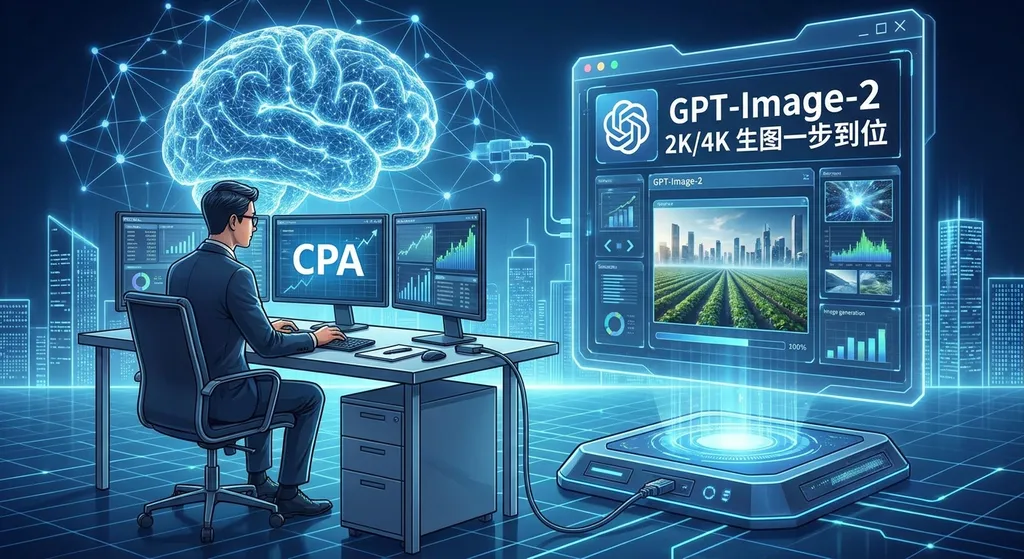
Cherry Studio’s CPA platform has completed the adaptation for the GPT-Image-2 model. Users can directly access OpenAI’s latest image generation capabilities using their existing keys. Testing shows support for 2K and 4K resolution output, and the image generation experience is identical to calling the text model.
CPA’s latest update came fast. Shortly after OpenAI opened the API for its GPT-Image‑2 model, Cherry Studio’s CPA (Cherry Provider Aggregator) platform completed adaptation—users can now directly call this model with their existing CPA Key to generate images at 2K or even 4K resolution. The entire process is almost identical to calling a regular text model.
People in the community have already tested the full workflow, and the feedback is straightforward: “Both 2K and 4K images worked fine in practice.”
At first glance, this seems like just a routine feature catch‑up, but in the context of today’s competitive landscape of AI image generation, it reveals much more beneath the surface.
First, what exactly is CPA?
If you’ve been using Cherry Studio for AI development or daily conversations, you’re probably familiar with CPA. In essence, it’s a model aggregation layer for unified access—you don’t need to request separate API Keys from OpenAI, Google, or Anthropic; CPA consolidates these models under one entry point, letting you switch and call them all with a single Key.
These kinds of platforms are increasingly common among domestic developers because they solve a very real pain point: too many models, too much hassle to manage. You might be using GPT‑4o for coding, Claude for long‑form analysis, and Gemini for multimodal tasks. Managing Keys, monitoring balances, and handling formatting differences across platforms all take mental energy. CPA flattens these differences.
This update brings GPT‑Image‑2, a new image‑generation model, into that unified access system.
What makes GPT‑Image‑2 strong?
Before diving into CPA’s integration, it’s worth reviewing GPT‑Image‑2 itself.
It’s a major upgrade from GPT‑Image‑1—the image‑generation capability previously built into GPT‑4o and ChatGPT. Compared to its predecessor, GPT‑Image‑2 improves mainly in several areas:
- Significantly higher resolution ceiling: native support for 2K (2048×2048) and 4K (4096×4096) outputs
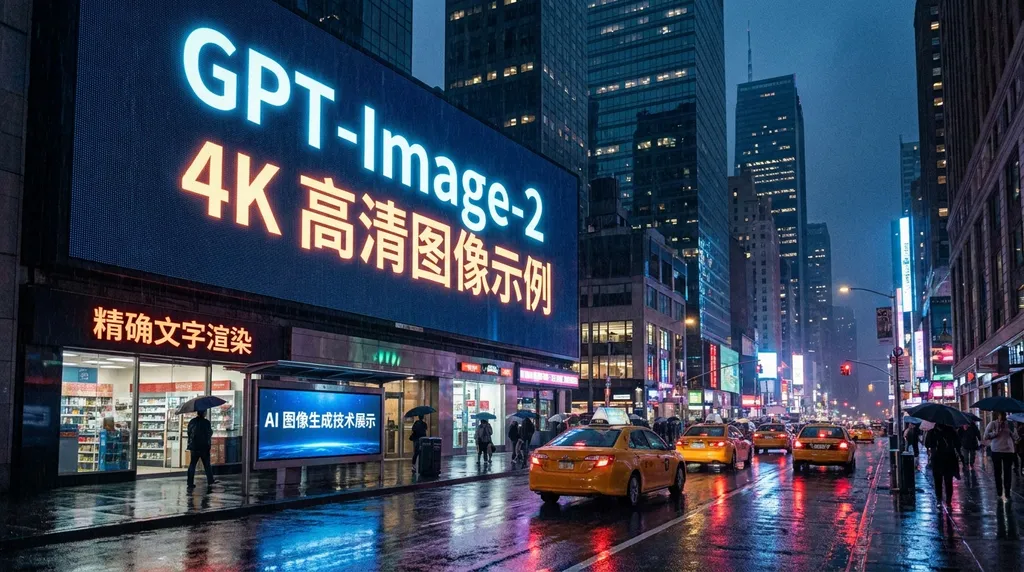
- Sharply improved text rendering: words in generated images are finally legible rather than garbled
- Better style consistency: multiple generations of the same theme now show coherent characters and scenes
- Much stronger prompt fidelity: complex instructions are reproduced far more accurately than before
In short, GPT‑Image‑2 is one of the most capable closed‑source image models available today. It doesn’t necessarily outperform Midjourney or Stable Diffusion 3 in every single category, but when it comes to understanding what you want and generating it precisely, it’s ahead of the pack.
Support for 4K resolution is especially impactful for tasks needing high‑definition assets—design drafts, product shots, social‑media visuals—real productivity gains. Previously you had to generate a 1024×1024 image and upscale it with a super‑resolution tool; now, it’s one step straight to high‑res output.
What CPA’s adaptation accomplished
Community feedback suggests the integration is impressively seamless.
The key point: calling the model works exactly like calling a text model. No need to learn a new format, switch endpoints, or change your Key. As one user put it—“just like calling any other model.”
That may sound obvious, but it’s actually not trivial. Image models and text models use fundamentally different APIs: text models rely on the Chat Completions interface (text in, text out), while image models traditionally use the Images endpoint (like DALL·E’s /v1/images/generations), taking a prompt and returning an image URL or Base64 data.
GPT‑Image‑2 is unusual—it supports both Chat Completions and Images Edit formats. CPA must handle backend routing and format conversion so users don’t notice any distinction on the frontend.
Currently, CPA’s adaptation covers two main use cases:
1. Direct image generation. In Cherry Studio’s conversation interface, select GPT‑Image‑2, describe the image in natural language, and the model returns the result. The experience mirrors ChatGPT’s built‑in image generation—except you don’t need a separate ChatGPT Plus subscription.
2. API integration. Developers embedding image generation into their own apps can plug in a CPA Key directly, using the standard OpenAI‑compatible API format.
One interesting community observation: if your AI assistant is “smart enough,” it can automatically add new model configurations to CPA. That indicates CPA’s model‑management API is open enough for agents to self‑configure through tool calls.
Some users noted that image editing (via the edit interface) isn’t very smooth yet—you still need to tell the AI to switch endpoints and reconfigure parameters manually. This isn’t a problem for pure generation tasks, but for “generate‑modify‑iterate” workflows, it adds extra steps. The CPA team will likely refine this process later.
Real‑world 2K and 4K generation
Community testing focuses heavily on resolution, GPT‑Image‑2’s most visible selling point.
2K (2048×2048) output is stable and high‑quality—images render in several seconds to under twenty, with rich detail suitable for most regular use cases.
4K (4096×4096) generation takes noticeably longer but delivers visibly sharper results. At 100% zoom, textures, lighting, and edge handling are finer. For printing or large, high‑resolution displays, 4K is worth the wait.
One often‑overlooked factor is cost. GPT‑Image‑2 usage is billed per token, and image generation consumes far more tokens than text; 4K images cost roughly three to four times as much as 2K ones. If you generate frequently, that difference adds up quickly. So choose resolution pragmatically—don’t default to max.
Viewing the bigger picture
CPA’s rapid support for GPT‑Image‑2 reflects a broader trend: model‑aggregation platforms are becoming standard infrastructure for developers and power users.
Two years ago, the question was “Which model should I use?” Now it’s “How do I use all of them effectively?” GPT or Claude for text, Codex or DeepSeek for code completion, GPT‑Image‑2 or Gemini for images, Sora for video—each task has an ideal model, spread across platforms.
That’s the value of aggregation. It doesn’t replace providers; it becomes a unified routing layer so users can switch models by task without worrying about connection details.
Domestically, several aggregation platforms exist besides CPA. For example, OpenAI Hub (openai‑hub.com) focuses on API unification—one Key accesses GPT, Claude, Gemini, DeepSeek, and more, all OpenAI‑format compatible with direct local access in China. Differences among platforms stem mainly from model coverage, responsiveness, pricing, and stability.
Developers care about three things when choosing one: how fast new models are added, how stable calls are, and whether pricing is transparent. CPA’s quick GPT‑Image‑2 update definitely scores on the first.
Image‑generation API competition is speeding up
Zooming out further:
From late 2025 to early 2026, AI image generation underwent intense capability upgrades. Google’s Gemini line gained native image generation (Gemini 2.5 Flash Image, Gemini 3 Pro Image Preview), unexpectedly powerful. Third‑party models like Nano Banana also iterated rapidly, supporting multiple compatible API formats.
OpenAI’s GPT‑Image‑2 release was both a technological leap and a competitive response. For downstream aggregation platforms, speed of integration and smoothness of user experience now decide who wins users.
Available sources show that relay platforms are already racing to support various image models. Some even integrate gpt‑image‑1.5, sora‑image, nano‑banana, gemini‑flash‑image, and more simultaneously, letting users choose freely by quality and price.
For users, this competition is great news. It means:
- New models become usable far sooner—weeks shrink to days or even hours.
- Prices drop under competitive pressure; providers adjust rates to attract users.
- The calling experience keeps standardizing—the OpenAI‑compatible format is turning into a de facto industry standard.
Practical advice for developers
If you’re considering adding AI image generation to your product, here are some hands‑on recommendations:
Model selection: GPT‑Image‑2 currently leads in prompt accuracy and text rendering, ideal for output control scenarios (e.g., posters or UI mockups with specific text). For artistic or stylized results, Midjourney still excels. For cost‑sensitive projects with moderate quality demands, Gemini’s image capability has great value.
Resolution strategy: Don’t default to 4K. For most web visuals, 2K is plenty. Reserve 4K for printing, large‑screen displays, or later cropping. Remember: doubling resolution can triple or quadruple cost.
Integration method: If your app already uses OpenAI‑compatible APIs, switching to GPT‑Image‑2 is trivial—basically just change the model name. This is why OpenAI compatibility matters: it lowers switching friction across providers.
Image editing: GPT‑Image‑2’s editing (via the edit interface) is still early-stage and less seamless than pure generation. If your workflow relies heavily on “generate‑modify‑iterate,” keep those editing steps in professional tools (Photoshop, Figma, etc.) and let AI handle initial generation.
A signal worth noting
Finally, one subtle but important detail.
Community users noted that AI assistants can “add model configurations to CPA by themselves.” That’s fascinating—it means AI agents are shifting from passive tool executors to active environment configurators.
Imagine this workflow: you tell your assistant, “I need to create a product image with the latest generation model.” The assistant checks available models, finds GPT‑Image‑2 missing, autonomously adds and configures it in CPA, then generates the image for you. You never touch a settings panel.
This isn’t sci‑fi; according to community reports, people have already achieved this. It signals that AI will eventually absorb the complexity of AI toolchains themselves. Users just express intent—the agent handles the rest.
If CPA and similar platforms keep their model‑management APIs sufficiently open and standardized, they could become key nodes within the AI‑agent ecosystem. That future’s potential extends far beyond simple multi‑model aggregation.
CPA’s rapid GPT‑Image‑2 adaptation is, by itself, a minor product update. But the underlying trends—rapid model capability diffusion, aggregation‑platform infrastructuralization, and autonomous agent management of toolchains—these are what developers should really watch.
The battle for image‑generation APIs has only just begun.
References
- Community discussion: CPA updated to support gpt‑image‑2 — user testing feedback and experience sharing on 2K/4K images
- Thread: CPA now supports gpt‑image‑2 — technical discussion on CPA’s GPT‑Image‑2 integration


