
Claude Code Electronic Pet Modification Guide
Anthropic embedded a complete virtual pet system in Claude Code v2.1.89, but the rule that “each account can hatch only one” has driven many people crazy. This article dissects the deterministic random mechanism of the Buddy system and provides a step-by-step guide on how to modify your pet’s attributes.
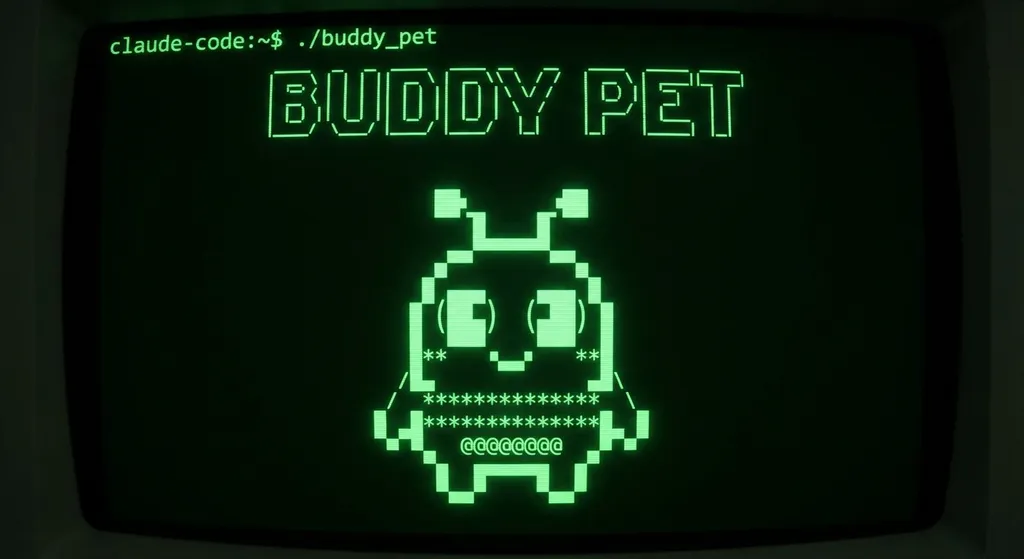
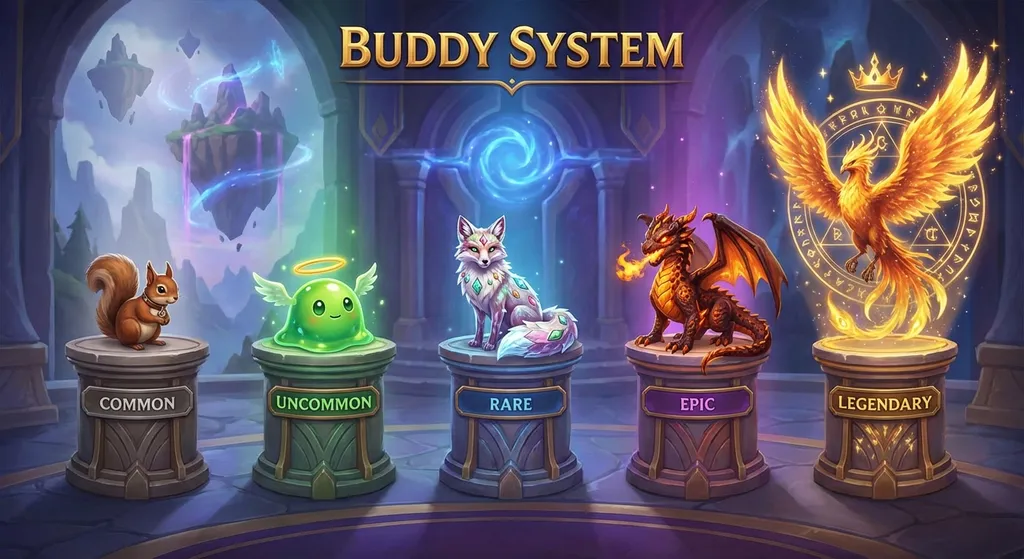
Anthropic slipped an electronic pet into Claude Code, code‑named Buddy. When you type /buddy, a tiny pixel‑style creature crouches beside your terminal prompt, blinking, bubbling, and commenting on your code. It sounds adorable—until you realize the one you hatched is a drab gray snail, while the colleague next to you flaunts a golden legendary shiny dragon.
What’s even more heartbreaking is that this isn’t luck. The Buddy system uses your userId as a hash seed to deterministically generate all attributes. Same account, hatch ten thousand times, and you’ll still get that same snail.
So here’s the question: how do you change it?
First, understand its gacha mechanism
Anyone who’s looked through the source code knows Buddy’s core logic lives in buddy/companion.ts. The data flow is very clear:
userId + salt('friend-2026-401')
  → FNV‑1a hash
    → Mulberry32 pseudo‑random number generator
      → roll() draws species, rarity, eyes, hat, ability stats
Mulberry32 is a minimalist PRNG that outputs a deterministic sequence given a seed. There’s even a comment in the code roughly meaning “This random number generator is simple, but good enough for picking ducks.” Clearly the Anthropic engineer was in a cheerful mood writing this bit.
The key code looks like this:
export function roll(userId: string): Roll {
  const key = userId + SALT
  if (rollCache?.key === key) return rollCache.value
  const value = rollFrom(mulberry32(hashString(key)))
  rollCache = { key, value }
  return value
}
See? rollCache even stores a cache—each identical key is computed only once. If you want to tamper with it at runtime, that’s the first obstacle.
Method 1: Change the salt (simple and crude)
Since the seed = userId + SALT, and you can’t change userId, just modify SALT.
- Update to the latest version:
npm i -g @anthropic-ai/claude-code - Find Claude Code’s installation directory and locate
buddy/companion.ts(or the compiled JS file) - Search for the salt string
friend-2026-401 - Replace it with any string, e.g.
my-legendary-dragon-please - Clear cache, restart Claude Code, type
/buddy
Each time you change the salt, it’s like rerolling the gacha. Not satisfied? Keep changing it. This is basically brute‑force rerolling.
But a quick note: after a Claude Code update, your modification will be overwritten, and you’ll have to redo it.
Method 2: Directly override the roll result (precise customization)
If you don’t want to rely on luck and want to pinpoint exactly “I want that shiny dragon,” go more hardcore.
In companion.ts, the rollFrom function draws species, rarity, eyes, hat, etc. from the PRNG sequence. You can hard‑code the return value of roll():
export function roll(userId: string): Roll {
  return {
    species: 'dragon',      // species
    rarity: 'legendary',    // rarity
    eyes: 'sparkle',        // eye style
    hat: 'crown',           // hat: crown, wizard hat, propeller cap, etc.
    // ...other attributes are defined in types.ts
  }
}
For the complete list of possible values, check buddy/types.ts; all the enums are there.
Method 3: Use a community‑packaged Skill (lazy option)
Someone has already wrapped the reroll logic into a Claude Skill. After installing, you can simply type in chat “Help me reroll a legendary shiny dragon,” and the script automatically finds configurations and writes the changes. No need to manually dig through source code.
This works great if you don’t want to touch compiled artifacts, though in essence it’s doing the same thing—changing the seed or overriding the result.
Method 4: Status‑bar pet (a different path)
If you find the official Buddy limited in playability, there’s an open‑source project on GitHub called ccpet with a totally different idea. It runs in Claude Code’s status bar, showing real‑time token usage (input/output/cache), and its pet’s state reflects your coding activity level.
Setup is one‑line easy—add this to ~/.claude/settings.json:
{
  "statusLine": {
    "type": "command",
    "command": "npx ccpet@latest",
    "padding": 0
  }
}
There’s an even crazier one—someone synchronized Claude Code’s status to a physical Tamagotchi. When the AI is thinking, the Tamagotchi pops a notification; when the AI messes up code, the pet gets angry. That’s no longer pet‑modding—that’s physical AI behavior monitoring.
A few honest words
The Buddy system itself was an April Fool’s joke (the 401 in the salt stands for April 1), but Anthropic kept it as an official feature, showing they’re genuinely thinking about “developer experience.” A terminal tool with a pet system is almost zero in technical difficulty, yet it really gives you something to do during those 30 seconds of waiting for AI to generate code.
Architecturally, the deterministic randomness design is clever—it requires no server‑side storage or synchronization, just pure client‑side computation that guarantees “your pet is always yours.” And precisely because it’s fully client‑side, tweaking it is trivial.
As a side note, if you’re developing with the Claude API, aggregation platforms like OpenAI Hub already support Claude’s interface format. Buddy itself isn’t directly related to the API, but the model invocation logic under Claude Code is shared.
One last piece of advice: after changing your pet, record the source code edits—otherwise the next npm update will revert your shiny dragon back into a snail. Version control starts with pet care.


