
Clipal is now on npm, making local multi-model scheduling easier to set up.
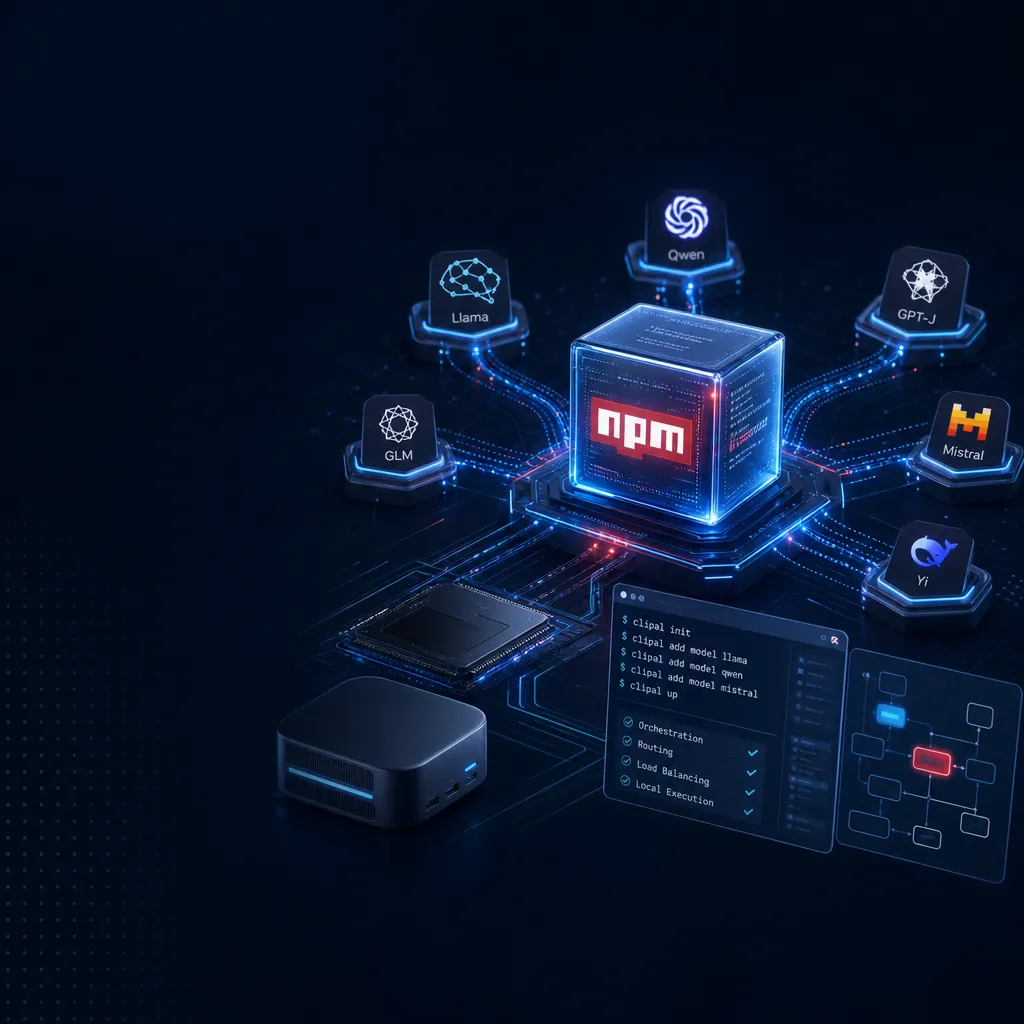
The local LLM API reverse proxy tool Clipal now officially supports global installation via `npm install -g clipal`, and the repository has been migrated to the PAIArtCom organization. This routing and scheduling tool, focusing on **Claude Code**, **Codex CLI**, and **Gemini CLI**, has once again lowered the deployment threshold.
Clipal is now on npm — no more binary hassle for local multi‑model scheduling
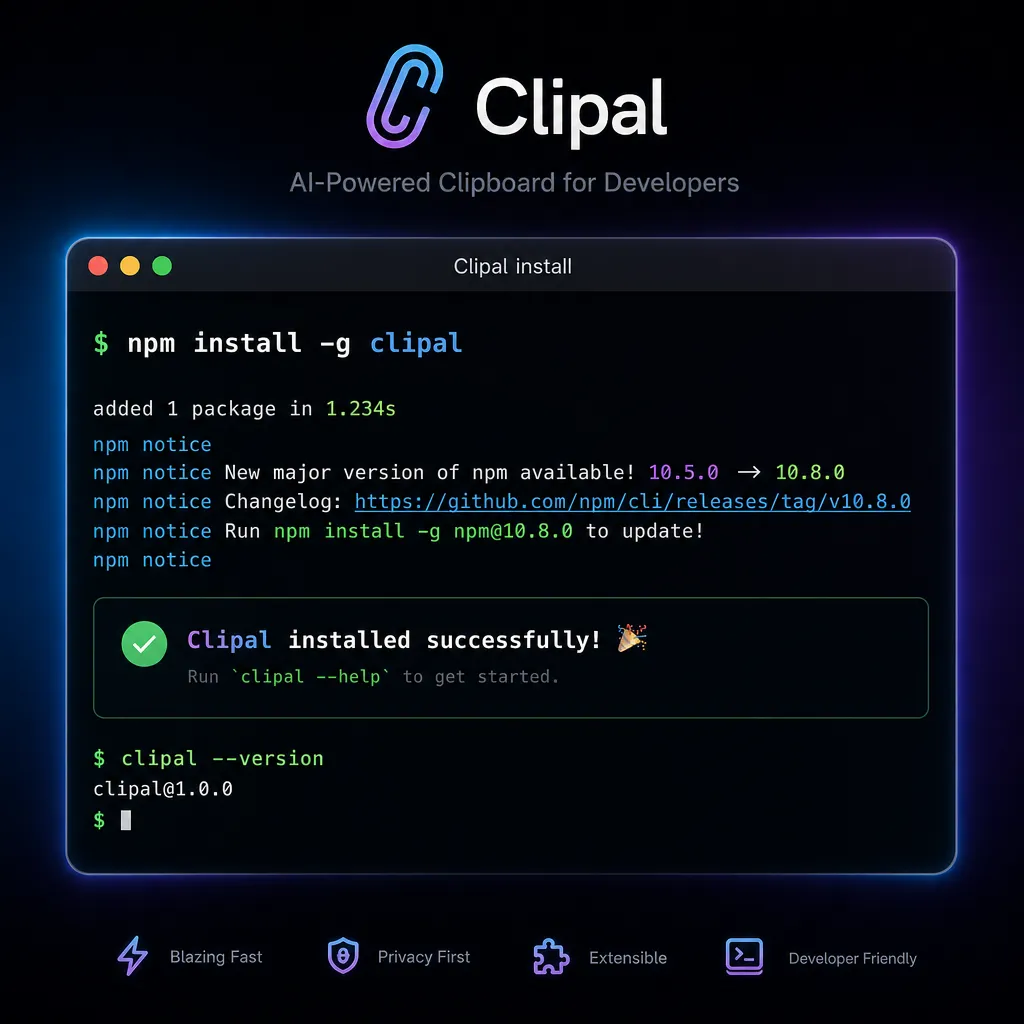
A couple of days ago, Clipal posted an update on linux.do: starting this week, the small tool that focuses on local LLM API reverse‑proxying now officially supports global installation via npm — one command does it all:
npm install -g clipal
According to the author, this was in response to a suggestion from community user @hhdong. By the way, the GitHub repository has also completed its migration: it moved from the personal account lansespirit to the new organization PAIArtCom, now located at github.com/PAIArtCom/Clipal. The old links still work, but if you want to give it a Star, use the new address.
For a setup tool, this might not be earth‑shattering news, but for Clipal’s target users—developers who deal daily with Claude Code, Codex CLI, Gemini CLI—it’s very practical. Before this, you had to go to the Release page, choose your platform, download the binary, chmod it, and drop it into PATH — five or six steps in total. Now it’s just one command, npm i -g, and upgrading is equally simple with npm update, no different from installing routine tools like pnpm or pm2.
What problem does it actually solve
If you’ve never used Clipal, here’s the one‑sentence summary: it’s a local LLM API reverse proxy that distributes requests from various CLI tools to different upstream providers according to configured rules.
This scenario has become increasingly common in the past year. Nowadays, a heavy AI developer most likely holds several of the following:
- Claude Code from Anthropic, or a Claude API Key obtained through various channels
- OpenAI’s Codex CLI (including Plus subscription credits, paid API credits, free tier)
- Google’s Gemini CLI
- Keys from several third‑party aggregators
- Possibly a local instance of Ollama or vLLM
The problem is, each of these tools recognizes only its own endpoint and auth format. If you want Claude Code to use a cheap relay, Codex CLI to poll multiple accounts, or automatically switch to a backup when the main key quota runs out — the native clients can’t do that.
Clipal handles that middle layer: it runs a local service that pretends to be the Anthropic / OpenAI / Google API endpoint. The downstream client sends requests as usual, while Clipal routes the traffic to the actual upstream destination according to the YAML configuration.
What the configuration looks like
From the repository README, the routing rules are pure YAML and can express fairly complex scheduling logic with just a few blocks. The general structure looks like this:
providers:
  - name: claude-official
    type: anthropic
    base_url: https://api.anthropic.com
    api_key: sk-ant-xxx
    priority: 1

  - name: claude-relay-a
    type: anthropic
    base_url: https://relay-a.example.com
    api_key: xxx
    priority: 2

  - name: codex-pool
    type: openai
    accounts:
      - api_key: sk-1
      - api_key: sk-2
      - api_key: sk-3
    strategy: round_robin

routes:
  - match: claude-*
    providers: [claude-official, claude-relay-a]
    failover: true
  - match: gpt-*
    providers: [codex-pool]
A few details worth noting:
Hot reload. You don’t need to restart the process after modifying YAML. Clipal watches the file and applies new routing rules immediately, which is particularly friendly for those testing failover strategies.
Priority + automatic failover. If the main upstream returns 429, 5xx, or times out, Clipal automatically downgrades to the next provider. For users surviving on free tier quotas, this essentially turns hundreds of accounts into an automatic scheduler—the author even mentioned using a horo SMS generator to register hundreds of free Codex accounts for quota testing, “which was pretty fun.” Whether that’s legitimate is another topic, but the tool’s capability itself is solid.
Protocol compatibility. Clipal simultaneously exposes Anthropic, OpenAI, and Gemini interface formats, so clients like Claude Code, Codex CLI, Gemini CLI, Continue, Aider, Cherry Studio all work without code changes—just change base_url.
Compared with peers, what’s its position
This space isn’t empty. LiteLLM, one‑api, new‑api, and Portkey are all doing the “API gateway” thing. Clipal’s differences are clear:
It’s a local tool for individual developers, not a team server. LiteLLM and one‑api are more like enterprise gateways—they have a UI, user systems, quota management, log dashboards—suitable for team deployment. Clipal takes another route: single binary (now a single npm package), YAML config, running on localhost, handling scheduling only, not multi‑tenancy. Think of it as the nginx.conf of LLMs, not Kong.
It’s natively aligned with three major CLIs. Claude Code, Codex CLI, and Gemini CLI have spread fastest among developers over the past year, and each has quirks in its protocol (like Claude’s system prompt location, Codex’s reasoning parameter, Gemini’s safety settings). Clipal specifically adapts to these protocols—routing rules can match by model name prefix—no need to write your own middleware.
It’s impressively stable. The author’s latest post humorously notes, “Recently it’s been so stable nobody gives me new feature requests.” So he added a stats function instead, mainly to measure how much balance free and Plus Codex accounts actually yield. For a tool project, “no one requesting features” is a good sign—it means the core workflow is solid.
Who will actually use it
Groups worth attention:
- Heavy users with multiple keys. Those holding several Claude / OpenAI / Gemini accounts for load balancing and failover.
- Claude Code users who want non‑official models. For example, point Claude Code’s
base_urlto Clipal, then have Clipal route requests underneath to DeepSeek or Qwen. - Mixing local and cloud models. Use Ollama in development, switch to cloud in production—just change one line in YAML.
- Enterprises needing audit / request rewriting. Clipal can inject headers, rewrite prompts, or filter sensitive words in‑between.
Scenarios it doesn’t suit are also clear: if you need a team‑wide deployed API gateway with UI, billing, or SSO, go for LiteLLM or one‑api. Clipal is not intended for that.
A small tool that gets one thing right
A local LLM proxy isn’t technically difficult per se. What’s hard is balancing protocol compatibility, hot reload, failover, and configuration experience—too simple and it’s limited, too complex and it loses the “lightweight local tool” spirit. Clipal’s npm availability just removed the last bit of installation friction. For developers, installation may seem trivial, but the difference between npm i -g and “download binary and manually add to PATH” often decides whether a project gets casually tried or languishes in bookmarks.
By the way, if you don’t want to build this routing layer locally but need one key to call GPT, Claude, Gemini, DeepSeek—with direct mainland China access and OpenAI‑compatible format—OpenAI Hub (openai‑hub.com) is another option. It puts aggregation and distribution on the server side; you only need to change the base_url. Two approaches—choose depending on whether you prefer control locally or in the cloud.
References
- Clipal GitHub Repository (new address) – The main Clipal repository, with full YAML configuration and routing examples
- Clipal Chinese README – Old repo’s Chinese documentation, covering usage with Claude Code, Continue, Aider, and Cherry Studio
- Official linux.do post – The author’s npm support announcement and repository migration notes


