
ChatGPT is on board, but Apple won’t let it run wild.
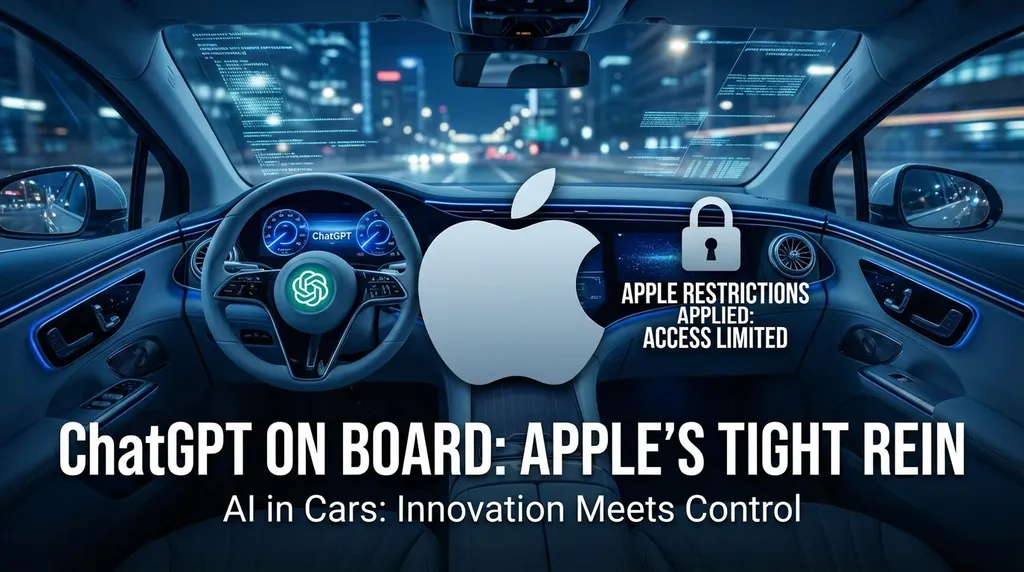
OpenAI officially adapted ChatGPT for CarPlay yesterday, making it one of the first AI applications to connect to the iOS 26.4 in-car voice interface. However, Apple’s rules are very strict: voice-only interaction, no display of text or images, no vehicle control, and not even a wake word.
ChatGPT Gets on Board, But Apple Keeps It on a Tight Leash
Yesterday (April 2), OpenAI pushed an update to the iOS version of ChatGPT, officially adding support for Apple CarPlay. This means you can now talk to ChatGPT directly from your car’s infotainment screen — ask about traffic, look up information, or even get help brainstorming a podcast topic.
This is ChatGPT’s first real entry into the in-car environment — and one of the first AI apps to pass Apple’s review after iOS 26.4 opened its in-car voice dialogue API to third-party developers. But don’t get too excited — Apple’s control over in-car AI is so strict that you might find the feature somewhat crippled.
Apple’s Rules: Voice Only, No Tricks
iOS 26.4 does open CarPlay to third-party voice chat apps, but Apple also laid down an extremely strict set of interaction rules. The core logic is simple: in the car, it’s voice only — anything else is off-limits.
Specifically:
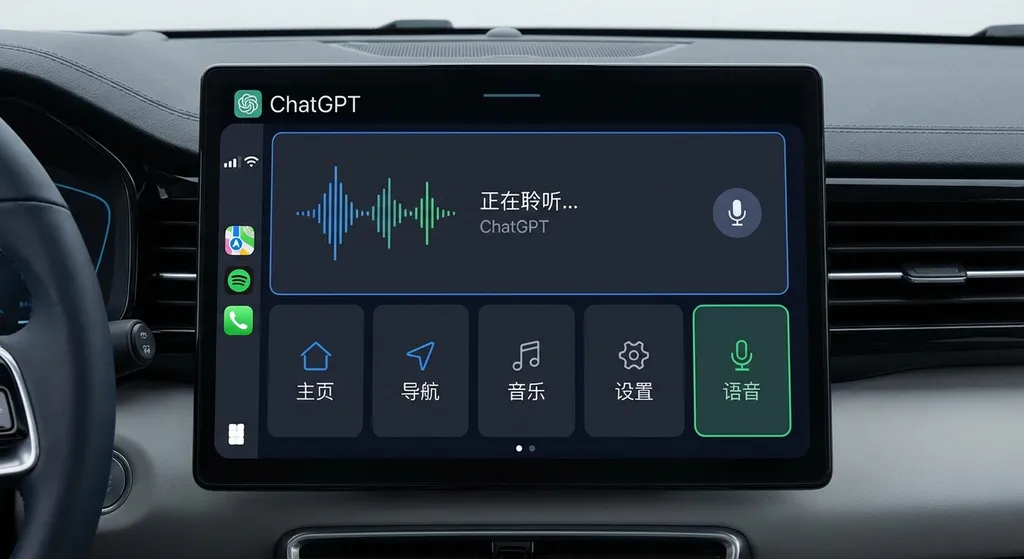
- Voice-only interaction: ChatGPT in CarPlay cannot display any text or image responses. You ask a question, and it can only reply by voice. The screen shows nothing but a unified voice control panel.
- Minimalist UI: Apple provides a unified voice control template that all apps must use. The interface may contain up to four operation buttons — no custom UI allowed.
- No control over vehicle or phone: ChatGPT cannot adjust temperature, open navigation, send messages, or control any iPhone system features. It’s purely a conversation tool.
- No wake word: Unlike Siri’s “Hey Siri,” ChatGPT must be manually opened from the car’s screen before you can talk.
The goal behind these rules is clear: reduce driver distraction. Apple has always been extremely cautious about what kinds of apps can appear in CarPlay — typically limiting them to audio, navigation, communication, or charging categories. ChatGPT’s inclusion is something of a test case for AI assistants, but with very narrow boundaries.
Real-World Experience: Works, But Don’t Expect Much
Here’s how you use ChatGPT in CarPlay:
- Make sure your iPhone is updated to iOS 26.4 or later
- Connect your iPhone to the car via CarPlay
- Manually open the ChatGPT app on the car screen
- Tap “New Voice Chat”
- When it shows “Listening,” start speaking
The entire process is touch-free — but only after you manually start the app. That’s kind of awkward — if safety is the priority, why not allow voice activation? Perhaps Apple doesn’t want third-party apps competing with Siri, or it fears false triggers.
As for functionality, ChatGPT can do about the same things as on the phone: answer questions, give advice, help organize thoughts. But with no visual output, situations that require reading code, tables, or charts are unusable. You can ask “Where should I go for a weekend trip?” but don’t expect it to display a list of destinations.
And since it can’t control the car or phone, ChatGPT can’t act like other in-car AI assistants that adjust the air conditioning, open the sunroof, or navigate directly. It’s more a “companion chat” tool than a control center.
What Does This Mean for AI in Cars?
The practical value of ChatGPT joining CarPlay might not be huge, but symbolically, it’s significant.
First, it’s the first time Apple has explicitly allowed an AI conversation assistant inside the CarPlay ecosystem. For years, app categories have been strictly limited — mainly to minimize distractions. Allowing ChatGPT in shows Apple now sees value in AI assistants in cars, as long as interactions stay safe.
Second, Apple’s rules provide a blueprint for other AI apps. Domestic apps such as Doubao, Yuanbao, and Kimi could now adapt to CarPlay in the same way. As long as they meet iOS 26.4’s API requirements and pass Apple’s review, they can join the ecosystem. That’s a big opportunity for AI providers, especially those with a strong mobile user base.
At the same time, Apple’s restrictions also send a message: you can join, but don’t try to replace Siri. ChatGPT can’t control cars or phones, and it lacks wake-word activation—all measures designed to protect Apple’s ecosystem. Siri remains the “privileged resident” of CarPlay; third-party AI assistants are merely guests.
From a Developer’s Perspective: The Entry Bar Is High
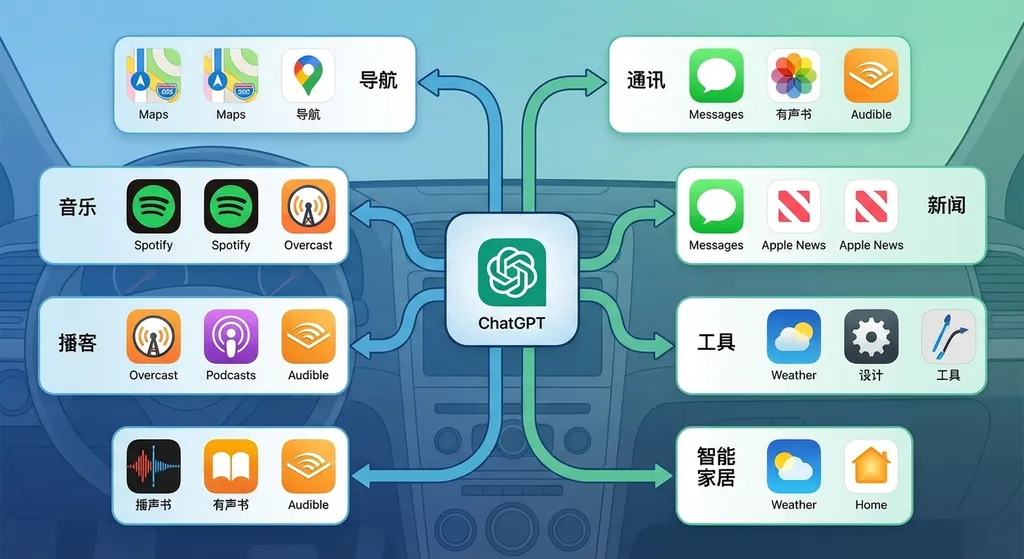
Technically speaking, adapting ChatGPT for CarPlay isn’t as simple as porting over the mobile version. Apple’s requirements for in-car apps are far stricter than for normal iOS apps.
First, system version requirements. iOS 26.4 is the first version allowing third-party voice-chat apps on CarPlay, meaning developers must specifically adapt for it. And special authorization from Apple is required — not every app can be onboarded.
Next, interaction redesign. The mobile ChatGPT uses both text and voice, but in CarPlay it must be pure voice. That’s a huge design and technical challenge: How do you let users know the AI is thinking without visuals? How do you handle long responses? How do you allow users to interrupt?
Then, UI constraints. Apple’s voice control template is extremely basic, leaving little room for customization. You get a maximum of four buttons, and the voice control panel must always be visible. Developers used to flexible design may find this frustrating.
Finally, functional boundaries. ChatGPT can’t control the car or phone, which greatly limits what an assistant can do. Developers have to rethink what unique value they can offer within such tight constraints.
Comparing to Other In-Car AI Solutions
ChatGPT’s CarPlay integration differs fundamentally from other AI solutions on the market.
Automaker-built AI: EV makers like Li Auto, XPeng, and NIO have their own deeply integrated AI assistants. These can control car functions — adjusting air conditioning, opening sunroofs, starting navigation, and more — but they’re usually limited to the vehicle itself. In contrast, ChatGPT excels at general knowledge and creativity.
Phone mirroring setups: Many people just mount their phones and use ChatGPT directly. That’s the most full-featured way, but also the least safe — and generally not compliant with driving regulations.
Third-party in-car AI: Some systems (like Huawei HarmonyOS Cockpit) integrate third-party AI via APIs rather than standalone apps. This allows deeper integration, but users may not even know which AI model is responding.
ChatGPT’s CarPlay setup lies somewhere in between: it’s an independent app, so users know they’re talking to ChatGPT, but its functionality is tightly constrained. That makes it somewhat awkward — but likely the most Apple-compliant approach for now.
If You Want AI in Cars
For developers wanting AI capabilities in a car environment, CarPlay isn’t the only route. A more flexible way is to integrate via API calls.
For instance, your own car app could connect to the ChatGPT API to enable similar voice conversations — without CarPlay’s UI or interaction limitations. Platforms like OpenAI Hub aggregate APIs for GPT, Claude, Gemini, DeepSeek, and others, support OpenAI-compatible formats, and can be accessed directly within China — convenient for in-car development.
Example:
import openai

# Configure OpenAI Hub
openai.api_base = "https://openai-hub.com/v1"
openai.api_key = "your-openai-hub-key"

# In-car voice interaction example
def ask_ai_assistant(user_query):
    response = openai.ChatCompletion.create(
        model="gpt-4",
        messages=[
            {"role": "system", "content": "You are an in-car AI assistant. Keep your answers short and suitable for voice playback."},
            {"role": "user", "content": user_query}
        ],
        temperature=0.7,
        max_tokens=150  # keep replies short for in-car use
    )
    return response.choices[0].message.content

# Example call
user_input = "Recommend a good place for a weekend road trip"
ai_response = ask_ai_assistant(user_input)
print(ai_response)
# The response will be spoken through the in-car audio system
Advantages of this approach:
- No CarPlay interface limitations — full control over user experience
- Prompts and parameters can be optimized for driving contexts (e.g., shorter replies)
- Multiple models can be integrated and selected dynamically
- Can deeply integrate with vehicle systems for more complex functionality
Of course, this requires your own in-car app or a partnership with car manufacturers. If you just want users to access AI within Apple’s CarPlay ecosystem, you’ll still have to go through Apple’s review.
What’s Next?
ChatGPT joining CarPlay is just the beginning. Looking ahead:
- More AI apps will follow. Domestic AIs like Doubao, Kimi, and Yuanbao could soon join, making competition fierce.
- Apple may gradually relax restrictions. If user feedback is positive, Apple might allow limited visual feedback or broader control — though not anytime soon.
- Automakers will accelerate their own AI. Seeing ChatGPT on CarPlay will add urgency. Better to build deep integration than rely on third parties.
- Voice interactions will be standard. Whether via CarPlay or built-in systems, voice-only AI will dominate in-car interactions, pushing voice recognition, synthesis, and dialogue management technologies forward.
- API integration will become more common. For developers, APIs offer the fastest, most flexible path to AI capabilities — especially important in cars, where speed and stability matter.
Overall, ChatGPT’s debut in CarPlay is a small step for in-car AI, not the destination. A truly intelligent car assistant should be deeply integrated, context-aware, and able to control the vehicle — not just chat. But within Apple’s ecosystem, this might already be the best possible outcome.
References
- OpenAI adds CarPlay support for ChatGPT - Netease — Official PingWest report detailing ChatGPT CarPlay features and limitations
- CarPlay enters the AI era: ChatGPT officially supports in-car voice - SMZDM — User-focused analysis of adaptation barriers and functional constraints
- OpenAI introduces ChatGPT voice mode to CarPlay on April 2, 2026 - Netease — Detailed setup process and experience report
- ChatGPT lands on Apple CarPlay: No wake word, no vehicle control - Tonghuashun Finance — Highlights Apple’s strict safety standards for in-car apps
- OpenAI officially adds CarPlay support for ChatGPT - DoNews — Summary of system requirements and feature restrictions
- OpenAI releases ChatGPT’s official CarPlay version - Chinaz — Analysis of voice-only design and industry implications


