
After 15 Years, Google Reinvents the Laptop: Googlebook Is Here
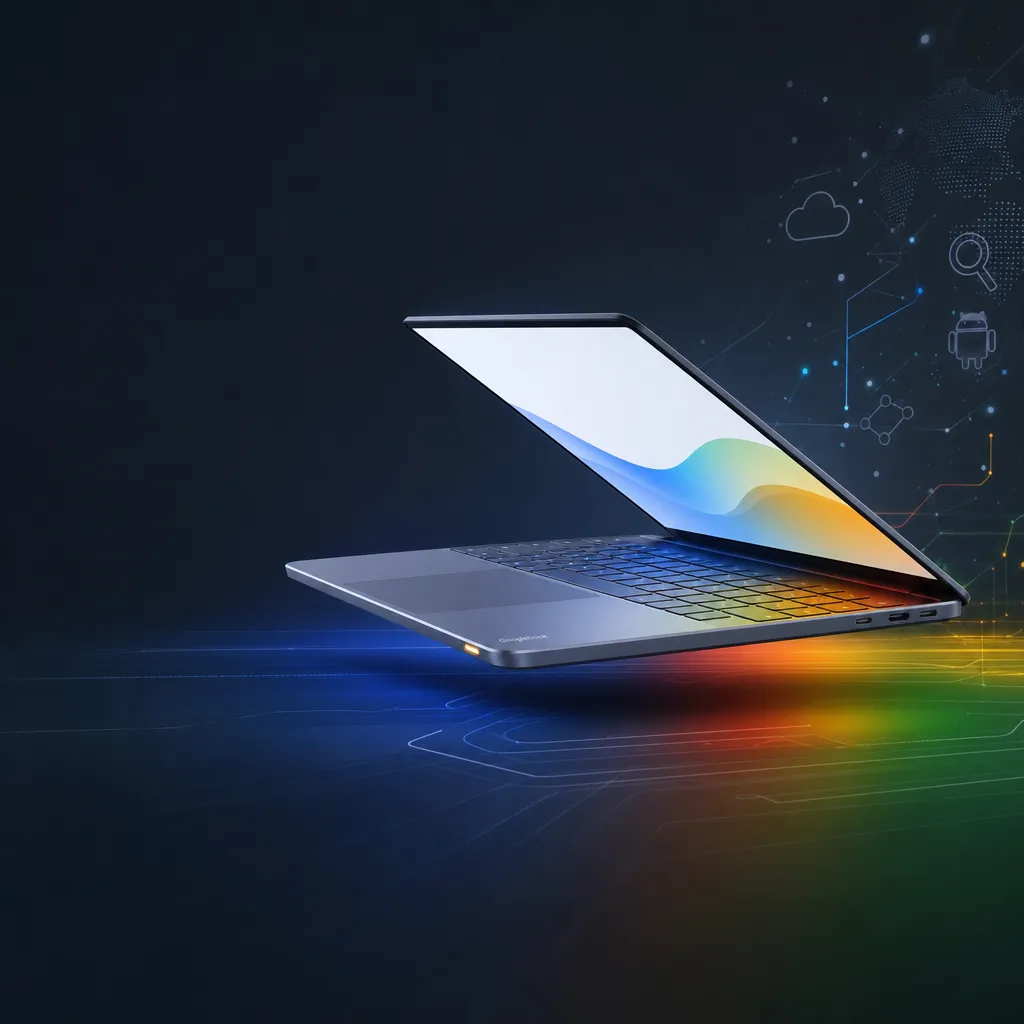
Google has officially launched Googlebook, its first new laptop in 15 years since the Chromebook. The new device is powered by Gemini, integrating Android and ChromeOS, featuring Magic Pointer interaction, and is scheduled for release this fall.
Google has rebuilt its laptop from the ground up.
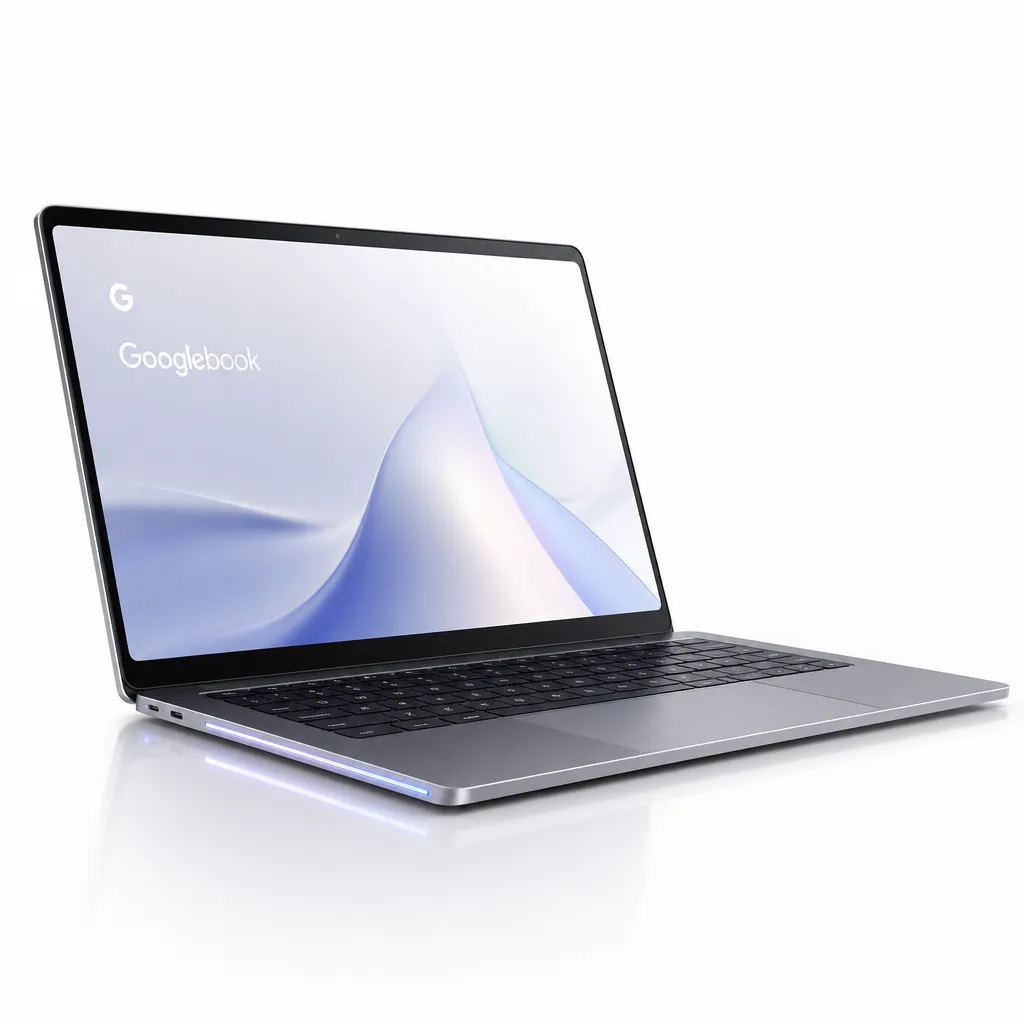
On May 13, Google officially released Googlebook—its first laptop since launching the Chromebook in 2011, marking a return after fifteen years. This time, the position is completely different: while Chromebook was a low-cost netbook built for a "cloud-first" era, Googlebook is positioned as a direct rival to Windows and Mac—a laptop designed specifically for Gemini Intelligence, an AI-first device.
A fusion system, not just another ChromeOS
To understand Googlebook, we first need to understand what system it runs.
Over the past few years, Google has been working on merging Android and ChromeOS—rumors have circulated, but no materialized results until now. Googlebook provides the answer: a unified system tentatively called Aluminium OS, integrating the most valuable components from both sides.
Android contributes the Google Play application ecosystem and the modern system framework optimized for AI—which has been ChromeOS’s biggest weakness for years as its desktop app availability has always lagged. ChromeOS contributes the Chrome browser and its web-centered management, security, and multi-account systems, features that have been tested for over a decade in education and enterprise markets.
From a product perspective, this merger was long overdue. Android has been steadily expanding toward large screens and multi-window use on tablets and foldables, while ChromeOS has been forcibly integrating the Android runtime to patch its app ecosystem issues. Instead of separately patching both, merging them makes sense. Google waited until Gemini matured because AI offers a way to bypass Windows and macOS—by redefining interaction rather than competing directly in the traditional desktop app ecosystem.
Magic Pointer: The second evolution of the cursor
The most interesting feature of Googlebook is Magic Pointer, co-developed by Google and DeepMind.
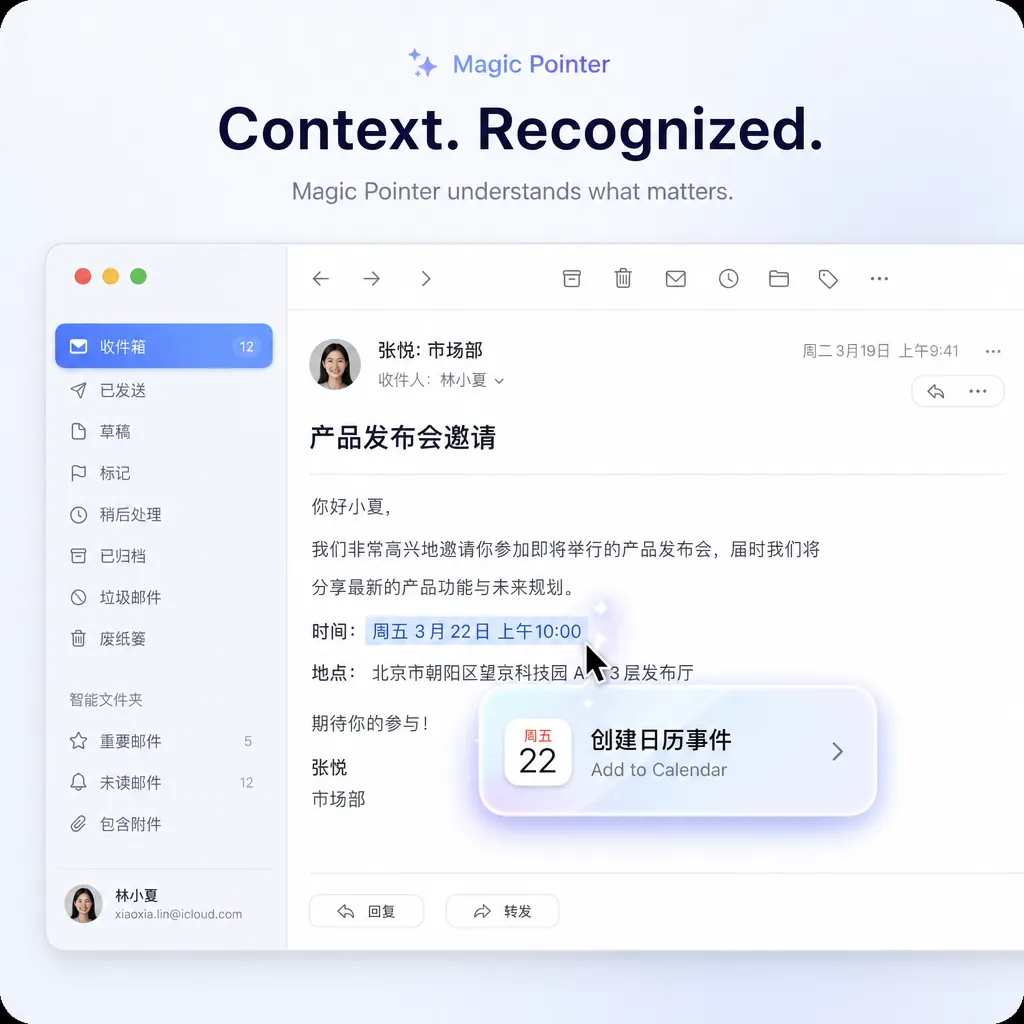
First, what it does. Traditional mouse cursors perform a single task: point and click. Magic Pointer adds a layer of semantic understanding—depending on what the cursor hovers over, selects, or the current context, the system interprets it in real time and offers AI-powered suggestions.
A few official examples make the idea clearer:
- Select a date in an email, and Magic Pointer pops up a quick shortcut to “Create calendar event”, automatically adding the email context and time to Calendar.
- Select two pictures in the gallery, and it generates a composite preview, letting you see how they’ll blend before editing.
- Lightly shake the cursor to trigger contextual suggestions—similar to macOS’s "shake to find" gesture, but with richer semantics.
The cleverness lies in lowering the barrier to invoking AI—almost to zero. Mainstream AI assistants still rely on the “open sidebar–enter command–wait for result” dialogue paradigm; users must explicitly switch context and explain their intent. Magic Pointer reverses that flow—the cursor itself becomes the context collector, with AI continuously interpreting the user’s actions in the background and surfacing only when needed.
This approach is somewhat similar to Apple Intelligence’s Writing Tools—embedding AI capabilities into fundamental system interactions. The difference is that Apple currently focuses mainly on text, while Magic Pointer expands this to images, links, and app windows as triggers.
How well it works depends on model capability and latency. Cursor interactions are extremely sensitive to responsiveness—anything over 200ms noticeably degrades the feel. Gemini’s on-device inference performance, cloud-side latency, and the scheduling between the two are key engineering challenges for Googlebook. Google hasn’t disclosed its edge-cloud execution model, only saying it was “designed specifically for Gemini Intelligence,” leaving considerable room for speculation.
Creating desktops with natural language: The third evolution of widgets
The second innovation is Googlebook’s desktop customization logic.
Traditional desktop widgets follow two patterns:
- Predefined widgets (like iOS/Android), made by developers and selectable by users.
- Containerized widgets (like macOS Dashboard or Windows sidebar), which are still essentially preset.
Googlebook adds a third method: describe it in natural language, and let Gemini generate a widget on the spot.
For example, say “I want a small window showing my next flight, hotel check-in time, and today’s to-dos.” The system pulls travel emails from Gmail, hotel bookings from Calendar, and tasks from Tasks, merging them into a personalized widget displayed on your desktop. Behind the scenes, Gemini orchestrates the entire Google app API suite—Gmail’s structured data extraction, Calendar, Tasks, Keep, Drive—all treated as data sources.
For power users deeply embedded in the Google ecosystem, this is valuable. Previously, aggregating such data required third-party tools (like Notion dashboards or custom Zapier pipelines), or manually checking multiple browser tabs. Googlebook makes aggregation a native system ability—lowering the entry threshold from “knowing automation tools” to simply “being able to speak.”
For users outside the Google ecosystem, its appeal is lower—widgets that rely on Gemini’s data power are heavily dependent on Google Account integration. It resembles Chromebook’s early logic, only now the leverage is AI capability instead of cloud storage.
Glowbar: Hardware identity marker
Every Googlebook includes an ambient light strip called the Glowbar.
Google describes it as “both a design signature and a functional feature.” The design aspect is easy to understand—ThinkPad’s red TrackPoint, MacBook’s glowing Apple logo (now discontinued), Surface’s reflective logo—PC brands always need a visual anchor to build recognition. Glowbar is Googlebook’s anchor.
Functional uses haven’t been detailed, but reasonable predictions include: Gemini’s response status (listening, thinking, replying), notifications, charging indication, or even visual feedback for Magic Pointer interactions. This externalized device-state design has been validated in smart speakers; bringing it to laptops is a fresh attempt.
Hardware partners remain those from the Chromebook lineup: Acer, ASUS, Dell, HP, Lenovo. Multiple form factors and sizes will be available, and Google may launch its own flagship Pixelbook model (not yet confirmed).
What this means for developers
There are several areas worth noting.
App development: Since Aluminium OS merges Android at its core, most Play Store apps should run on it directly. However, leveraging Googlebook’s new capabilities—Magic Pointer’s semantic hooks, natural-language widget generation, deep Gemini integration—will require developers to adopt a new system API set. More technical details will be revealed during Android I/O; currently, the googlebook.google website only has promotional material.
AI integration: Googlebook provides Gemini with a complete system-level carrier. Previously, Gemini interacted via app, web, or Workspace plugins; now it’s embedded directly into core primitives like cursor, desktop, and window management. This integration amplifies model performance but also means user interaction data will flow to Google with unprecedented density.
Competitive landscape: With Windows + Copilot, macOS + Apple Intelligence, and Googlebook + Gemini, the three giants are all pursuing system-native AI—each with their focus: Microsoft emphasizes local NPU computing and enterprise scenarios, Apple emphasizes device integration and privacy for consumers, and Google’s approach is the most radical—essentially redefining what an “operating system” should be.
As for whether it will sell well—pricing, real-world performance, and whether Google can fix ChromeOS’s long-standing weaknesses (ecosystem and professional software gaps) will be the deciding factors. No pricing or region details yet, only “available this fall.” Judging from the messaging, Googlebook is targeting the premium market, not the budget route of Chromebooks.
For developers in China wanting to experience Gemini before Googlebook’s official release, you can call Gemini models directly via OpenAI Hub using an OpenAI-compatible key—no proxy setup needed. Once the Googlebook system API opens, both local integration and cloud invocation will follow the same interface, simplifying the development pipeline.
Is it worth the anticipation?
Some thoughts.
Googlebook represents the most complete hardware–system–AI integration launch Google has had in years—far more ambitious than Pixel phones. While Pixel remains within Android’s ecosystem, Googlebook opens a new product category.
Optimistic points: the long-delayed merger of Android and ChromeOS finally happened; Gemini’s capability has reached the threshold for system-level integration; Magic Pointer’s design is genuinely inventive.
Concerns: Google’s commitment to hardware projects remains uncertain (Stadia, parts of Nest, Pixel tablets), its experience in desktop productivity software is far behind Microsoft and Apple, and Chromebooks never gained traction outside North America.
We’ll see when fall comes. Before that, googlebook.google will continue updating product news, with more developer details expected at Android I/O.
References
- Google launches AI laptop Googlebook, merging Android and ChromeOS advantages - linux.do — Initial domestic community coverage of the Googlebook release
- 2026 Android I/O: new AI phone, Android PC, and in-car assistant - Zhihu — Full product line breakdown from Android I/O, including system fusion details for Googlebook


