
xAI Releases Grok Build: 500K-Context Programming Model Officially Launched
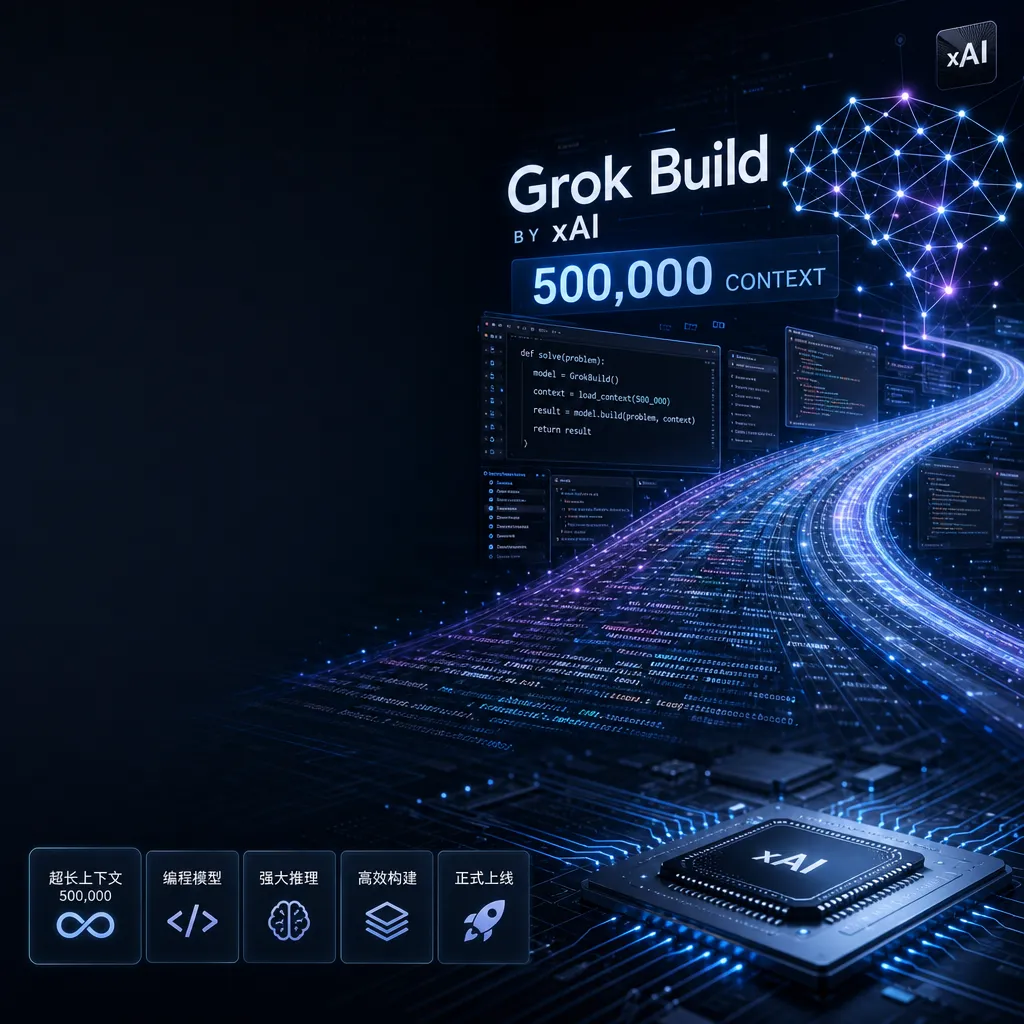
xAI has officially launched **Grok Build** for developers, featuring a 500,000-token context window that directly competes with Claude Code and Cursor. It is currently available only to Grok Heavy subscribers, with monthly quota renewals.
xAI Releases Grok Build: 500K-Context Programming Model Goes Live
xAI (now renamed SpaceXAI) officially launched Grok Build today — the first product from Musk’s AI company to enter the intelligent programming space. Unlike the previously leaked desktop app, Grok Build debuts as a CLI tool, equipped with a 500,000-token context window, and is currently available only to Grok Heavy subscribers.
Developer community feedback suggests that this release came earlier than expected. On May 10, the Grok web app only had an “accidentally leaked” button; five days later, the product became officially usable. This release pace is very typical of Musk — fast iteration, launch first, refine later.
What Does a 500K Context Mean?
What’s the concept of a 500,000-token context window? Roughly speaking, that can hold about 370,000 English words — approximately the entire text of the Harry Potter series. For programming, it means you can feed an entire medium-sized project’s codebase to the model at once, allowing it to understand the full code structure and dependencies.
This number directly compares to Anthropic’s Claude 3.5 Sonnet (200K context) and Google’s Gemini 1.5 Pro (1M context). On paper, Grok Build sits in the upper range — over twice Claude’s size, though not quite at Gemini’s level of “fit the entire repository in.”
However, a larger context window doesn’t automatically make a model useful. The key lies in whether the model can effectively use that information, not just “remember” it. Claude Code’s popularity among developers isn’t due to having the largest context but because it accurately understands code intent and outputs executable modification plans. Whether Grok Build can achieve that remains to be seen through real-world testing.
Only One Model — But Which One?
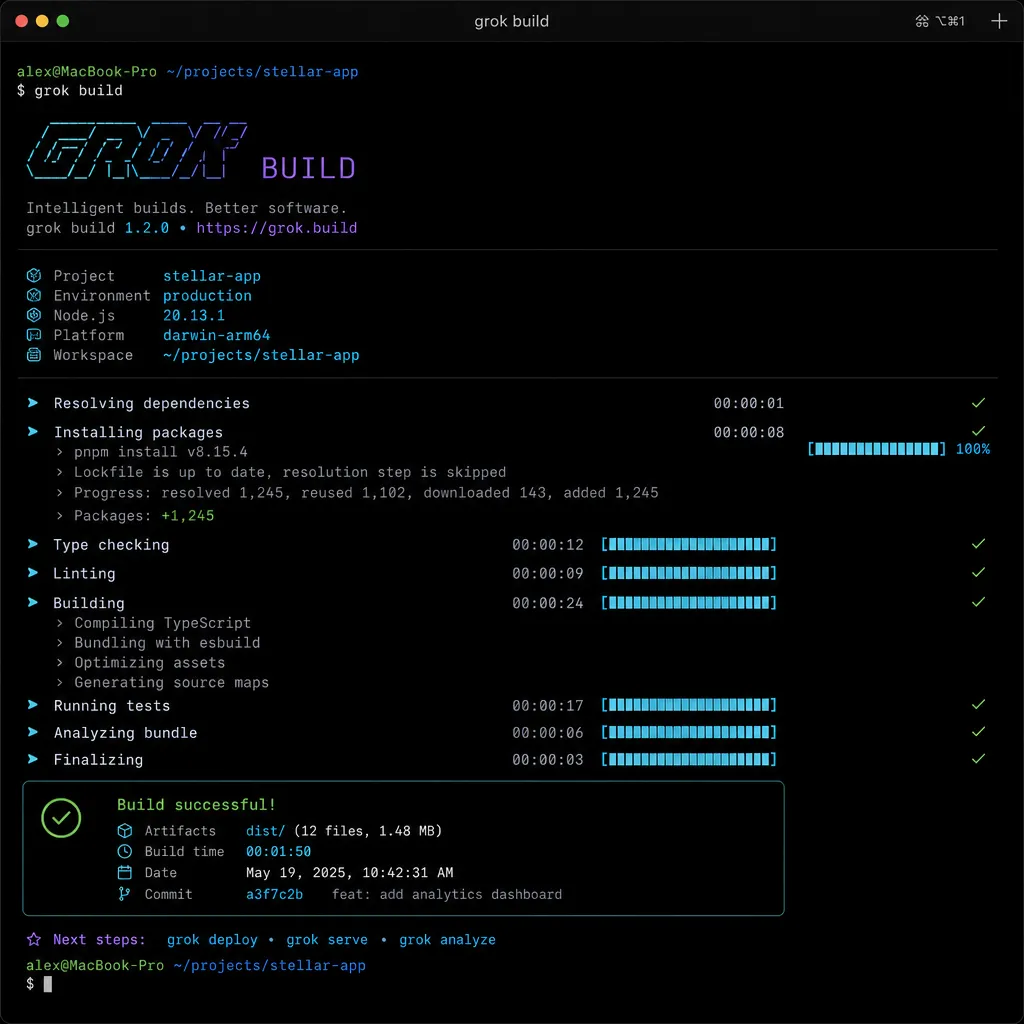
Currently, Grok Build offers only one model option: grok-build. From the name, it’s likely optimized for programming tasks, but xAI hasn’t shared its technical architecture.
According to earlier reports, xAI ran an internal test of Grok 4.3 in late April, where testers noted “significant improvements in frontend coding abilities.” If Grok Build is based on that version, its capabilities should be decent. The issue is xAI has never disclosed Grok’s benchmark results, so there’s no direct comparison against GPT-4 or Claude 3.5 on coding performance.
Early community feedback calls Grok Build’s coding “blazingly fast.” That could be due to high model inference speed or infrastructure optimization. Musk often touts xAI’s computing power advantage — their Memphis GPU cluster is said to be the world’s largest, theoretically capable of faster inference speeds.
That said, speed doesn’t equal quality. The core of AI coding tools lies in code quality, context understanding, and reducing debugging time. If generated code is buggy and needs constant revision, then speed won’t matter.
Monthly Quota System: Competing with Claude or Cursor?
Grok Build uses a monthly quota system, refreshing each month — similar to Anthropic’s Claude Code, though details like specific quotas and overage charges have not yet been announced.
In terms of pricing, xAI appears to be taking a middle-ground approach:
- Claude Code bills per conversation, with fixed monthly quotas for Pro users — exceeding the limit requires waiting for refresh or upgrading to Team.
- Cursor bills per request, offering 50 free uses monthly, 500 for Pro, with pay-per-use beyond that.
- GitHub Copilot charges a flat monthly fee for unlimited use, though it’s relatively basic in features.
Grok Build’s monthly quota system resembles Claude’s, but it requires Grok Heavy membership. Grok Heavy is xAI’s premium subscription plan, estimated around $20–30 per month (pricing not public). This means Grok Build isn’t a standalone product — it’s part of the Grok ecosystem.
Such bundling has pros and cons: it adds value to Grok Heavy, but limits the potential user base — many developers may want only a coding tool, not other Grok features.
CLI First, Desktop App Still on the Way
It’s worth noting that this release is the CLI version, not the desktop app previously leaked. This format fits developers’ workflow better — called directly from the terminal and easily integrated into existing environments.
However, CLI interaction is less user-friendly. Claude Code and Cursor owe much of their popularity to visual interfaces, allowing code previews, multi-file management, and result viewing. CLI tools suit quick execution or automation scripts, but graphical interfaces remain more intuitive for complex editing.
xAI is expected to release a desktop version later. Leaked information suggests that the app will support macOS, Linux, and Windows, with features including:
- Git repository integration
- Development server management
- Built-in browser preview
- Local file management
- Multi-step task planning
- MCP (Model Context Protocol) support
These align closely with Claude Code’s latest version. If the desktop app launches as planned, Grok Build’s competitiveness will rise significantly.
Technical Direction: Autonomous Agent or Chat Assistant?
From its positioning, Grok Build aims for an autonomous agent model rather than a traditional chat-style programming assistant. This parallels Claude Code and Cursor — enabling the AI to plan tasks and perform actions independently rather than waiting for step-by-step human instructions.
The major advantage is efficiency: developers describe their needs, and the AI automatically breaks them down, writes code, runs tests, and fixes bugs. Ideally, developers focus more on architecture and logic, not low-level implementation.
However, autonomous agents carry risk — misunderstanding a requirement or deviating during execution can create massive irrelevant code or damage existing projects. Thus, the model must have strong context comprehension and error recovery capabilities.
Claude Code does this well — asking for confirmation before key actions and providing detailed execution logs to help developers trace issues. Whether Grok Build offers similar safeguards is unknown.
What It Means for Developers
Grok Build’s release gives developers one more option, though not necessarily the best one.
If you already use Claude Code or Cursor, there’s little reason to switch right now — both are mature and have richer ecosystems. Unless Grok Build excels in specific scenarios (e.g., huge codebases or particular languages), switching may cost more than it’s worth.
If you’re a Grok Heavy subscriber, Grok Build is worth trying — quotas are included, so no harm in experimenting. Test it on small projects first to assess code quality and response speed.
If you’re looking for AI coding tools, start with free versions like Cursor or GitHub Copilot before considering paid tools. Grok Build currently lacks a standalone trial, so entry cost is higher.
In the long run, the AI coding tool market will get increasingly competitive. OpenAI has Codex, Anthropic has Claude Code, Google has AI Studio, and now xAI is joining in. For developers, that’s good — competition drives faster iteration and more reasonable pricing.
But beware of overreliance on AI tools. They boost efficiency but cannot replace deep understanding of code. Blindly accepting AI-generated results without scrutiny can erode long-term programming skills.
API Call Example
Grok Build is currently accessed through a CLI tool, but xAI’s model API supports standard OpenAI-format calls. To integrate Grok into your own app, you can connect via aggregator platforms such as OpenAI Hub:
from openai import OpenAI

# Use OpenAI Hub to call Grok model
client = OpenAI(
    api_key="your-openai-hub-key",
    base_url="https://api.openai-hub.net/v1"
)

response = client.chat.completions.create(
    model="grok-build",  # or other Grok models
    messages=[
        {"role": "system", "content": "You are a professional coding assistant"},
        {"role": "user", "content": "Write a Python function that implements quicksort"}
    ],
    max_tokens=2000
)

print(response.choices[0].message.content)
For scenarios requiring large-scale context handling, you can take full advantage of Grok Build’s 500K-token window:
# Handling an entire codebase
with open("entire_codebase.txt", "r") as f:
    codebase = f.read()

response = client.chat.completions.create(
    model="grok-build",
    messages=[
        {"role": "system", "content": "You are a code review expert"},
        {"role": "user", "content": f"Here is the full codebase:\n\n{codebase}\n\nIdentify all potential performance bottlenecks and security risks."}
    ],
    max_tokens=4000
)
The advantage of OpenAI Hub is a unified interface — the same code works for GPT, Claude, Gemini, or Grok, making it easy to switch and compare outcomes across models.
Final Thoughts
The release of Grok Build marks xAI’s official entry into the AI programming tool market. Its target audience overlaps with Claude Code and Cursor users, though it remains early-stage and lacks a mature ecosystem.
The 500K context is a great selling point, but whether it truly enhances productivity still needs proof. xAI’s strength lies in computing power and iteration speed, while its weakness is ecosystem and user base. If it quickly launches a desktop app, improves docs and examples, and builds a developer community, Grok Build could become a mainstream choice.
However, if it remains “just another AI coding tool” without distinctive advantages, it may drown in the increasingly crowded market. Developers already have too many similar tools — another “almost the same” product wouldn’t add much value.
The next few months will reveal how xAI plays its hand.
References
- Great! Grok Build Is Now Usable! – Real-world user feedback from Linux.do community
- Musk Joins the AI Programming Race: SpaceXAI Desktop App Grok Build Exposed – Detailed IT Home report on Grok Build’s desktop version


