
AtomCode is giving away 30 days of free Ascend computing power — the terminal programming assistant is heating up.

AtomCode launches CodingPlan — a limited offer for 2,000 users to receive 30 days of Ascend computing power for free, supporting models such as Claude-V4-Flash. Positioned as a terminal AI programming assistant, it aims to compete with Claude Code.
AtomCode Offers 30 Days of Free Ascend Computing Power – Terminal Coding Assistant Is Heating Up
AtomCode has launched the CodingPlan subscription program, with the Lite plan available for free for a limited time to 2,000 users. Once claimed, it remains valid for 30 days. The computing power is supported by domestic Ascend chips, with available models including Claude-V4-Flash, Claude3.6-35B-A3B, and Claude3-VL-8B-Instruct.
For developers who have long wanted to code with large models directly in the terminal but prefer not to pay API fees upfront, this may be one of the lowest-barrier entry points available.
What Is AtomCode
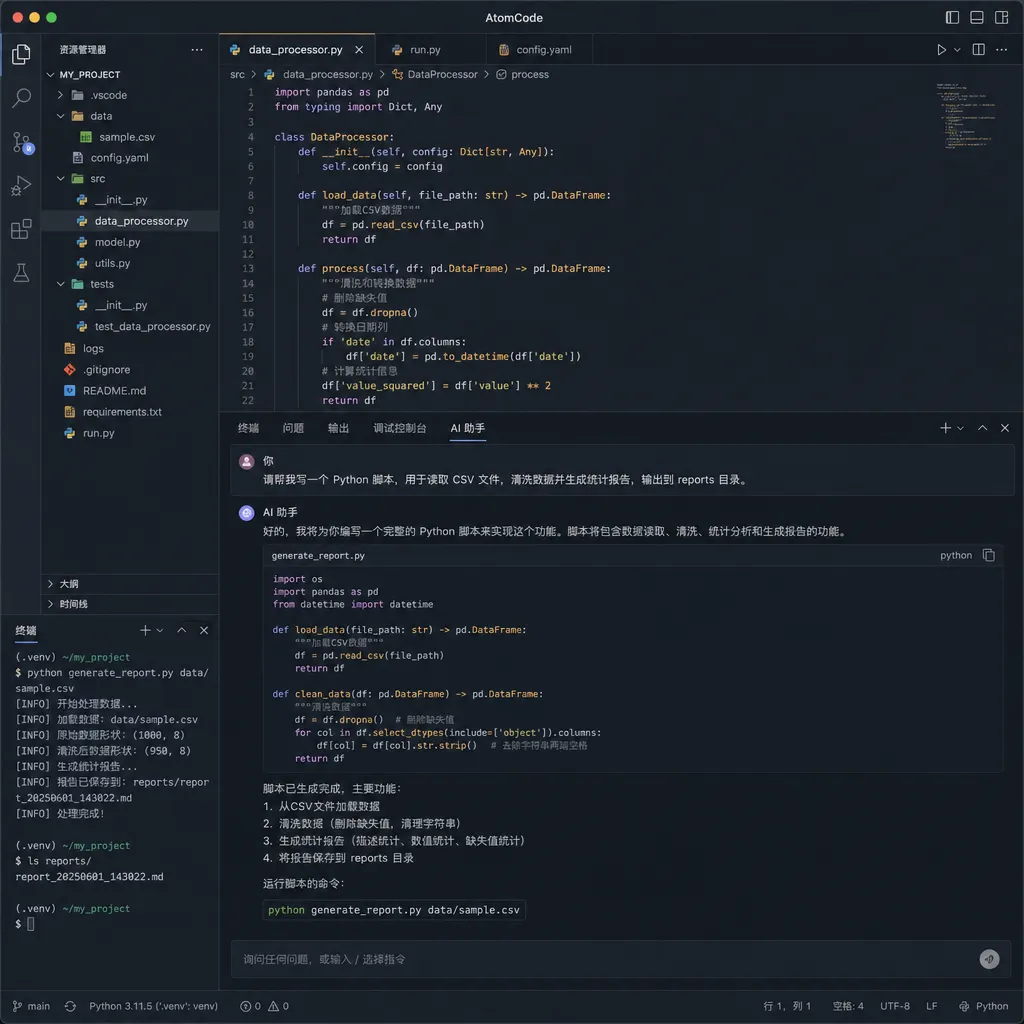
First, the positioning: AtomCode is an AI programming assistant that runs in the terminal. It can read project files, modify code, execute commands, and verify results. If you’ve used Claude Code or Aider, you’ll find the interaction familiar—it’s a domestic open-source solution in the same category.
The project is built with Rust, open-sourced under the MIT license, and supports Windows, macOS, Linux, and HarmonyOS PC. The official page has an interesting tagline: this is a “100% AI-generated project.” Every line of code and every commit is done by AI, while human developers handle direction and product decisions.
That statement itself acts as a product manifesto—building an AI coding tool with AI makes it its own best demo.
Breakdown of the CodingPlan Free Benefits
The new CodingPlan has multiple tiers, with the key highlight being the limited-time free Lite plan:
- Quota: 2,000 users
- Validity: 30 days after claiming
- Billing method: Measured in 5-hour rolling windows, not per Token
- Computing source: Domestic Ascend computing power
- Available models:
- Claude-V4-Flash (284B total parameters, 13B active parameters)
- Claude/Claude3.6-35B-A3B
- Claude/Claude3-VL-8B-Instruct
The “not billed by Token” part is worth elaborating. Traditional API usage charges you for every Token consumed—very unfriendly for coding scenarios. A medium-sized project’s context can easily stretch into tens of thousands of Tokens, burning through funds before you’ve even started. AtomCode adopts a 5-hour rolling window method, offering a more subscription-like experience: use freely within each window, and when it ends, metering restarts.
This design suits high-frequency coding sessions better but also means that heavy use within a single window might hit limits. The exact usage cap hasn’t been disclosed, so testing it firsthand is necessary.
Claude-V4-Flash: The Star of the Show
Among the three available models, the one most worth noting is Claude-V4-Flash.
It’s not a small model. With 284B total parameters and 13B active parameters, it’s a lightweight, efficient version of the Claude V4 series. Built on Anthropic’s architecture, it activates only a small fraction of parameters during inference, maintaining strong performance while cutting computational cost.
In coding scenarios, the positioning of V4-Flash is clear: smart, fast, and cheap. It doesn’t need full-scale compute like the V4 flagship, yet its code generation, understanding, and refactoring abilities are more than sufficient for everyday development tasks.
Notably, Claude-V4-Flash is deployed on Ascend A3 64-card supernodes using large Expert Parallelism (EP) mode. This indicates that Ascend’s adaptation to Anthropic’s architecture is now mature—no longer “it runs, but less efficiently.”
The other two models—Claude3.6-35B-A3B is Claude’s latest mid-sized model, while Claude3-VL-8B-Instruct adds visual capabilities, able to process images. The latter will be handy for tasks like adjusting UIs based on screenshots or reading document images.
How It Compares to Similar Tools
The terminal AI coding assistant space is getting crowded:
| Tool | Model | Open Source | Availability in China | |------|--------|-------------|-----------------------| | Claude Code | Claude series | No | Requires VPN/proxy | | Aider | Multiple models | Yes | Requires API setup | | Cursor Agent | Multiple models | No | Subscription based | | AtomCode | Ascend-deployed models | Yes | Direct domestic access |
AtomCode differentiates itself in two ways:
First, direct domestic access—no network hassles. For many developers, Claude Code is great but unreachable; Aider is flexible but requires API keys and proxies—both have nontrivial entry costs. AtomCode runs on Ascend compute within China, ready to use out of the box.
Second, low free-entry barrier. No credit card, no top-up—just claim it and use it free for 30 days. For developers curious about terminal-based AI coding, the cost of trying it out is virtually zero.
However, there are limitations:
- Model capabilities capped by the available list—no access to top-tier options like Claude 3.5/4 or Claudeo-level models yet
- Ecosystem maturity lags behind Aider (community plugins, custom configurations, etc.)
- The 2,000-user limit implies constrained compute resources—continued free availability is uncertain
In short, AtomCode is better suited as a complementary tool for now, not a full replacement. If your main workflow is Claude Code or Cursor, AtomCode can step in when network conditions are poor or you want to save money.
Installation and Claim Process
The process is simple—two steps:
Step 1: Install AtomCode
macOS / Linux / HarmonyOS PC:
curl -fsSL https://atomgit.com/atomgit_atomcode/atomcode/releases/download/v4.21.2/install.sh | sh
Windows (PowerShell):
irm https://atomgit.com/atomgit_atomcode/atomcode/releases/download/v4.21.2/install.ps1 | iex
Step 2: Log In and Claim CodingPlan
After installation, start AtomCode from the terminal, log in with your AtomGit account, then go to the CodingPlan page to claim the Lite plan.
Claim portal: https://atomcode.atomgit.com
Once claimed, you can use models such as Claude-V4-Flash in the terminal for coding.
The Signal from Ascend Computing Power
Behind this initiative lies a noteworthy trend: Ascend is evolving from “usable” to “excellent.”
Over the past year, Ascend’s progress in large-model inference deployment has accelerated significantly—from multi-platform adaptation for Claude-5, to first deployments of the Claude V4 series on Ascend, to now AtomCode packaging Ascend computing power into developer-facing product benefits—the chain is becoming more complete.
For developers, the underlying chip doesn’t matter as much as low latency and stable output quality. By emphasizing “Ascend computing power” as a selling point, AtomCode is helping Ascend perform market validation: if the experience of 2,000 developers proves smooth, that’s the strongest endorsement.

Is It Worth Claiming?
To put it simply: If you need a terminal coding assistant, there’s no reason not to claim it.
It’s free, connects directly within China, requires no card binding, and gives you enough time to explore within 30 days. Worst case—if you don’t like it, uninstall it.
But manage your expectations:
- This isn’t a “free API.” You can only access the models through the AtomCode client, not via an API key for your own integrations.
- The model lineup is limited—if your work needs high-end reasoning (like complex architecture design), V4-Flash might fall short.
- The specifics of the 5-hour rolling window cap are unclear; heavy users may encounter limits.
Best-fit scenarios: daily code completion, bug fixes, simple refactoring, code explanation, and unit test generation—all well within V4-Flash’s 13B active parameters.
Less-suited scenarios: large project refactoring requiring long contexts, algorithm design requiring top-tier reasoning, or API integration into custom workflows.
Final Thoughts
The terminal AI coding assistant category is rapidly maturing. Claude Code set the template, Aider proved open-source viability, and now AtomCode enters the scene with domestic computing and a free-access strategy.
Competition is a good thing. For developers, more choices—especially free ones—are always welcome.
With only 2,000 slots available, it’s first come, first served. Don’t hesitate if you want to give it a try.
References
- AtomCode CodingPlan Free Claim: 30-Day Ascend Computing Model Access — Linux.do community thread with claim portal and benefit details
- AtomCode Official Repository — Source code and installation instructions


