
Claude Code update triggers 400 error in domestic models
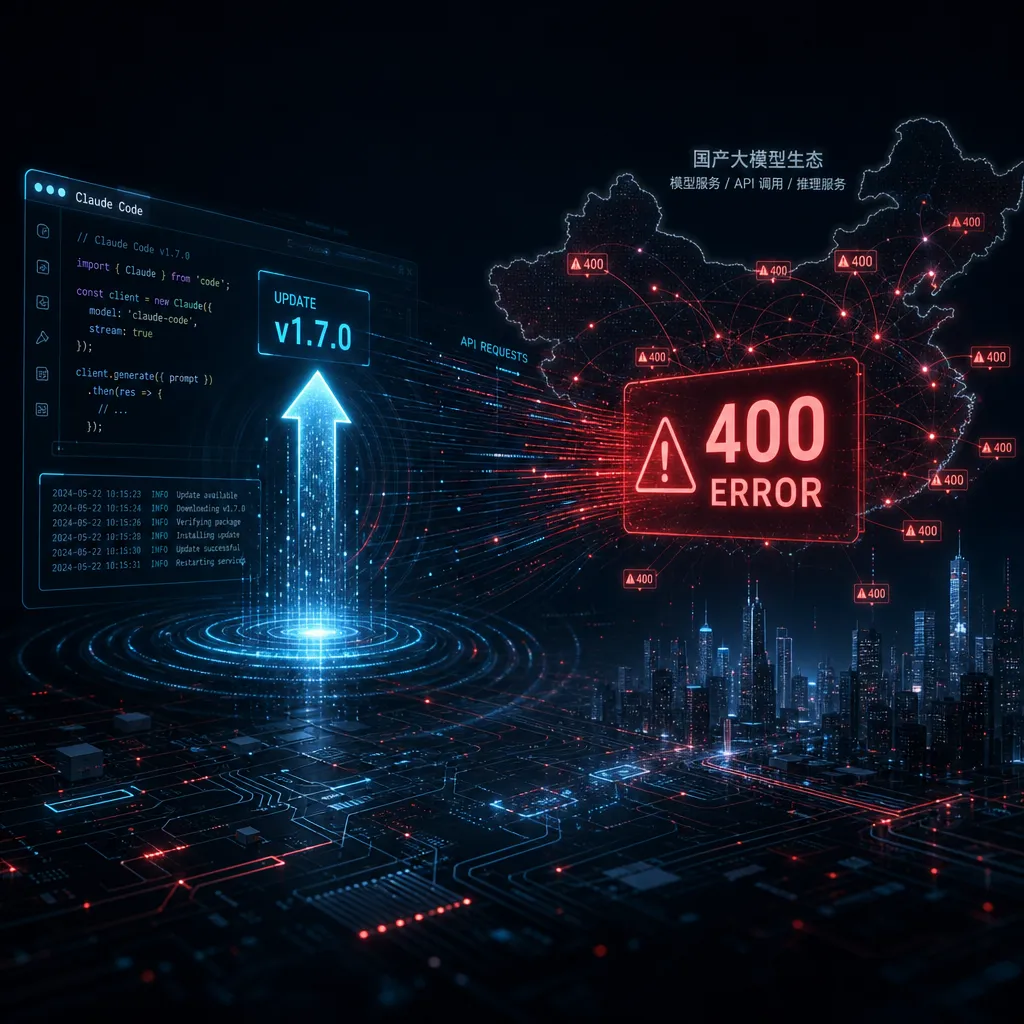
Claude Code v2.1.154 introduced a new `mid_conversation_system` role, causing multiple domestic model APIs such as DeepSeek, MiMo, and GLM to all return 400 errors. Channels from various providers made emergency adaptations, and normal operation has mostly been restored in v2.1.156.
Claude Code Minor Version Update Broke Nearly All Chinese Model APIs with 400 Errors
In the early hours of May 28, Anthropic rolled out what seemed like a minor update to Claude Code, version v2.1.154. By the time users in China woke up, online forums had exploded — almost all third-party channels (DeepSeek, MiMo, GLM, etc.) started throwing 400 errors at once, and Claude Code (CC) users’ workflows came to a halt.
The culprit: a newly introduced message role — mid_conversation_system.
What the Error Looks Like
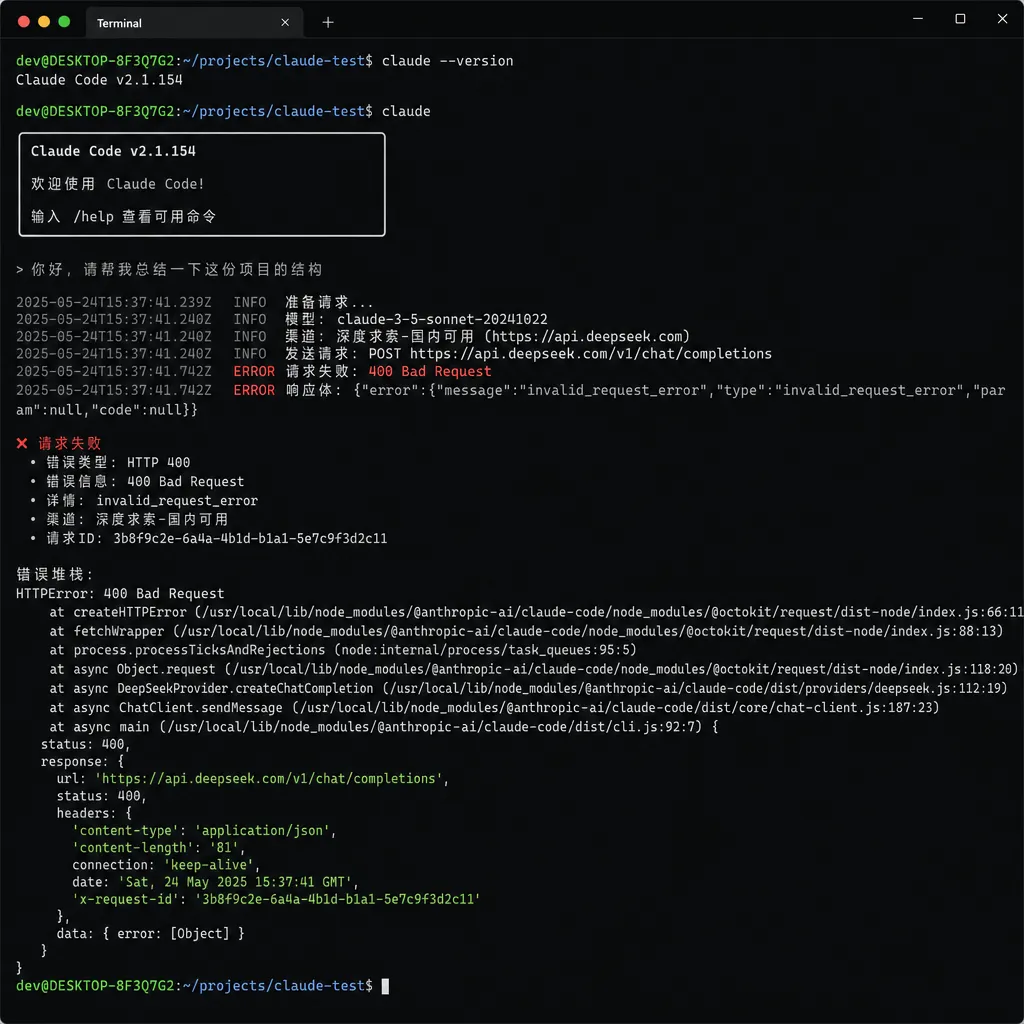
When you run Claude Code through DeepSeek, you’ll see a familiar yet strange error message like this:
API Error: 400 Failed to deserialize the JSON body into the target type:
messages[1].role: unknown variant `system`,
expected `user` or `assistant` at line 1 column 2194
In plain English: while deserializing the request body, the server found that the second message in the messages array had a role field value of system, but it only recognizes user and assistant.
At first glance, that’s puzzling. Hasn’t the OpenAI-compatible format always supported the system role? Why isn’t it recognized all of a sudden?
In fact, the issue isn’t with the third-party channels but with this Claude Code update itself — in v2.1.154, the client changed how it constructs requests: it now inserts system role messages mid‑conversation (instead of just once at the start as a system prompt). These “mid‑conversation system messages” fall into a gray area of the OpenAI specification, and most compatibility layers only allow a system message at the beginning, followed by alternating user/assistant messages.
Why mid_conversation_system
If you look at the Claude Code system prompts changelog, you’ll notice that Anthropic has been restructuring CC’s prompt architecture recently. Starting from the 2.0 series, they’ve been injecting more and more “procedural instructions” — such as TodoWrite reminders, context compression cues, and compliance checks for tool calls. These were originally injected via user messages or special tags, but the approach became increasingly messy.
Version v2.1.154’s solution was to introduce a new role, mid_conversation_system, used specifically for delivering system-level instructions to the model mid‑conversation, distinct from the initial system prompt. Sounds reasonable, but here’s the catch:
- Anthropic’s own API recognizes this role because their schema is private and they can add fields at will;
- OpenAI-compatible APIs do not, and third-party implementations strictly follow the spec — hence the 400 errors.
What made things worse for Chinese users is that many don’t use Anthropic’s official endpoints at all. Instead, they route requests through middleman gateways that forward to domestic models like DeepSeek, Kimi, Zhĭpŭ GLM, or Xiaomi MiMo for cheaper and faster inference. Once Anthropic changed the protocol, the whole chain broke.
This actually exposes a long-standing fragility: Claude Code, as a client, defines the protocol entirely, while downstream compatibility layers are always playing catch-up. This time it’s just a new role name — next time it might be a change to the structure of tool_use, or the introduction of new content block types.
Temporary Fix: Roll Back
The earliest fix shared in forums was quick and simple — roll back to v2.1.153:
# 1. Close all Claude Code terminals
# 2. Reinstall the previous version globally
npm i -g @anthropic-ai/claude-code@2.1.153
This works across all affected channels because v2.1.153 still uses the old protocol and doesn’t send the new mid_conversation_system role.
But rolling back isn’t a long-term solution. Claude Code gets updates nearly every week, and new versions usually include bug fixes and minor new features. Locking yourself to an older build means missing out on those improvements.
How Fast the Channels Reacted
Response times from the Chinese channels were actually quite fast. As of around 1:30 PM on May 28, MiMo’s Token Plan was the first to complete a server-side compatibility fix by silently mapping mid_conversation_system to system (or, depending on context, converting it into a user message) during deserialization, allowing requests to proceed normally.
Testing showed that Claude Code v2.1.156 already worked flawlessly on MiMo — no rollback needed, and no configuration hacks required to disable the feature. Users who had rolled back to 2.1.153 could safely upgrade back to the latest version.
DeepSeek and GLM’s official APIs and popular gateways also completed their fixes within the same day. If you’re still seeing 400 errors today (May 29), it’s likely because you’re using a smaller third‑party proxy that hasn’t updated — check your upstream channel’s version.
What This Reveals
Aside from the specific fix, this minor outage exposed the hidden costs behind the “Claude Code + third‑party model” setup.
First, the cost of protocol tracking. Anthropic has no obligation to maintain backward compatibility — CC’s protocol is fundamentally an internal matter. If you use it elsewhere, you take on the risk of breaking changes at any time. This time it was the role field; next time it might be something else. Every protocol tweak forces countless gateway operators nationwide to re‑adapt.
Second, the cost of behavioral alignment. Even if the protocol passes validation, discrepancies in prompt tuning mean that DeepSeek or GLM running CC won’t behave exactly like native Claude. Anthropic’s system prompts are carefully optimized for Claude’s training distribution; with a different backend model, success rates for tool use or TodoWrite stability can drop. The new mid_conversation_system role was introduced precisely to make Claude follow mid‑dialogue instructions better — other models might not respond the same way.
Third, the debugging overhead. When your CC suddenly errors out, you have to determine whether Anthropic changed the protocol, your channel hasn’t adapted, or your own network is at fault. This time the error message was relatively friendly (a Rust‑style deserialization error clearly indicating the offending field), but the next one may not be.
Advice for Developers
If you rely heavily on Claude Code but also use domestic models to save costs, here are a few practical suggestions:
- Don’t be too aggressive with auto‑updates. Replace
npm i -g @anthropic-ai/claude-code@latest
with manual upgrades, and always check the forums for crash reports before updating. - Watch announcements from your chosen channels. MiMo, DeepSeek, and others usually post compatibility notices promptly when specs change.
- Use multi‑channel redundancy. Configure multiple endpoints in CC so you can switch instantly if your primary one fails. Aggregators like OpenAI Hub — which route a single key to all major models (GPT, Claude, Gemini, DeepSeek) — often patch protocol differences at the gateway layer, saving you troubleshooting time.
- Keep a working version listed in your README. It’s the fastest rollback option if things break unexpectedly.
Summary
From v2.1.154 to v2.1.156, this wave of disruption went from first reports to full resolution in under 12 hours. For a fast‑iterating tool like Claude Code, small hiccups like this will keep happening. Technically, it’s no big deal — but it reminds us: when you stack a third‑party client on top of multiple compatibility layers, your workflow inherits hidden dependencies you can’t see.
You can safely upgrade back to v2.1.156 now and carry on as usual.
References
- Claude Code v2.1.154 + Deepseek API Error: 400 Failed - linux.do — Original report thread with full error details and rollback instructions
- 【Fixed】MiMo now compatible with CC v2.1.154+ system role change - linux.do — MiMo’s fix announcement confirming successful tests on v2.1.156
- claude-code-system-prompts CHANGELOG - GitHub — Third‑party changelog tracking every Claude Code system prompt and protocol change
- Claude Code tool use concurrency discussion - Reddit — Historical community thread on past 400 errors in CC, useful for similar debugging cases


