
Zed now supports Skills too — the AI editor competition has reached this level.
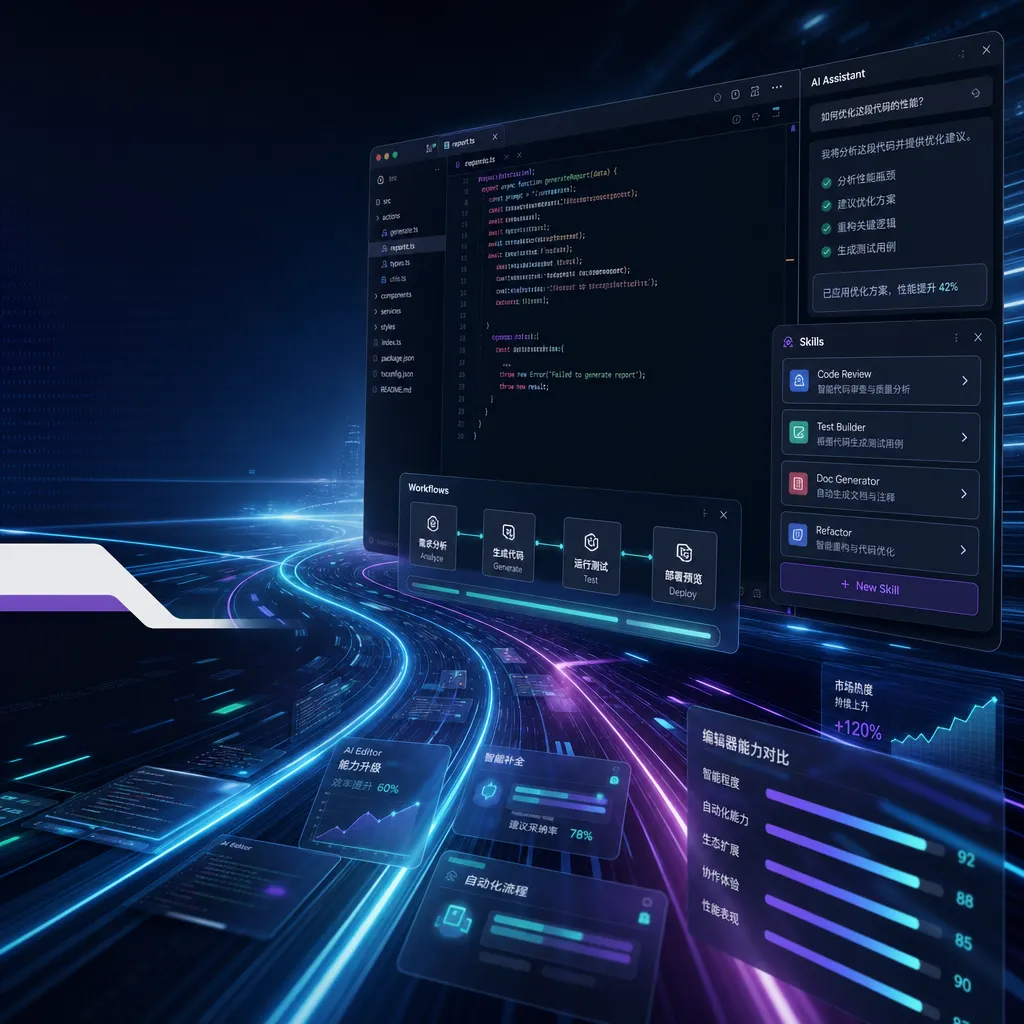
Zed added support for Skills in the latest version, marking the full lineup of mainstream AI editors with this capability. However, as the fastest runner in the Rust camp, Zed was noticeably half a step slower this time, while the IntelliJ series remains on the sidelines.
Zed Finally Caught Up with the “Skills” Lesson
At the end of May, Zed officially added support for Skills in its latest update. This by itself isn’t major news, but in the context of the past two months, it’s quite interesting—Cursor, Windsurf, Cline, and Continue all followed up with the Skills mechanism back in April, while Zed was clearly crossing the finish line at the tail end of the pack. A linux.do user joked, “Haven’t coded in a while—opened Zed today and it already supports Skills.” Crude words but fair point: the entire AI programming tools ecosystem has effectively completed one round of integration on this front.
As for the IntelliJ series, which developers have been asking about, there’s still no official move. JetBrains’ AI Assistant and Junie follow a different path and are unlikely to directly align with Anthropic’s Skills protocol in the short term.
First, Let’s Clarify What Skills Actually Are
For developers who haven’t been keeping up, here’s a quick explanation of what Skills mean.
Skills were first introduced by Anthropic on the Claude platform. Essentially, they package “expert knowledge” into modules that Agents can call when needed. Each Skill is a folder containing a SKILL.md file (with YAML frontmatter describing what the Skill does and when to use it), several reference documents, and possibly some executable scripts.
It’s not the same as MCP (Model Context Protocol), though they’re often discussed together:
- MCP solves “how models connect to external tools and data”—it’s a communication protocol
- Skills solve “in which situations and following what procedure the model should operate”—it’s a behavioral specification
- Slash Commands are user-triggered shortcuts
- Subagents delegate tasks to another Agent with a separate context
In a mature AI editor, these four work complementarily: MCP provides capabilities, Skills define how to use them, Slash Commands let users manually invoke them, and Subagents split task boundaries.
A typical Skill looks like this:
.claude/skills/
├── pdf-extraction/
│   ├── SKILL.md
│   ├── reference.md
│   └── scripts/
│       └── extract.py
├── react-component-author/
│   ├── SKILL.md
│   └── examples/
└── postgres-migration/
    └── SKILL.md
The header of SKILL.md usually looks like this:
---
name: pdf-extraction
description: Extract structured data from PDF files including forms, tables and scanned documents. Use when the user mentions PDF parsing, form extraction, or OCR.
---
The key is the description line. At the start of each conversation, the Agent only loads the metadata of all Skills (i.e., this description). When the current task is deemed relevant, it then pulls the full SKILL.md and reference files into context. This reflects a progressive context loading concept—very different from the earlier approach of stuffing all system prompts upfront.
How Zed Integrated Skills
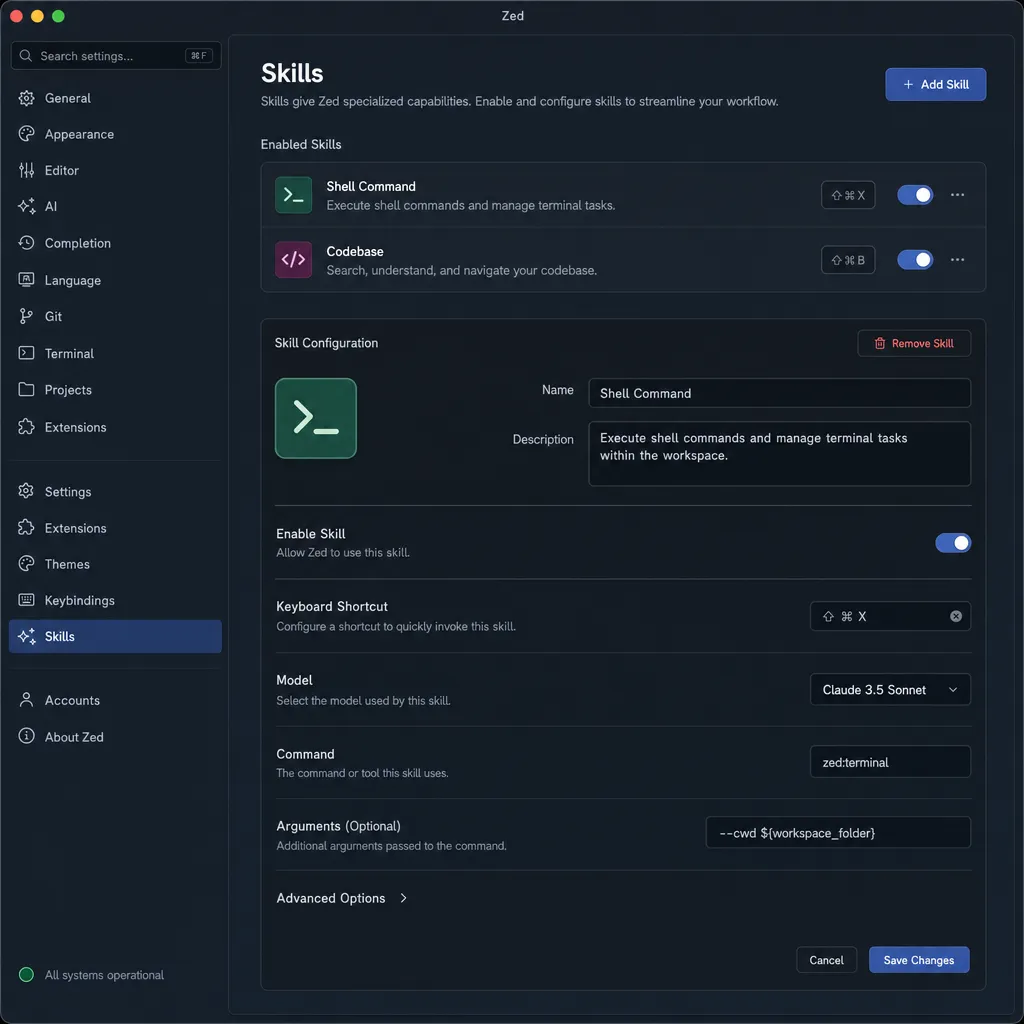
Zed implemented this in its typical “native integration, configuration-driven” style. Skills are directly attached under the Agent Panel, scanning both project-level .claude/skills/ and user-global Skills folders. Once enabled, they automatically appear in the Agent’s available tools list.
Compared with Cursor placing Skills under its Rules system and Cline mounting them as extensions, Zed’s approach is closer to Claude Code CLI’s original form—essentially using what Anthropic provides, with no extra abstraction. This aligns with Zed’s restrained philosophy: don’t invent concepts unless necessary.
The benefit is near-zero migration cost—Skills written for Claude Code can be used in Zed instantly by dropping them into your project. The downside is that Zed currently lacks a GUI editor for Skills—you have to write Markdown files manually.
A Month Late—Why the Delay?
Interesting question: given Zed’s engineering prowess, adding a Skills loader is probably only a few hundred lines of Rust. So why did it take until the end of May?
Zed’s GitHub issues give some hints. Its AI subsystem underwent a major refactor last year, separating Assistant, Agent, and Inline Edit layers, each with its own context-handling logic. As an external context injection mechanism, Skills integration required solving several issues:
- Should Skill content count as “tool calls” or “context fragments”? Which input token budget does it use?
- When project-level and user-global Skills conflict, which takes priority?
- Should the
scripts/directory in a Skill run in a sandbox? Zed’s Agent already has shell execution privileges. - In multi-provider scenarios (Zed supports OpenAI, Anthropic, and custom endpoints), how should non-Claude models use Skills?
That last issue is trickier for Zed than for Cursor. Cursor mainly works with a few vendors, while Zed’s selling point is “bring your own API key, connect anything.” This means Skills must be implemented model-agnostically—without relying on Claude-specific prompt templates. From the implementation, Zed chose client-side prompt injection, letting the editor merge Skill descriptions into the system prompt and embed conditional loading logic right there. In other words, Skills in Zed are implemented entirely client-side, compatible with any model that supports tool use, including GPT series, Gemini, and even open-source models like DeepSeek, Qwen3, and GLM-4.6.
That answers the user question: Skills aren’t locked to Claude, but work most seamlessly with Claude, since Anthropic trained its models with this calling pattern built-in.
The Real Token Consumption
The same linux.do user asked the question everyone cares about: does enabling Skills burn tokens faster?
The answer: Yes, but not as much as you’d think.
By design, Skills are optimized so that only metadata (the description line) is persistently loaded. Each Skill’s metadata costs about 20–50 tokens; a dozen Skills barely add 500 tokens to the system prompt—almost negligible.
The real token consumption happens when triggered:
- The full
SKILL.mdis loaded—usually a few hundred to a few thousand tokens - If
reference.mdis cited, that adds several thousand to tens of thousands more - If scripts in
scripts/are executed, their output also feeds back into context
A typical complex task (for example, using the react-component-author Skill to write a component) may increase input tokens by 30–80% compared to not using Skills—but output quality usually improves far more. And since each Skill codifies “standard practices,” the Agent makes fewer trial-and-error loops, meaning the overall token cost may not actually rise.
The real danger is misuse: enabling dozens of Skills, stuffing useless reference docs, or writing overly broad descriptions that cause frequent misfires—those are the real token burners.
A Look at the Editor Landscape
Zooming out, the update pace of AI editors over the past two months is quite revealing:
- Cursor integrated Skills in early April, combining it with the Background Agent for “long tasks + expert modules.”
- Windsurf followed fastest but most crudely—basically reusing Cascade’s memory mechanism.
- Cline / Roo Code finished integration by mid-to-late April; open-source Skill repositories already have hundreds.
- Zed came in at the end of May—last, but with the cleanest implementation.
- JetBrains suite still hasn’t moved.
- VS Code Copilot follows GitHub Custom Instructions—no alignment plan yet.
The underlying logic is clear: Skills went mainstream so quickly because their protocol cost is extremely low—just a folder and a Markdown file; anyone can parse it. Unlike MCP, it doesn’t require processes, connections, or lifecycle management. The editor-side workload is small enough that one engineer could finish in two weeks.
But low barriers also mean less differentiation. Once all editors support Skills, competition circles back to the old problems—model capability, context management, and UI interaction. Zed’s delayed release ironically helped clarify something: Skills themselves aren’t a moat; the models that can use them well are.
Practical Advice for Developers
If you’re planning to use Skills in Zed:
- Start with one or two high-frequency scenarios—like project coding standards or framework best practices. Don’t dump dozens in at once.
- Write your
descriptionas specifically as possible. “Use when…” phrasing helps Agents trigger accurately. - Treat Skills as documentation, not prompt optimization—docs are readable and reusable; prompts get messy fast.
- If your workflow spans multiple models (e.g., using aggregation platforms like OpenAI Hub to connect Claude, GPT-5, Gemini, DeepSeek, Qwen), make Skills model-agnostic—don’t rely on vendor-specific prompt formats.
- Regularly clean up unused Skills—metadata is cheap, but poorly written descriptions can contaminate Agent judgment.
For IntelliJ users, just be patient. JetBrains traditionally moves slowly in AI but goes deep once committed. In the meantime, set up your project’s Skill folder—no matter which editor supports them later, your migration cost will be near zero.
That might be the best feature of the Skills mechanism: it liberates the developer’s knowledge from any single tool.
References
- linux.do community discussion: Zed update supports Skills – First-hand discussion from the Chinese developer community on Zed’s latest update
- cc-switch Issue #2261: Add Zed editor configuration support – Community tracking on Zed’s AI config ecosystem
- Reddit r/ZedEditor: Exploring Zed’s terminal integration and AI workflow enhancements – Zed community discussion on extended AI workflows
- Reddit r/ChatGPTCoding: Real experience using Zed editor for AI programming – Developer feedback on using Zed as an AI coding tool


