
Anthropic Releases Official CLI Tool **ant**: The Claude API Enters the Command Line Era
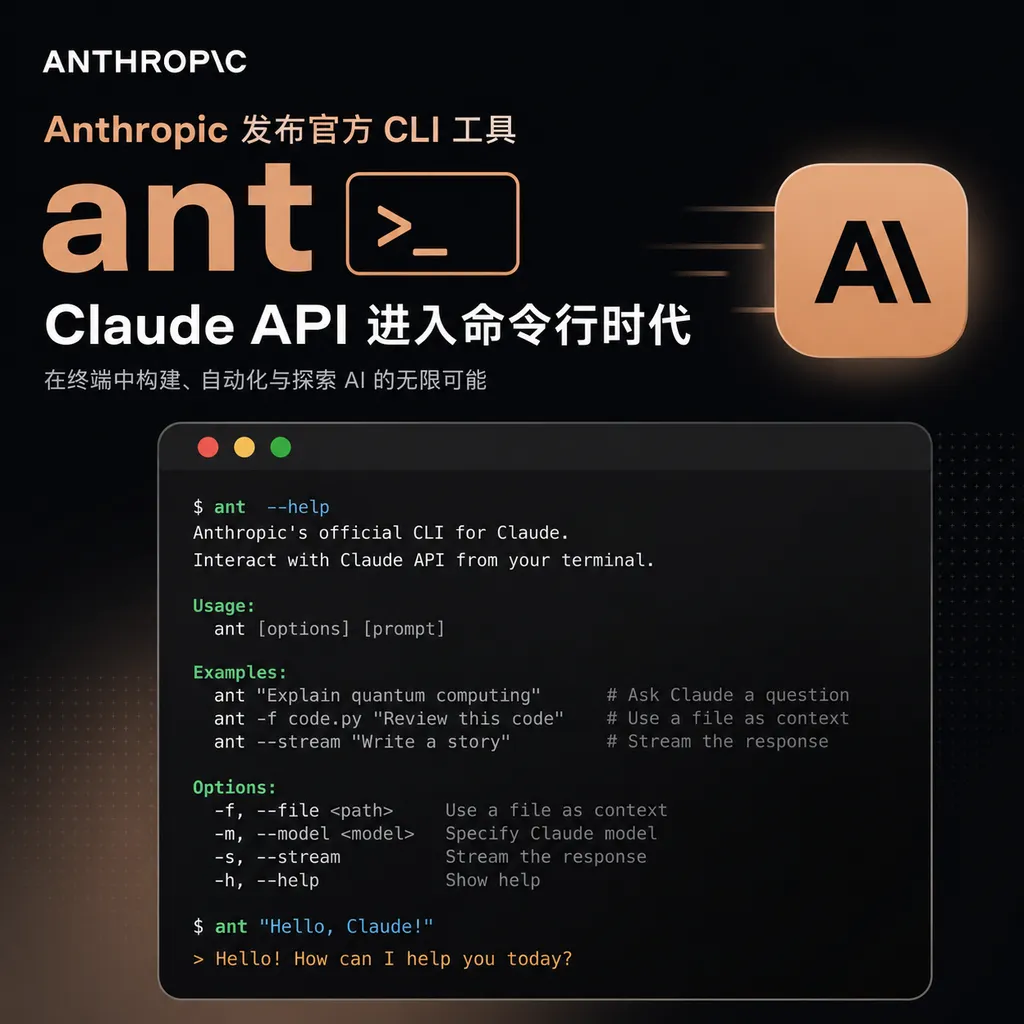
Anthropic has officially launched the **ant** command-line tool, allowing developers to call the Claude API without having to manually write curl + JSON. It supports all capabilities, including messages, Agents, and files. This marks another major step by Anthropic in the terminal ecosystem following Claude Code.
No More Writing Curl
In the past few days, Anthropic quietly launched a command-line tool called ant — the official CLI client for the Claude API. No press conference, no Sam Altman-style teaser. The GitHub repo anthropics/anthropic-cli was simply open-sourced, and it's already available on Homebrew.
Anyone who’s used the Claude API is probably familiar with the old routine: you write a Python script, or use curl to piece together an absurdly long JSON for quick testing, stuffing x-api-key and anthropic-version into headers and piling messages into a body array. Even testing a simple prompt took all that effort. Now Anthropic has simplified it into a single line:
ant messages create --model claude-sonnet-4-5 --message "Hello"
This captures ant’s core mission — to make Claude API’s full capabilities accessible via a Unix-style CLI that can be piped, scripted, and embedded in Makefiles or CI pipelines.
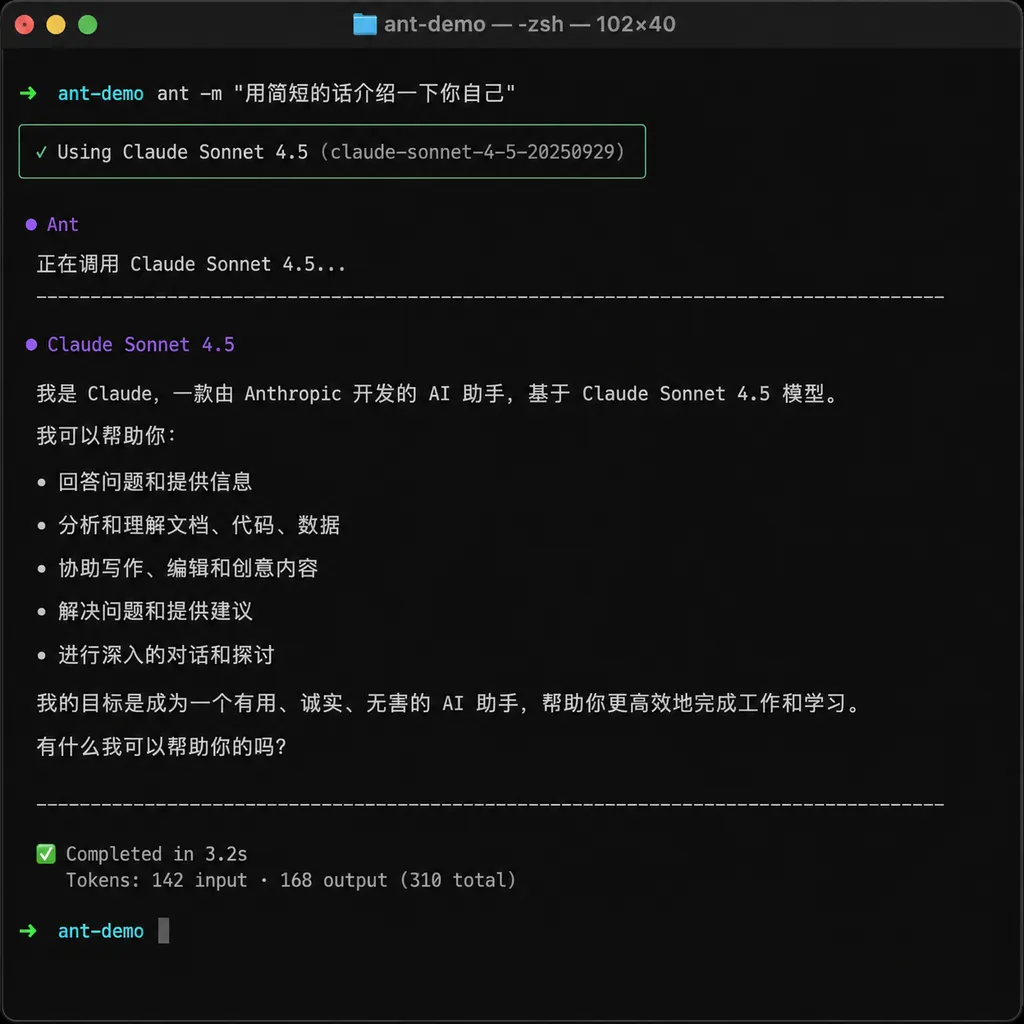
Not the Same as Claude Code
First, let’s clear up the confusion. Anthropic now has two terminal-based products:
- Claude Code: Launched last year, this is the AI coding agent you chat with; it helps you refactor code, run tests, and submit PRs. Essentially, a developer assistant that lives in your terminal;
- ant: The new star, the official Claude API CLI client. It’s the counterpart to OpenAI’s
openaiCLI — serving as the command-line wrapper for the API itself.
Their relationship can be summarized this way: Claude Code is the finished product; ant is the raw ingredient. Claude Code delivers full workflows. Ant lets you construct your own workflows. One is for end users, the other for script authors and backend developers.
The division makes sense. For the past year, many developers have criticized Anthropic’s developer tools as lagging behind OpenAI’s — OpenAI’s CLI has long been part of the ecosystem, while Anthropic only offered SDKs. ant finally fills that gap.
Installation and Basic Usage
On macOS, Homebrew takes care of everything in one command:
brew install anthropics/tap/ant
Go developers can install from source:
git clone https://github.com/anthropics/anthropic-cli
cd anthropic-cli
go install ./cmd/ant
After installation, configure your API key (it follows the SDK’s environment variable convention):
export ANTHROPIC_API_KEY=sk-ant-...
Now you’re ready to go. Some typical scenarios:
# Simplest call
ant messages create --model claude-sonnet-4-5 --message "Explain RAG in one sentence"

# Specify a system prompt
ant messages create \
  --model claude-sonnet-4-5 \
  --system "You are a senior Go engineer" \
  --message "Review this code"

# Read input from a file
ant messages create --model claude-sonnet-4-5 --message @prompt.txt

# Attach a code file
ant messages create --model claude-sonnet-4-5 \
  --message "Find concurrency bugs in this file" \
  --attachment @server.go
The @filename syntax is a neat trick — prefixing with @ makes ant read the file content automatically, the same convention as curl’s @. Old-school Unix users will get it immediately. To pass a literal string starting with @, just escape it with @@.
Agents, Files, and Beta Subcommands
Beyond simple messages, ant also wraps some REST-only features from Anthropic’s platform, such as hosted Agents:
ant beta:agents create \
  --name "code-reviewer" \
  --model claude-sonnet-4-5 \
  --system "You are a code reviewer" \
  --tools file_search

ant beta:agents list
ant beta:agents run agt_xxx --message "Review PR #234"
Previously, using hosted Agents meant writing SDK code, saving the agent_id, and manually constructing runs. Now it’s just two terminal commands — much easier for debugging and orchestration.
File uploads are similar:
ant files upload ./dataset.pdf
ant files list
ant files retrieve file_xxx
Features in beta are grouped under the beta: prefix — verbose but clear. You immediately know which APIs are stable and which may still change. This is cleaner than OpenAI’s CLI, which mixes beta and stable endpoints together.
Some Praiseworthy Design Choices
After using it for a while, several thoughtful details stand out:
1. Controllable output format.
Default output is colorized and human-readable. Add --json for raw JSON, and --stream for SSE streaming. That means you can do things like:
ant messages create --model claude-sonnet-4-5 \
  --message "Generate a SQL query" --json | jq -r '.content[0].text' | psql mydb
This Unix pipe-friendly design is exactly what a CLI should have.
2. Automatic stdin detection.
If you omit --message, ant reads from stdin. For example:
cat error.log | ant messages create --model claude-sonnet-4-5 \
  --system "Analyze this log and locate the root cause"
This is a blessing for Ops and SRE teams — a night-and-day difference from the awkward curl + jq workflow.
3. Multiple profile support.
Switch between different API keys or base URLs using --profile:
ant --profile work messages create ...
ant --profile personal messages create ...
This is perfect for developers managing multiple projects or keys. Profiles are stored in ~/.config/ant/config.toml.
4. Native Go implementation.
It’s a single standalone binary, with zero dependencies and cross-platform support. Unlike some CLIs that require Node or Python runtimes, ant just runs after brew install. That’s essential for CI/Docker use cases.
Comparison with the OpenAI CLI
Horizontally, OpenAI’s official openai CLI — written in Python as a byproduct of their SDK — has always been more usable than pleasant. Anthropic’s Go-based, standalone rewrite shows much higher ambition.
A quick comparison:
| | OpenAI CLI | ant |
|---|---|---|
| Implementation Language | Python | Go |
| Distribution | pip | Homebrew / Go install / Binary |
| Agent Support | Assistants API (quite verbose) | First-class support with dedicated subcommands |
| @file Syntax | Partial | Full |
| Beta Isolation | Mixed with main commands | Separate beta: prefix |
| Stream Output | Supported | Supported |
Of course, ant isn’t perfect yet. There’s no native Windows package (Windows users must use go install), shell autocompletion only supports bash/zsh/fish, and enterprise SSO isn’t integrated yet. Still, as a v0.x product, it’s off to a great start.
What It Means for Developers
Broadly speaking, the appearance of a CLI often marks a platform’s API maturity. When an API first launches, people use SDKs to write demos. As usage grows, a CLI becomes necessary for everyday debugging. Once a CLI becomes smooth to use, a whole ecosystem of CLI-based tools emerges — shell functions, tmux integrations, Vim plugins, automation scripts.
OpenAI’s ecosystem followed this path. That’s why you can find thousands of tools built on top of the openai command today. Anthropic is just starting down that road, but with ant’s strong design, it’s easy to imagine the community creating all sorts of clever tools around it.
A few immediate ideas:
- Git hooks: Have Claude auto-review changes at commit time and reject poor-quality commits.
- Log analysis: Pipe ELK query results into ant and let the model summarize anomalies.
- CI automation: After a test run, send the failure report to Claude to automatically open issues with suggested fixes.
- Ad-hoc RAG:
No need to set up a vector DB.ant messages create --attachment @docs/*.md --message "How does our API handle authentication?"
These workflows were always possible — they just weren’t worth the hassle. Once the barrier drops to “just write a one-line alias,” people start building things.
By the Way
OpenAI Hub has tested that ant works perfectly when pointed at a custom endpoint via ANTHROPIC_BASE_URL — switching the base URL to Hub’s Anthropic-compatible endpoint allows existing OpenAI keys to call Claude Sonnet 4.6 and Haiku 4.5 directly. For teams already managing multiple model keys on Hub, this offers a zero-cost migration path.
One quick reminder: Anthropic previously announced that Claude Sonnet 4 and Opus 4 will retire in June 2026 (i.e., this month). If your scripts still use older models, this CLI upgrade is a great time to switch to Sonnet 4.6.
ant’s project homepage and docs are on GitHub, open-sourced under the MIT license. Contributions are welcome — judging by the commit frequency, Anthropic seems to be investing actively in its maintenance.
References
- Claude Ant: Anthropic Officially Launches Command-Line Tool - linux.do: Community launch discussion, includes installation and usage examples
- anthropics/anthropic-cli - GitHub: Official ant CLI repository with full documentation, source code, and releases


