
New way to use macOS voice input: hands-on test of the open-source tool typeformic
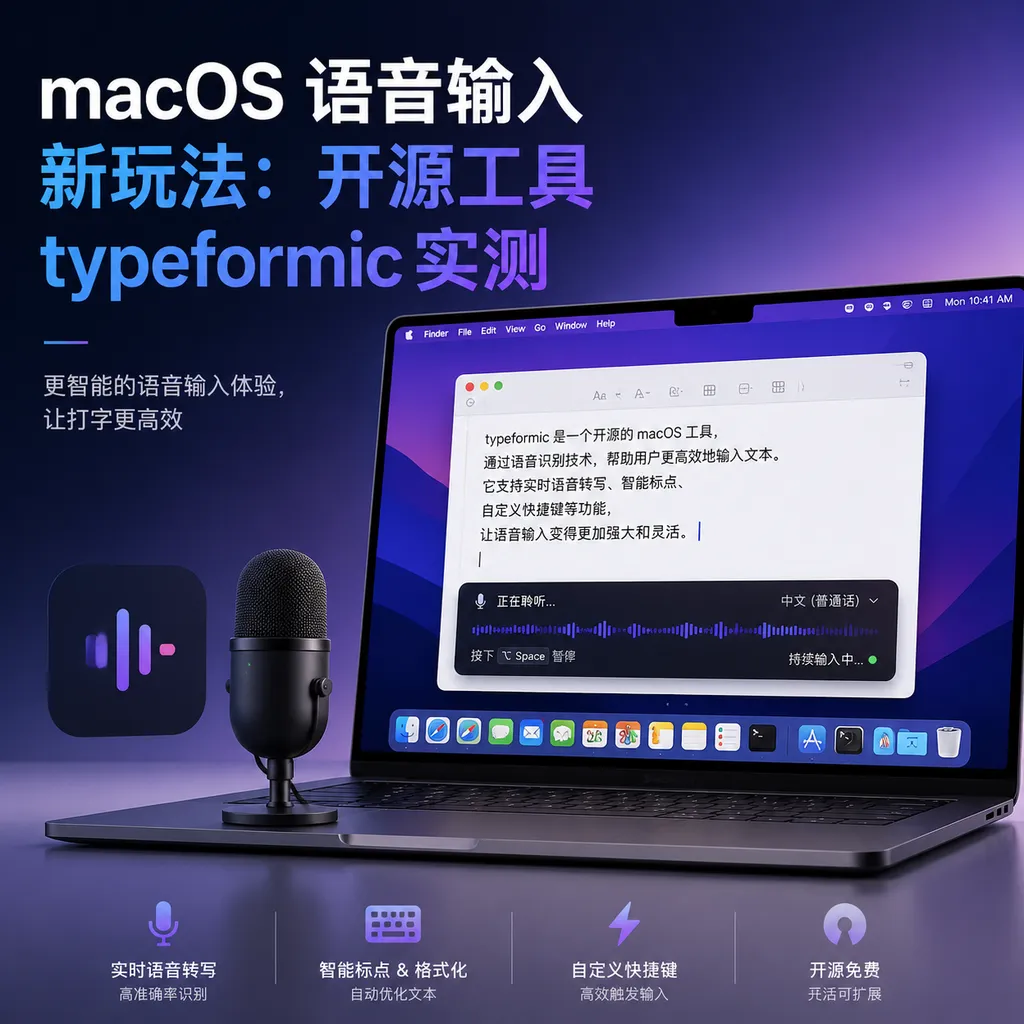
Developer **uk0** has open-sourced **typeformic**, an input tool based on macOS’s native speech model + LLM correction, completing transcription and input within 1.5 seconds. A similar project, **Type4Me**, was also unveiled around the same time, sparking increased activity in the local speech input space.
New Ways to Use Speech Input on macOS: Hands-on Test of the Open-Source Tool typeformic
Developer uk0 has just released an open-source tool called typeformic on the Linux.do community, specifically designed to solve the problem of speech-to-text input on macOS. The core logic is straightforward: use the system’s built-in speech recognition model for transcription, feed it into an LLM API for error correction, and finally automatically input it at the cursor position. The whole process takes less than 1.5 seconds, and the code is fully open-source.
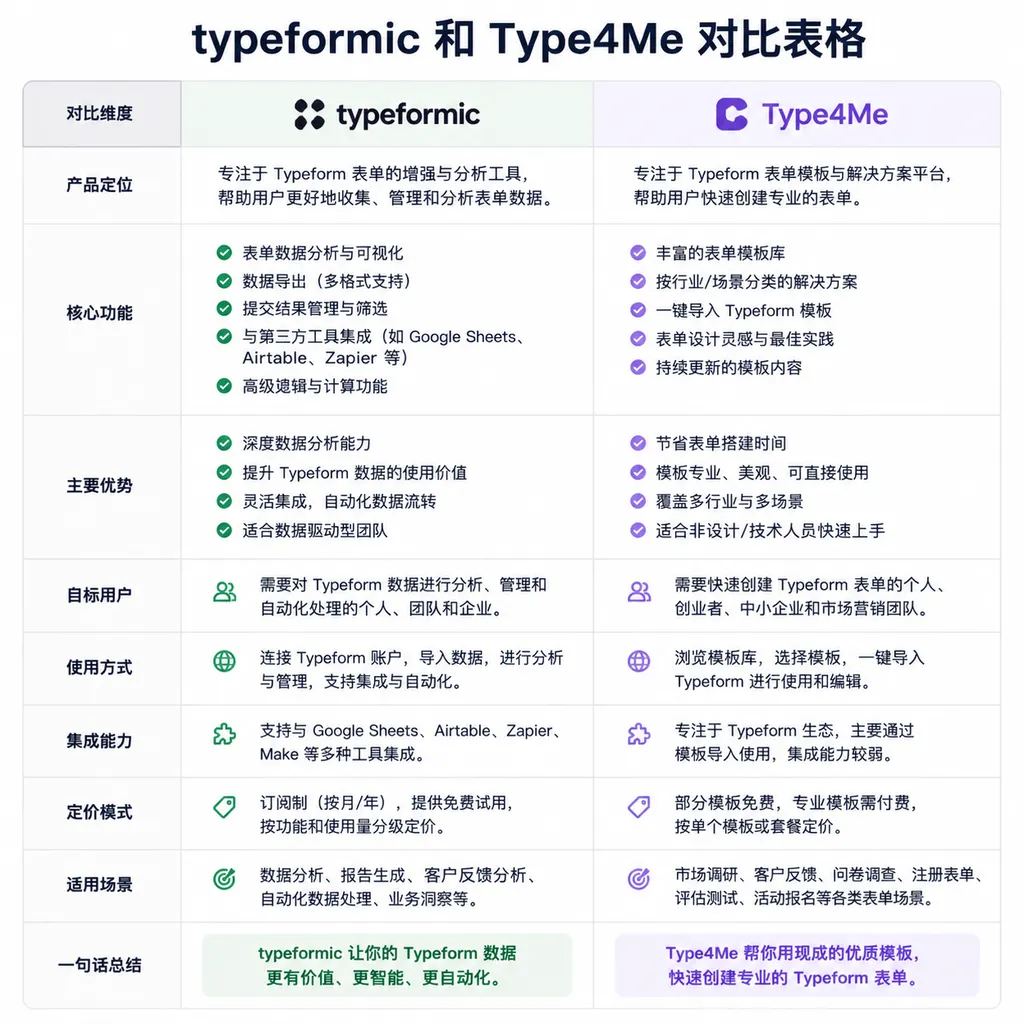
The timing is interesting. Almost simultaneously, another similar project Type4Me went live on GitHub. It offers a fuller feature set, supporting both local and cloud engines, 13 LLM providers, and can even run Qwen3-ASR locally. The fact that these two projects launched at the same time suggests there is genuine demand for speech input on macOS, and developers are converging on the “local recognition + cloud correction” direction.
What typeformic Does
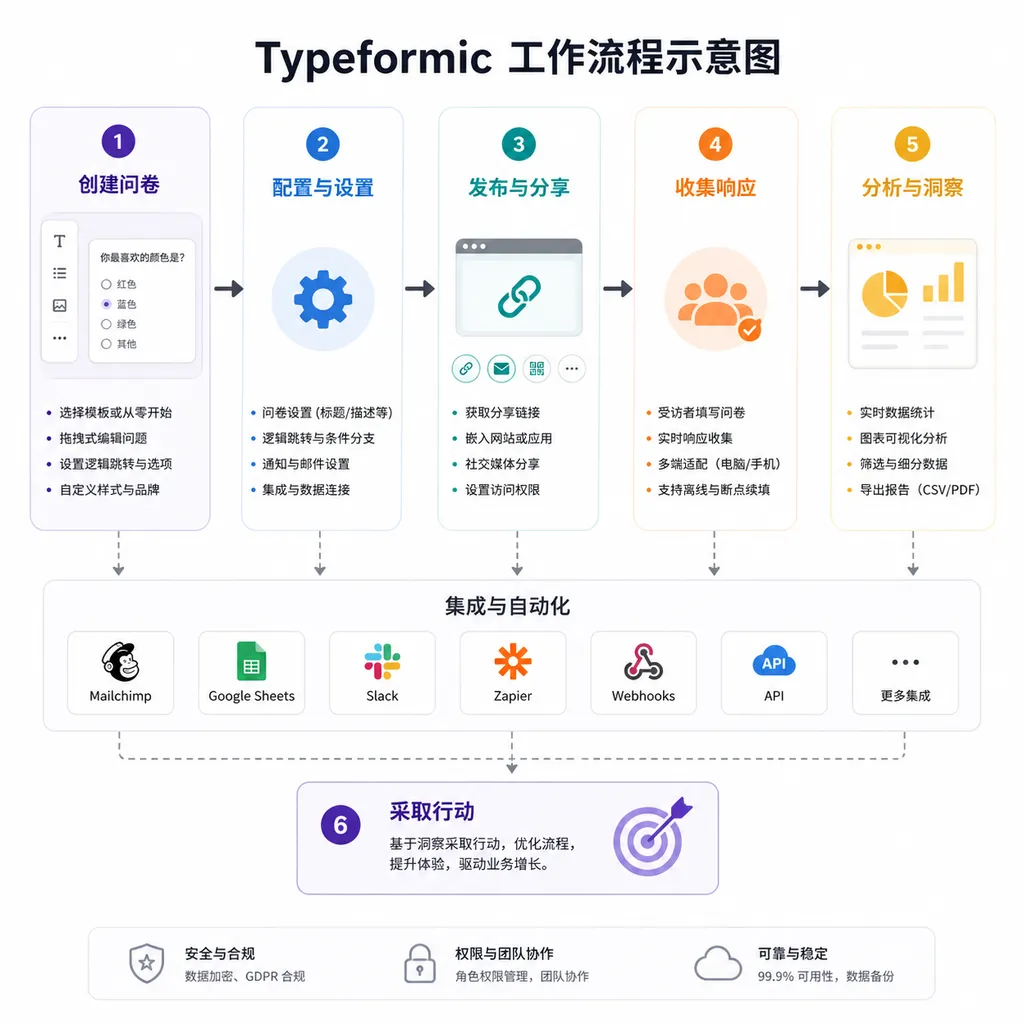
typeformic’s architecture is simple, with three core steps:
-
Call macOS native speech recognition
It doesn’t rely on third-party ASR services, but directly uses the system’s built-in Speech Framework. The upside: it’s free, low latency, and privacy-friendly. The downside: accuracy is limited by Apple’s model update schedule. -
LLM error correction
The transcription results are sent to a large model API (like GPT, Claude, DeepSeek) to fix recognition errors, add punctuation, and optimize sentences. This step is the main source of latency but is key to quality improvement. -
Automatic input
The corrected text is inserted at the current cursor position via macOS Accessibility API. There’s no need to copy and paste manually or open extra windows.
The whole process keeps latency around 1.5 seconds, depending on the LLM API’s response speed. Using DeepSeek or fast domestic models can cut it to under 1 second.
Why Not Just Use the System’s Speech Input?
macOS has built-in speech input (double-tap the fn key) that already works, but it has some serious flaws:
- Recognition rate isn’t high enough: Especially with technical terms, proper names, place names, and colloquial expressions—it often gets them wrong.
- No punctuation optimization: The system’s transcription often comes out as a long run-on sentence needing manual punctuation.
- No customization: You can’t hook in your preferred LLM or adjust recognition parameters.
typeformic treats the system’s recognition like a “raw shell,” using an LLM to “refine” it. This preserves the low latency and privacy of local recognition while leveraging the language understanding capabilities of large models to improve output quality.
Technical Implementation Details
From the code on GitHub, typeformic is written in Swift and depends on several key macOS frameworks:
- Speech Framework: Calls the system’s speech recognition engine, supports real-time streaming transcription.
- Accessibility API: Implements automatic text input, simulating keystrokes.
- URLSession: Communicates with the LLM API, supports the standard OpenAI format interfaces.
The core process looks something like this:
// Pseudo-code illustration, not actual implementation
func transcribeAndCorrect() {
    // 1. Start speech recognition
    let recognizer = SFSpeechRecognizer()
    recognizer.recognitionTask(with: audioBuffer) { result in
        let rawText = result.bestTranscription.formattedString

        // 2. Call LLM for correction
        let correctedText = callLLMAPI(rawText)

        // 3. Automatic input
        typeText(correctedText)
    }
}
The real implementation is more complex, handling audio recording, buffering recognition results, API retries, and input method compatibility. But the core logic is these three steps.
Type4Me: A More Complete Competitor
Around the same time, another developer joewongjc released Type4Me, with broader feature coverage:
- Multiple engine support: Not just macOS native recognition—also supports Doubao ASR, Qwen3-ASR, and other cloud and local models.
- 13 LLM providers: In addition to OpenAI and Claude, integrates domestic models like Tongyi, Kimi, Doubao, etc.
- Local storage: All voice data and transcription records are stored locally, never uploaded.
- Visual interface: Full settings panel to adjust recognition language, correction intensity, shortcuts, etc.
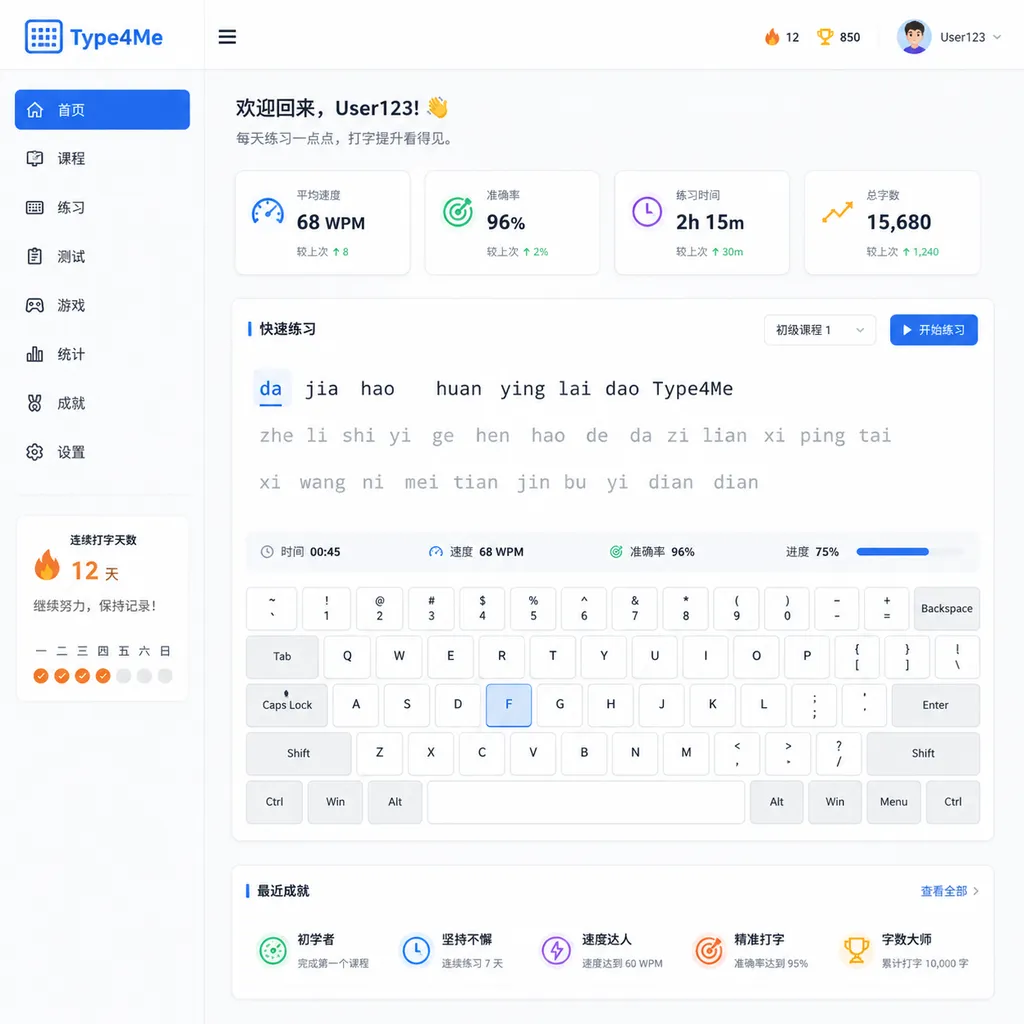
Type4Me is positioned more like an open-source alternative to Typeless (a paid macOS speech input tool). It’s more feature-rich but more complex: multiple API keys to configure and possibly a separate Python backend if using local ASR.
By contrast, typeformic is lighter and ready-to-use out of the box. If you just want a simple speech input tool without lots of fiddling, typeformic might suit you better.
How Does it Actually Feel?
I tested typeformic on an M2 MacBook Pro using DeepSeek API (mainly for its low cost). Observations:
Latency is indeed low
From speaking to seeing the text usually takes 1–1.5 seconds. GPT-4o or Claude is slower but tolerable. The key is smooth workflow—no window switching or load waits.
Recognition rate depends on context
macOS native recognition handles Mandarin and English well, but struggles with technical terms and dialects. For example, “DeepSeek” might come out as “deep seek” or “迪普塞克” and need LLM correction. Heavy accents reduce accuracy noticeably.
Correction quality depends on the model
Using GPT-4o or Claude 3.5 Sonnet for correction yields great results: accurate punctuation, fixing typos, even improving word order. Cheaper models (like GPT-3.5) are less effective—sometimes over-editing spoken expressions into formal language.
Input compatibility pitfalls
In some apps (like VSCode, Notion), automatic input fails or produces garbled characters. This is a common Accessibility API issue, not typeformic specific. You may need to grant “Accessibility” permissions in system settings and even restart the app.
Suitable Scenarios
Tools like typeformic and Type4Me fit several typical use cases:
- Long-form writing: Articles, reports, emails—speech input is much faster than typing, especially for Chinese.
- Meeting notes: Speak during a meeting, transcribe in real-time—more efficient than manual note-taking.
- Code comments: Explaining complex logic via speech is clearer; LLM can format it neatly.
- Accessibility assistance: Speech input is essential for users who find typing difficult.
Not so suitable for:
- Noisy environments: System recognition is sensitive to background noise—cafés or offices may see reduced performance.
- Heavy technical terminology: Coding, config files, architecture discussions—speech recognition struggles with variable names, framework names, abbreviations; typing may be faster.
- Privacy-sensitive content: Despite local recognition, correction sends text to an LLM API. Avoid for confidential information.
How Does it Compare to Commercial Tools?
Some mature speech input tools on the market include:
- Typeless: macOS-only, subscription ($10/month), most complete, high recognition and correction quality.
- iFly Input Method: Free, but an add-on to a pinyin IME, cloud-based speech recognition—high latency, poor privacy.
- Google Docs Speech Input: Works in-browser, good recognition, but only usable inside Docs.
Advantages of typeformic and Type4Me:
- Fully open-source: Transparent code, modifiable and self-hostable.
- Local recognition: No voice data uploads, privacy assured.
- Free: Other than LLM API costs (a few dollars per month), no other expense.
Disadvantages:
- Lower accuracy than professional tools: Typeless uses commercial-grade ASR, outperforming macOS native.
- Requires setup: API keys, shortcut configuration, permission handling—not as plug-and-play as commercial tools.
- Stability unproven: Personal projects dependent on developer interest—possible abandonment.
Possible Technical Optimizations
From both projects’ code, a few exploration directions emerge:
1. Local LLM correction
Currently correction is done via cloud API—latency and cost are suboptimal. Running a small local model (e.g., Qwen-1.5B, Llama-3-8B) dedicated to correction could cut latency to under 100ms and fully eliminate privacy concerns.
Type4Me is trying local ASR (Qwen3-ASR) but not local LLM correction yet—worth pursuing.
2. Context awareness
Correction is currently sentence-independent—no context. Passing prior sentences to LLM can improve corrections, especially for pronoun reference and terminology consistency.
The trade-off: more token usage, requiring context window management.
3. Real-time streaming transcription
Now it’s speak → recognize → correct → input. Streaming recognition/correction/input could make it smoother.
Technically doable but requires handling dynamic updates and deletion rollback—adds complexity.
4. Multi-modal input
Combine speech with screen content, cursor position, app context—LLM could correct more intelligently. For example, auto camelCase function names in code editors; auto honorifics/signatures in mail clients.
This demands deep OS/app integration—unlikely short-term, but long-term worth exploring.
Privacy and Cost Issues
Two unavoidable issues with such tools:
Privacy
While recognition is local, correction text is sent to LLM API. If using OpenAI or Claude, it passes through their servers. Big providers claim not to train on user data, but caution is warranted for sensitive info.
Solutions:
- Use domestic LLM services (more compliant locally)
- Deploy a local LLM (needs sufficient hardware)
- Only use in non-sensitive scenarios
Cost
LLM API charges per token—each transcription+correction takes ~100–200 tokens. Using 1 hour daily costs roughly:
- GPT-4o: $5–10/month
- Claude 3.5 Sonnet: $3–6/month
- DeepSeek: $0.5–1/month
- Tongyi Qianwen: ¥2–5/month
Not expensive, but heavy users (e.g., 10,000 words/day) will see costs increase. Typeless’ fixed $10 monthly fee might be better value for heavy users.
Sustainability of Open-Source Projects
typeformic and Type4Me are personal projects with few stars (dozens). Challenges:
- Small user base: macOS-only, niche audience.
- Hard to monetize: Free open source, no direct income, hard to sustain.
- Fierce competition: Commercial tools are more polished—hard to gain share.
Opportunities remain: differentiation (focus on specific vertical, integrate deeply with workflows), or community building (user code/model contributions) could keep them alive.
Type4Me has better extensibility (multi-provider, plugin design), attracting contributors more easily. typeformic is still a solo effort—future depends on author’s commitment.
Worth Trying?
If you use macOS, have heavy text input needs, and don’t want to pay for Typeless, both typeformic and Type4Me are worth trying.
Recommend typeformic if:
- Want a minimalist tool with no configuration hassle
- Only need basic speech-to-text + correction
- Comfortable with command line and GitHub
Recommend Type4Me if:
- Need fuller functionality (multi-engine, multi-model, visual interface)
- Willing to spend time configuring/debugging
- High privacy needs (local ASR and local storage)
Both are early-stage with bugs and incomplete features. But open-source means you can modify code, file issues, and contribute. Developers could treat them as practical macOS + LLM integration projects.
This wave of macOS speech input tools shows real demand and developers experimenting with local recognition + cloud intelligence hybrids. We may see more such projects, even commercial attempts. Achieving low-latency, high-quality, privacy-protected speech input is indeed a valuable direction.
References
- typeformic project page - Lightweight macOS speech input tool by uk0, based on native recognition + LLM correction
- Type4Me project page - More feature-complete open-source speech input tool, supports multiple engines and local storage
- Linux.do community discussion - Release post by typeformic’s author with instructions and feedback
- Zhihu article: Introduction to Type4Me - Detailed feature and usage overview of Type4Me


