
Codex App connects to SSH: Local interface directly links to remote CLI
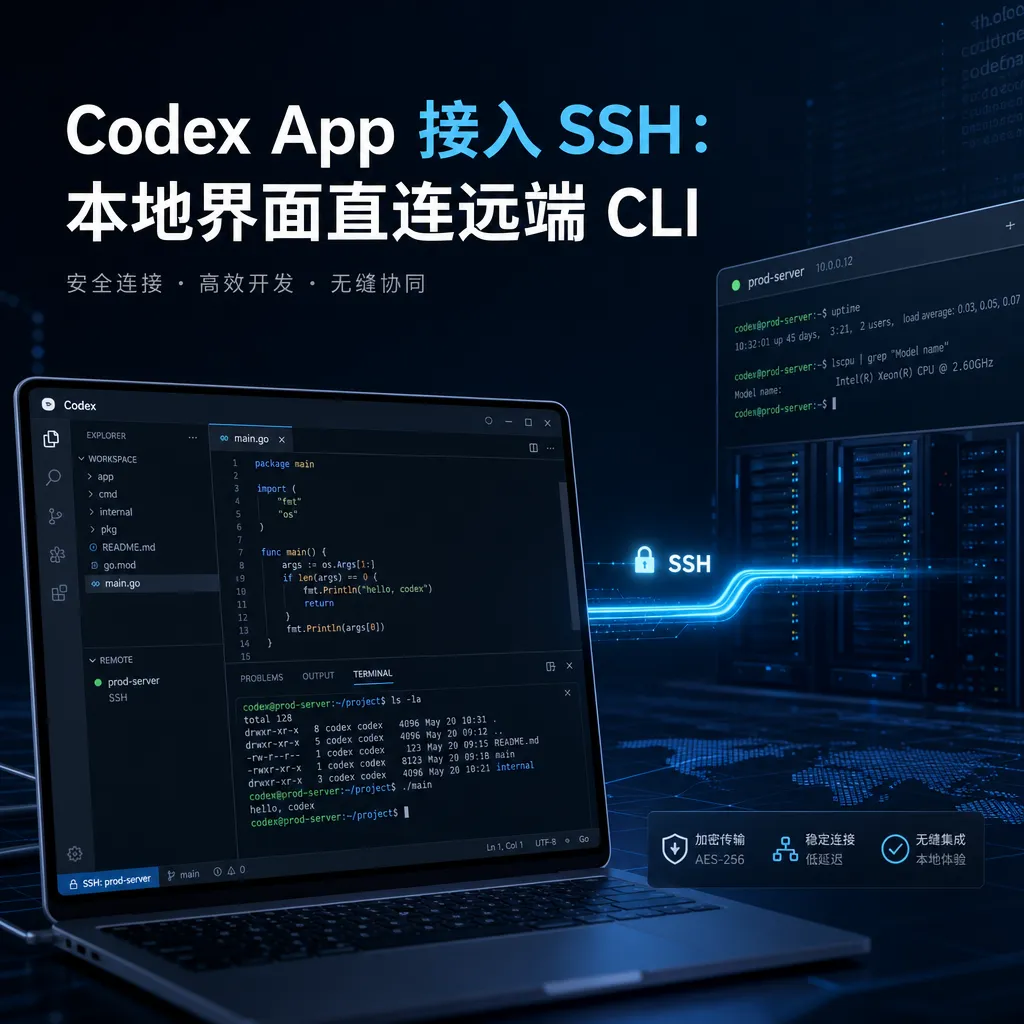
The Codex desktop application adds SSH remote connection capabilities, allowing developers to directly invoke the Codex CLI on Linux servers via a graphical interface in Windows, eliminating the hassle of Samba mapping and manual escaping.
A feature that should have existed long ago has finally arrived
The Codex desktop app has just filled in a missing piece: SSH remote connection. Starting this week, Codex App on Windows or Mac can directly launch the Codex CLI on a remote Linux machine, running the entire conversation, patch, and command execution pipeline on the server while keeping the interface local.
This update was bundled with a major Codex release from OpenAI a few days ago. The official wording was “Alpha testing for connecting to remote development machines (Devbox) via SSH.” It might sound insignificant, but for a certain type of user, this is the most impactful improvement—developers whose code runs on a Linux server while they sit in front of a Windows laptop.
How people have been getting by before
This goes back to developers’ real-world workflows. Codex comes in two forms: one is the command-line Codex CLI, which talks to you directly in the terminal, edits files, and runs tests; the other is the desktop App, with a UI, diff viewing, and task management. The CLI’s advantage is that it’s close to the real development environment and can operate directly on the project directory; the App’s advantage is that it’s visually pleasing and intuitive to use.
The problem is that many people’s development machines aren’t local—they might be an Ubuntu server in the company data center, a cloud development instance, or a dedicated Linux machine outside of WSL. The code, dependencies, and build environment are all there; locally you just have a keyboard and terminal.
Before the SSH feature went live, if you wanted to use Codex App’s attractive interface while running code remotely, there were basically two options:
- Directory mapping: Use Samba or SSHFS to mount the remote directory locally, so Codex App thinks it’s operating on local files. Then in
AGENTS.mdcram in a bunch of rules telling it, “After changing code, run this command via SSH to compile.” - Use the CLI: Give up on the App altogether and SSH into the server to use Codex CLI exclusively.
If you’ve tried the first method, you know how awkward it is. Samba can be flaky under Windows, and aside from save delays and file lock conflicts, the most painful part is character escaping—Codex App assembles commands through the local shell then sends them to remote SSH, resulting in nested quotes, backslashes, and variable expansions that break three times before running once successfully. The second method effectively abandons the App product line entirely.
So this SSH direct connection basically removes that middle layer: the App no longer pretends to operate on local files, but instead acknowledges that “the real Codex process is remote” and only handles the UI and orchestration locally.
The new workflow model
The architecture behind this update is straightforward: Codex App uses an SSH channel to start a codex app-server process on the remote machine. This process does all the tasks the local CLI would—reading the project, editing files, invoking models, executing shell commands. The App is just a frontend, rendering conversations, diffs, and terminal output.
This means:
- Clean environment: All dependencies, Node versions, Python venvs, and Docker live remotely; your local Windows machine doesn’t need any dev stack installed.
- Acceptable latency: Data transfer is structured messages and text diffs, not file IO streams; it feels an order of magnitude smoother than Samba.
- API configuration is remote: Model calls are issued from the remote side, so you don’t need to configure keys locally. This is especially important for users behind proxies or using third-party aggregated APIs.
Setup steps: under ten minutes
Enabling this feature is easy, but there are a few details the community has already hit snags on—worth following closely.
Step 1: Enable SSH feature in local Codex App
On Windows, edit C:\Users\<your username>\.codex\config.toml and add:
[features]
remote_connections = true
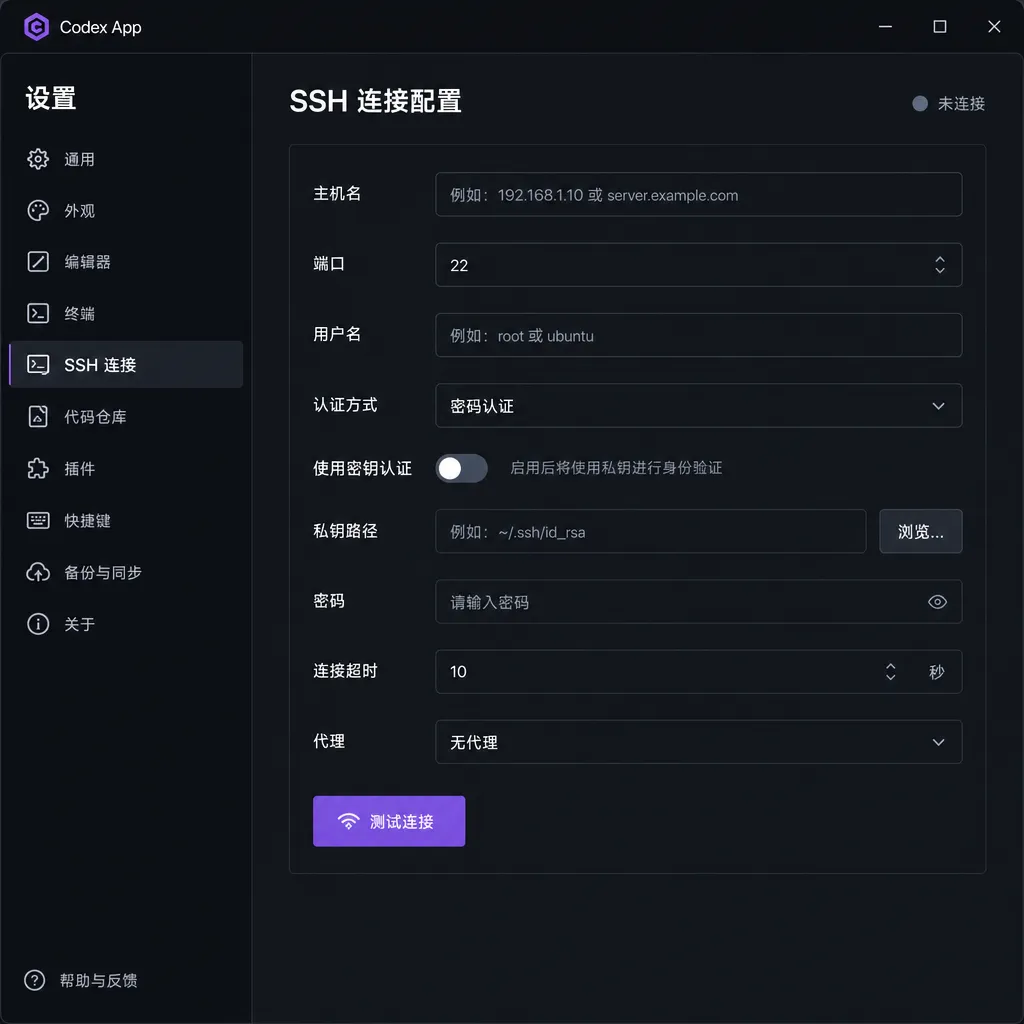
Some users found that simply telling Codex in the dialog “Enable remote connection feature” will make it modify this file itself. Restart the App, then in “Settings” → “Connections” you’ll see a new SSH configuration option.
Step 2: Install Codex CLI on remote Ubuntu
The remote machine needs Node 20+ and Codex CLI installed:
curl -fsSL https://deb.nodesource.com/setup_20.x | sudo -E bash -
sudo apt install -y nodejs
sudo npm install -g @openai/codex --unsafe-perm=true
After installation, run codex once on the remote to generate the ~/.codex/ directory, which will also need a config.toml.
Step 3: SSH key authentication
This is mandatory—the App won’t prompt for passwords. Append your local ~/.ssh/id_rsa.pub or id_ed25519.pub content to the remote ~/.ssh/authorized_keys and ensure permission is 600. Windows users should make sure the OpenSSH client is installed; being able to run ssh user@host in PowerShell without errors means you’re set.
Step 4: Remote API configuration
Here’s where pitfalls start. Codex CLI supports two login methods: logging in via your ChatGPT account or configuring a third-party API using the OpenAI-compatible protocol. You can mix them, but once mixed, conversation history won’t sync—sessions in the App and CLI will be split.
If using a third-party aggregator (e.g., one key to call multiple models), set model_provider to the same value across both, so conversations align. The community recommends using tools like ccs for unified CLI configuration management, standardizing the provider value as codex.
Two real pitfalls
This update has just hit the stable channel, and people on linux.do have already posted full “pitfall” reports. Here are two typical ones.
Pitfall 1: model_provider mismatch causing history split
Symptom: You run several conversations in CLI, then switch to the App connected to the same machine, and find the history empty or partial. Cause: The app-server started on the CLI and App sides is using different provider names, so Codex stores sessions in separate folders.
Fix: Unify the provider field. The simplest brute-force method is to use a third-party aggregator and set all provider names to codex so sessions merge.
Pitfall 2: API switch not taking effect in App
This one’s trickier. You switch APIs using ccs on the remote, then call codex directly and confirm it’s using the new API. But back on the App, sending a message still targets the old endpoint.
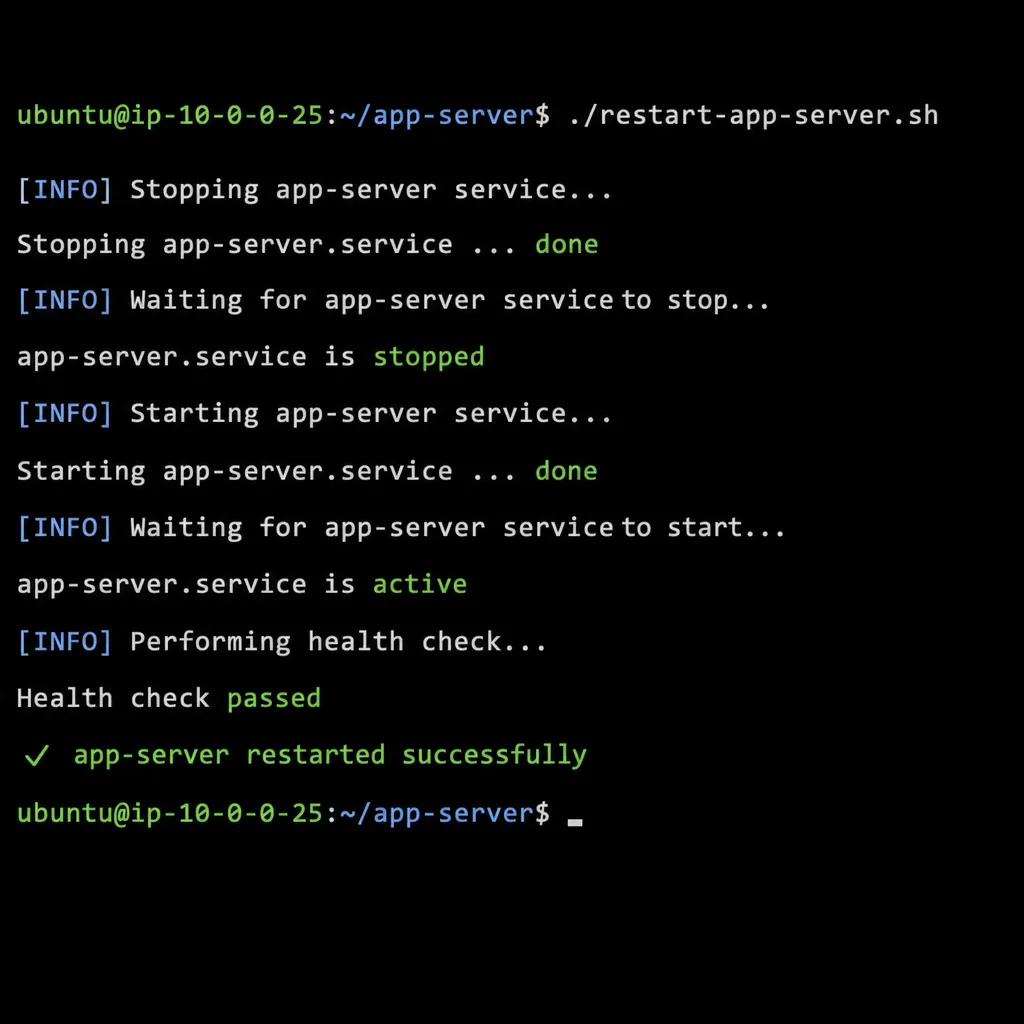
Cause: The app-server launched by Codex App over SSH is a persistent process. It reads the config once at startup and caches it; later changes to config.toml aren’t picked up. Fix: Kill the old app-server so the App starts a new one next connection:
#!/usr/bin/env bash
set -euo pipefail
echo "[1/4] Killing Codex app-server processes..."
APP_PIDS="$(pgrep -f 'codex.*app-server' || true)"
if [ -n "$APP_PIDS" ]; then
    echo "$APP_PIDS" | while read -r pid; do
        [ "$pid" = "$$" ] && continue
        [ "$pid" = "$PPID" ] && continue
        kill "$pid" 2>/dev/null || true
    done
fi
echo "[done] Next time Codex App connects it will restart app-server"
Run this script on the remote after each API switch—easier than manually ps | grep | kill.
What this step means in a broader context
The Codex major update included many features: Computer Use, built-in browser, memory, automation, cross-day wake-up tasks, over 90 plugins. Among these, SSH seems “mundane,” but it solves a fundamental question—Where exactly is Codex running?
Previously, the answer was awkward. The web version ran in OpenAI’s cloud sandbox—clean but isolated; local CLI ran on your machine—flexible but required environment setup; the desktop App also ran locally—UI enhanced but still didn’t solve environment issues. All three assumed “code and compute on the same machine.”
In reality, lots of developers’ code isn’t close at hand. Some use a MacBook but the project runs on a Linux GPU machine; some code on Windows but deploy in Docker containers; some use a lightweight laptop paired with multiple cloud dev instances across projects. SSH direct connection closes that gap—aligning Codex with developers’ real topology.
This is also a weakness of competitors like Cursor, Windsurf, and Continue. They mostly assume you develop locally in VS Code, and remote development relies on the VS Code Remote workflow. Codex App making SSH a first-class citizen creates a direct product advantage for the “keyboard on Windows, compilation on Linux” crowd.
By the way, if running Codex CLI remotely involves API routing and you don’t want to constantly log in to ChatGPT or deal with regional restrictions on official accounts, consider using an aggregation service like OpenAI Hub—one key can call GPT, Claude, Gemini, DeepSeek, etc., with OpenAI-compatible formatting. Codex CLI can use it directly as model_provider, and domestic servers can connect without hassle.
Some remaining minor issues
This is still an Alpha version, so a few obvious rough edges exist:
- After disconnection, the remote
app-serverdoesn’t auto-clean; over time you'll get lots of zombie processes. - The behavior of multiple windows connecting to the same remote machine is unclear; session isolation isn’t well handled.
- Windows’ SSH configuration dependency is strong—if your OpenSSH client is too old, it may fail; recommended to use the version bundled with Windows Terminal.
AGENTS.mdparsing is consistent between remote and local, but path-related rules must use remote absolute paths, not local ones.
These issues will likely be smoothed out in upcoming versions. But the SSH capability itself is worth enabling now—especially for those who used Samba as a workaround in the past, as migration cost is near zero and the improvement is visibly noticeable.
References
- linux.do: codex app connecting to codex cli on Linux via ssh for development — Community’s earliest practical guide; the two core pitfalls and restart script came from here
- Reddit: Script that allows you to use codex cli in remote SSH — Solutions for Codex CLI remote login authorization
- GitHub: codex-remote-web — Third-party open-source project for controlling local Codex via mobile; serves as an alternative approach to SSH


