
Microsoft open-sources SwiftStreamingMarkdown, a cure for lag in AI chat interfaces
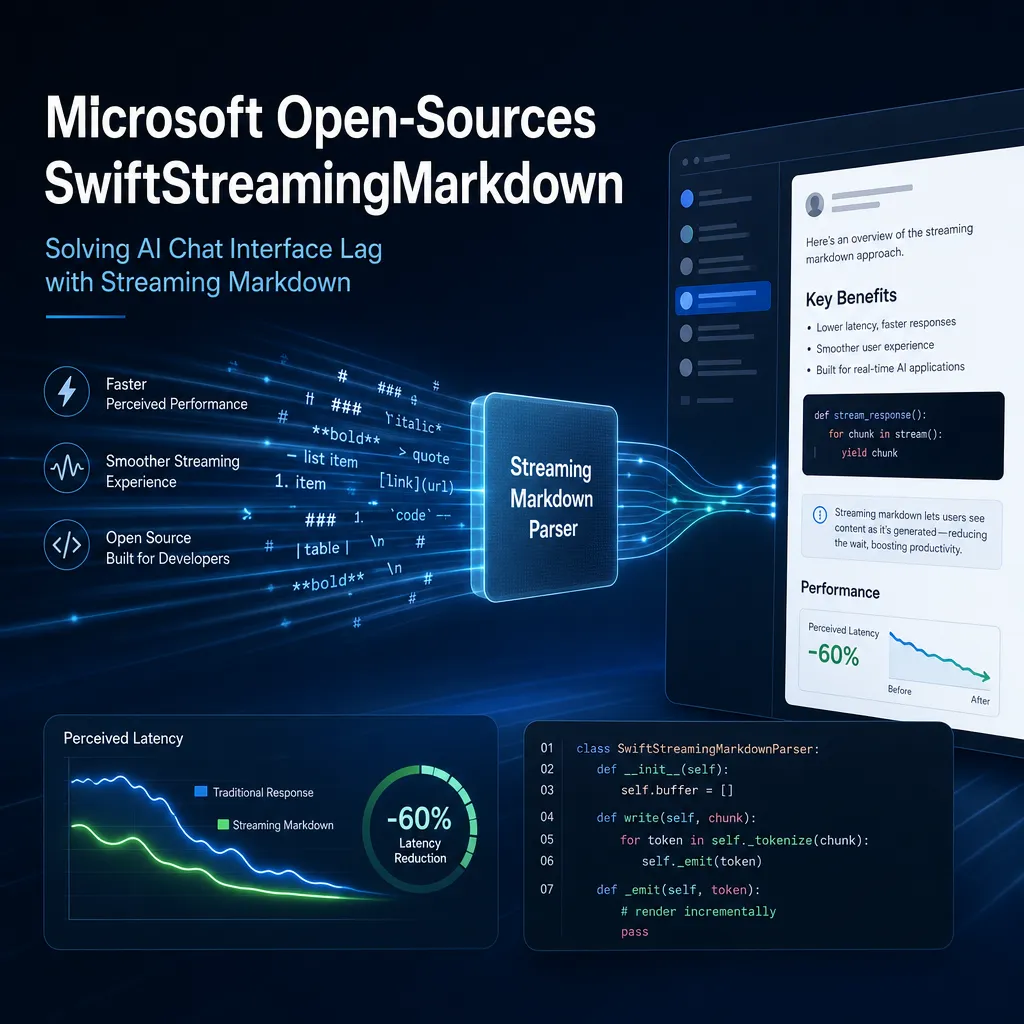
This Wednesday, Microsoft released a streaming Markdown rendering library for iOS on GitHub, specifically designed to address the stuttering issue in large model chat scenarios caused by the parser repeatedly rebuilding the syntax tree. It is licensed under MIT and has a size of about 3 MB.
This Wednesday, Microsoft dropped an open-source library called SwiftStreamingMarkdown on GitHub under the MIT license, specifically for the iOS platform, to solve a pain point that anyone who has developed an AI chat app has probably suffered from — when a large language model is streaming tokens and the UI is rendering Markdown at the same time, how should the main thread handle the load.
It’s not a huge deal in theory, but any developer who has built a ChatGPT-style client has likely been schooled by this combo in UITableView or SwiftUI’s List: every time the model emits a few more characters, you have to feed the accumulated text back into the Markdown parser, the parser grinds away rebuilding the syntax tree, then an AttributedString gets sent to the UI for re-layout, and as you scroll, you get another hitch. On a mid-range device from years ago like the iPhone XS, long answers running like this cause visibly noticeable frame drops.
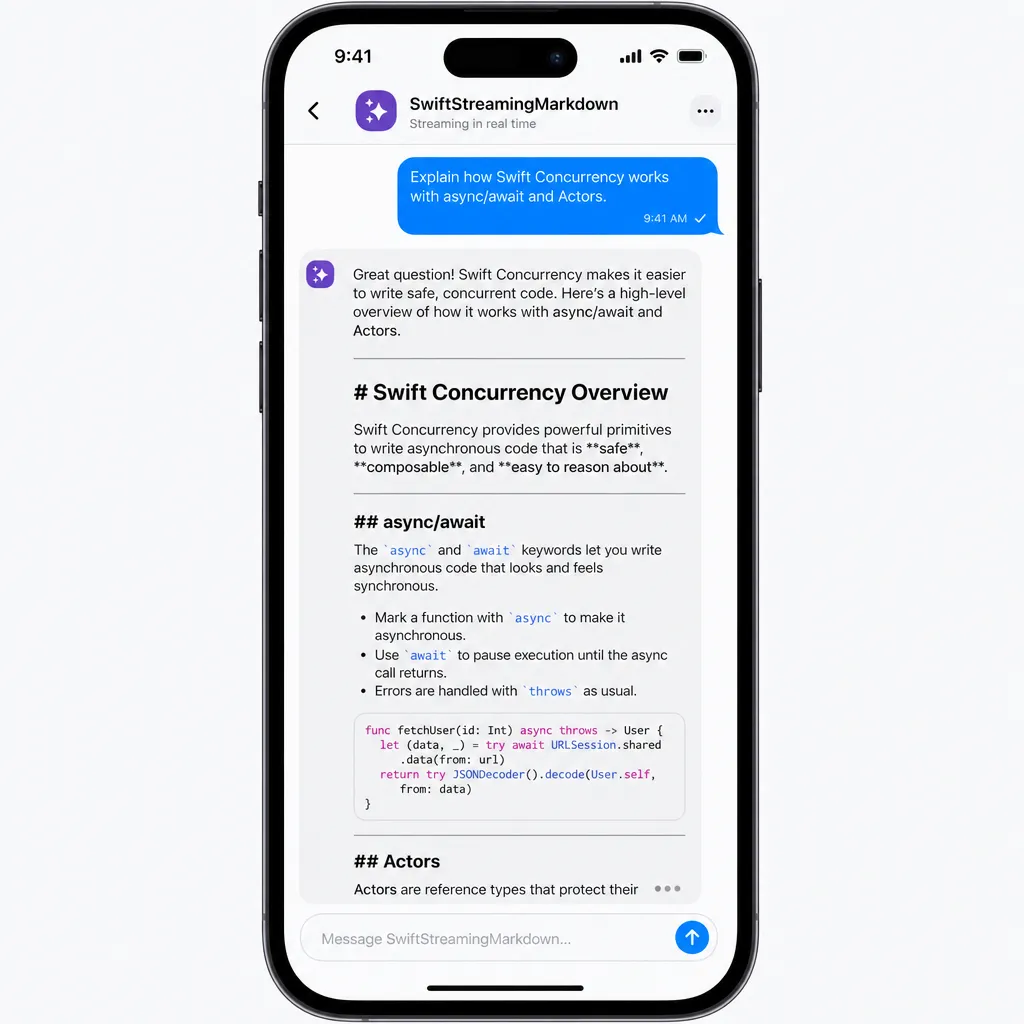
Not Just Another Markdown Renderer
First, let’s be clear about the library’s positioning. There’s no shortage of Markdown rendering solutions in the Swift ecosystem. Starting with iOS 15, Apple built Markdown parsing right into AttributedString, and the open-source community has options like MarkdownUI, Down, swift-markdown, and others. Their common assumption: you already have a complete Markdown string, and you render it in one go.
SwiftStreamingMarkdown solves a different problem: the text is streaming in. This might sound like a minor engineering detail, but in LLM scenarios it can be life-or-death for UX. Traditional parsers, when handed a new chunk, must reparse the entire accumulated string each time, because you can’t be sure the AST from the previous frame is still valid — what looked like a normal paragraph could suddenly become a code block as soon as a “```” arrives, drastically altering the structure.
Microsoft’s approach is to make the parser itself incremental: progress is advanced as text arrives, and already-finalized structures aren’t reordered. Only the “edge token” (the trailing block still receiving characters) gets updated locally. On the UI side, the complementary StreamedMarkdownView subscribes to an asynchronous data source, passing each chunk through the incremental pipeline, with built-in transition animations and smooth scrolling handling.
In short, the idea is much like the streaming-markdown method recommended by the Chrome team last year, or like Alibaba Alipay’s open-source FluidMarkdown and the community’s Incremark: shift from “full reparse” to “append-only incremental advancement”. This is emerging as a new consensus for client-side rendering in the AI era. Microsoft has just filled in this gap for native iOS.
A Few Technical Details Worth Highlighting
Main Thread Load Control
In the README, Microsoft provides iPhone XS benchmark comparisons, claiming better main-thread workload control under sustained high-load streaming pushes compared to common libraries. They don’t name the “common library,” but you can guess it’s likely the naïve approach that re-parses AttributedString repeatedly.
The key here isn’t peak performance, but ensuring smooth 60fps while scrolling and incrementally updating simultaneously. In a chat UI, the user may scroll up to review messages while new characters are still streaming in at the bottom — the UI must handle re-layout due to incoming content while also responding to scroll gestures. If the main thread stutters, it’s a double disaster. SwiftStreamingMarkdown moves parsing off the main thread and adds incremental diffs, cutting load at the source.
Syntax Support Trade-offs
The syntax range is explicitly scoped to a core subset of CommonMark + GFM:
- Headings, paragraphs, bold, italics, strikethrough
- Inline code, fenced code blocks
- Links (images show alt text only)
- Blockquotes, ordered/unordered lists, horizontal rules
- Tables
- Inline and block-level LaTeX formulas
- Inline citation markers for LLMs (source citation)
Omitted features are stated: no task lists, footnotes, highlights, or other extensions. Unknown syntax will not render incorrectly but will be downgraded to raw readable text. This “degrade gracefully” strategy is pragmatic — LLMs may emit odd pseudo-syntax (especially GPT, which sometimes invents HTML tags), and it’s better to show it plainly than crash or swallow content.
The inline citation marker for LLMs is an interesting point. That “superscript number at the end of a sentence that opens a reference when tapped,” seen in Perplexity or ChatGPT Search, was previously implemented ad hoc with regex slicing. Microsoft made it a native syntax node, meaning if the model outputs text in the agreed token format, citation rendering works out of the box. This can greatly enhance UX for RAG applications.
LaTeX as a First-class Citizen
Math formula rendering is first-class. Both inline and block formulas are supported, along with streaming advancement — meaning when the model is still midway through typing something like \frac{a}{b}, the UI doesn’t flash garbled text before snapping to the correct formula. Microsoft clearly put effort into this. Educational and research-focused chat apps will appreciate it.
Configurability and Hooks
The styling system uses MarkdownRenderConfig for unified configuration — themes, fonts, spacing can all be adjusted to match the app’s design language. The MarkdownListener protocol exposes rendering lifecycle and user interaction events — handy for product analytics. Want to know which part of the response the user highlighted, which link they clicked, or which code they copied? Hooks give you this directly, no need to hack gesture recognizers onto the view.
Native support for the iOS context menu (long-press “Copy, Share, Look Up”) is also included — don’t underestimate this; rolling your own means navigating a minefield of UIMenu API quirks.
Integration Cost
Very low deployment cost: add the dependency in Swift Package Manager in one line, and your app size increases by about 3MB. For a library that saves you writing your own parser, animations, and main-thread performance tuning, this is acceptable. If you already have a Markdown renderer, that size hit is negligible as a replacement cost.
In usage: static text keeps using MarkdownView, streaming scenarios switch to StreamedMarkdownView, bound to an async data source that returns the full accumulated text progressively (note: full accumulated text, not just the delta — pay attention to the API contract here or you’ll have state issues).
The Meaning Behind Microsoft’s Move
In the past couple of years, tech giants have been open-sourcing AI engineering utilities at an accelerating pace. Recently, Alipay released FluidMarkdown, the Chrome team wrote a long best-practices article on streaming-markdown, and the community produced incremental parsers like Streamdown and Incremark. Everyone sees the same fact: in LLM applications, the bottleneck is shifting from the model API to the client-side experience.
The faster inference gets and the denser the token stream, the greater the rendering pressure on the front-end. With modern models like GPT-5 and Claude Sonnet 4.5 streaming hundreds of tokens per second via high-speed channels, traditional full reparsing is instantly overwhelmed. Microsoft filling the iOS gap follows the same logic as what they’ve done for VS Code and Copilot: they want to own the full-stack infrastructure for building AI experiences.
For domestic developers, the concern has been: on native iOS, there were basically no ready-made wheels — you either adapted swift-markdown yourself (high effort) or rendered HTML in a WKWebView (suboptimal performance and UX consistency). SwiftStreamingMarkdown is the first to combine “streaming + native + performance” in one package.
If you’re building an iOS AI chat client — whether hooking into an aggregator like OpenAI Hub (one key for the whole range: GPT, Claude, Gemini, DeepSeek, all via OpenAI-compatible APIs) or using your own private model — you can essentially save a week of work on the front end with this library.
A Few Things You Still Need to Handle Yourself
After the pros, some points developers should be aware of before going live:
- iOS-only. macOS hasn’t been mentioned yet; Catalyst cross-platform support remains to be seen. Android devs will need to stick with FluidMarkdown or roll their own.
- Syntax subset. As mentioned, task lists, footnotes, and highlights aren’t implemented. If your prompt relies heavily on these (e.g., checkbox to-do lists), either adjust your prompt or patch it yourself.
- Security. The Chrome team’s article repeatedly stresses the need for a DOM sanitizer to prevent prompt injection via malicious HTML. SwiftStreamingMarkdown doesn’t use WebView on iOS, so XSS risk is theoretically low, but if you allow raw HTML or use WebView to render LaTeX formulas, be vigilant against the model being tricked into outputting executable payloads.
- Contract for “full text” vs. “delta”. The component subscribes to a data source returning the full accumulated text each time — from the beginning to the current point, not just a delta. Most LLM SDKs emit deltas, so you’ll need to accumulate them before feeding into the view. Don’t forget this glue code.
Summary
SwiftStreamingMarkdown isn’t revolutionary; it tackles a clear, well-worn engineering problem that multiple teams have faced. Microsoft’s version is relatively complete: incremental parsing, native animations, LaTeX, citation markers, context menus, analytics hooks — all ready to use under the MIT license.
For iOS AI app developers, this is essentially the default recommendation for streaming Markdown rendering today. Going forward, it will be worth watching whether the community ports it to macOS, fills in missing GFM extensions, and whether Microsoft’s own Copilot for iOS switches to it — if it does, that’s the strongest endorsement.
References
- ITHome: Microsoft open-sources iOS streaming Markdown rendering library — first report on Microsoft’s release of SwiftStreamingMarkdown, including technical details and performance benchmarks
- Zhihu Column: Alibaba Alipay open-sources mobile streaming Markdown rendering engine FluidMarkdown — a domestic solution with similar ideas, for cross-platform comparison
- GitHub: ruanyf/weekly Incremark self-recommendation issue — design ideas and performance data for another community incremental Markdown parser


