
Android 17 Official Release: Gemini Omni Arrives, Bubble Bar Redefines Multitasking
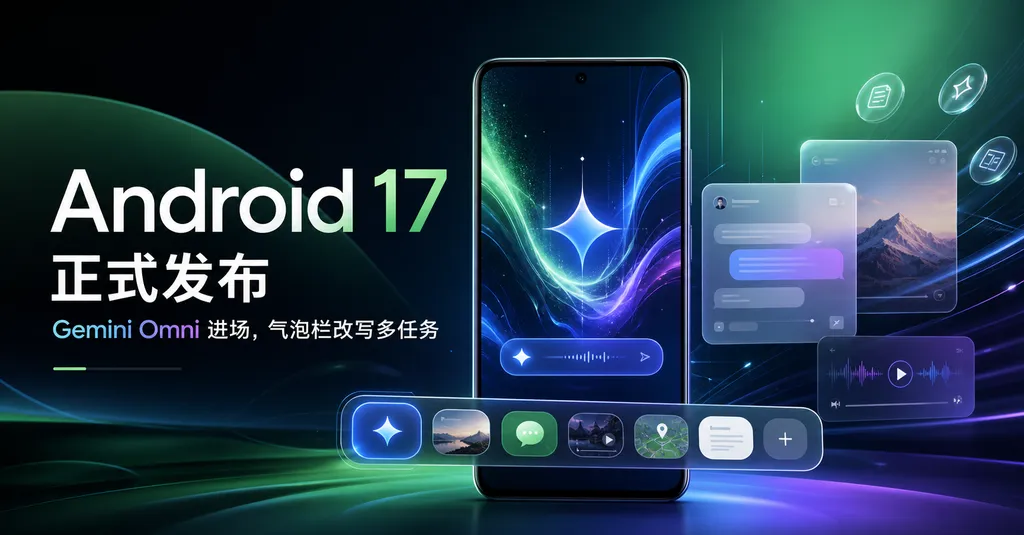
Google pushed the official release of Android 17 and Wear OS 7 in the early hours, with the Pixel series getting the first taste. This round of Pixel Drop brings three cutting-edge multimodal models—Gemini Omni, Lyria 3, and AudioLM—onto the device all at once, and rewrites Android's multitasking interaction with a bubble bar.
Google officially rolled out Android 17 and Wear OS 7 in the early hours of Tuesday local time, with Pixel devices—as usual—being the first to try them out. Unlike in previous years, this time the system update and Pixel Drop landed almost simultaneously—Google directly embedded three freshly released models into the system’s core: Gemini Omni (multimodal), Lyria 3 (music generation), and AudioLM (speech-to-speech translation).
This is Google’s usual play: using Android and Pixel as experimental fields to get cutting-edge model capabilities working on its own devices first. In contrast, Apple’s schedule is to unveil the new Siri and iOS 27 only in September—one full quarter later. With this rollout, Google is essentially telling Apple through the entire Android ecosystem that the window of opportunity for AI is measured in weeks, not fiscal years.
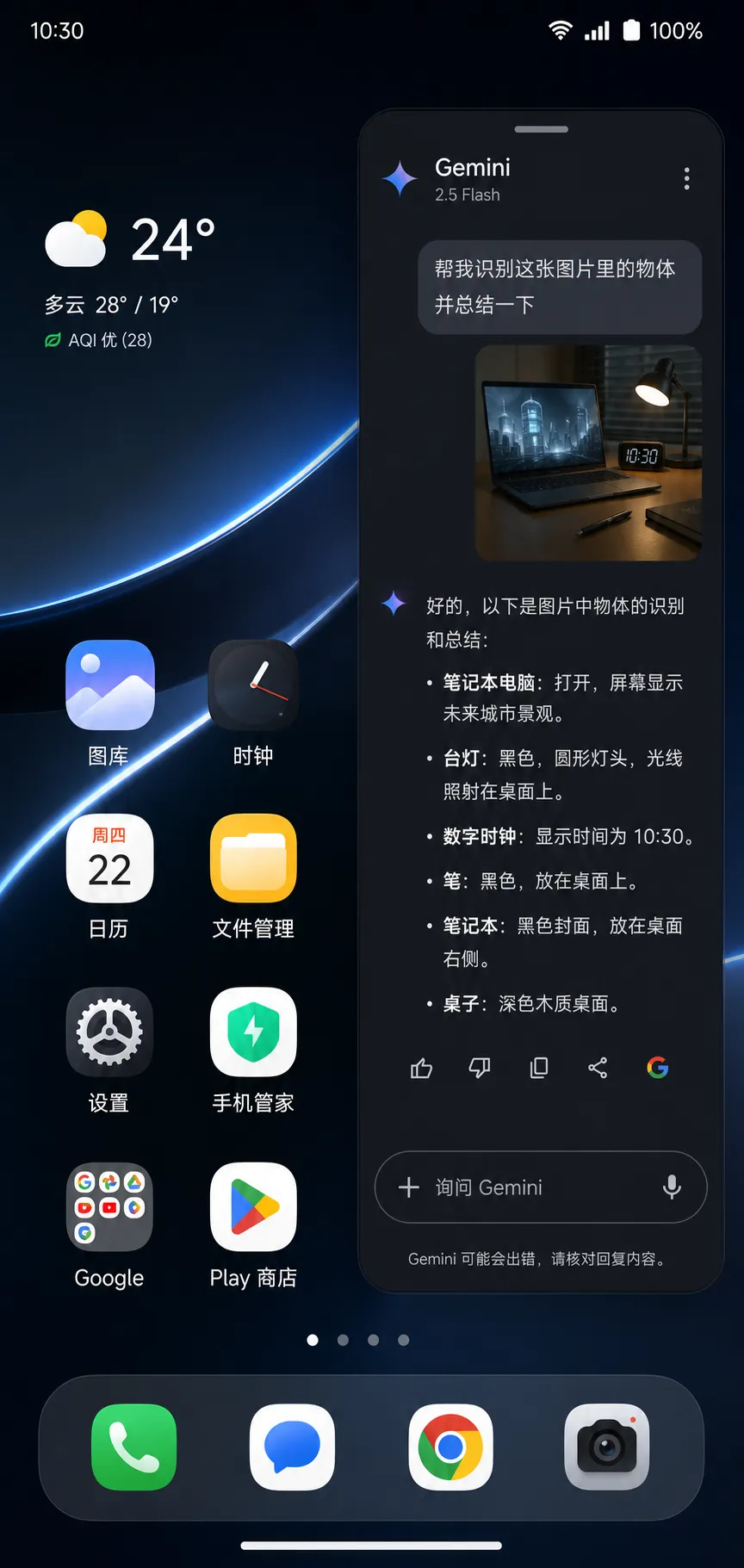
Gemini Omni onboard: moving multimodal from the cloud into the system
The highlight here is Gemini Omni. It’s not just a model dropped into an “assistant” entry point; it takes over almost every place in Android 17 where cross-modal understanding is needed—camera, gallery, messages, system-level search, even the video editor.
At the launch, Google demoed a scenario: the user drags a video into the Gemini chat box, asks the model to cut the first 5 seconds, add some background music, and generate an opening narration. This is done in one sentence, and once edited, the video is saved back to the gallery directly. Previously, this workflow required switching between three or four apps. Now Gemini Omni connects video, audio, and text instructions seamlessly at the system level.
For developers, the exciting part is that Gemini Omni offers a unified multimodal context window—text, images, audio, and video can be processed within the same context. This means third-party apps no longer need to separately call vision, speech, and generation APIs—you just call once.
OpenAI Hub was quick to adapt Gemini Omni, keeping compatibility with OpenAI’s format so developers can use familiar SDKs:
from openai import OpenAI

client = OpenAI(
    base_url="https://openai-hub.com/v1",
    api_key="your-key"
)

response = client.chat.completions.create(
    model="gemini-omni",
    messages=[
        {
            "role": "user",
            "content": [
                {"type": "text", "text": "Remove the first 5 seconds of this video and describe the remaining content"},
                {"type": "video_url", "video_url": {"url": "https://example.com/clip.mp4"}}
            ]
        }
    ]
)
print(response.choices[0].message.content)
If you’ve used GPT‑5.4 or Claude’s multimodal APIs, this will feel instantly familiar—you can switch over with almost no code changes. That’s what Hub has been aiming for: one key to call all mainstream models, direct access in China, avoiding the hassle of adapting to each vendor’s SDK.
Lyria 3: making “music generation” truly lightweight
Internally at Google, Lyria has already iterated to its third generation. Lyria 1 was still just a demo; Lyria 2 mainly provided soundtracks for YouTube Shorts. With Lyria 3, Google has embedded it directly into the Gemini app, enabling ordinary users to generate complete music pieces from text or images.
Testing shows the biggest progress in Lyria 3 over the previous generation lies in two aspects:
- Duration: extended from 30 seconds to nearly 3 minutes, now with a complete intro/verse/chorus structure
- Multimodal prompts: you can drop in a photo and have the model compose based on the mood of the picture. A sunset seaside photo resulted in Lo-Fi style music—quite logically fitting.
Compared to music-generation startups like Suno or Udio, Lyria 3’s advantage isn’t quality—the sound and arrangement complexity are roughly equal to Suno v4—its edge is in accessibility. It’s built right into Gemini, so barriers for average users are almost zero. This is the typical platform strategy against startups: no matter how good your product is, you can’t beat being pre-installed.
AudioLM translation: Pixel 10a exclusive
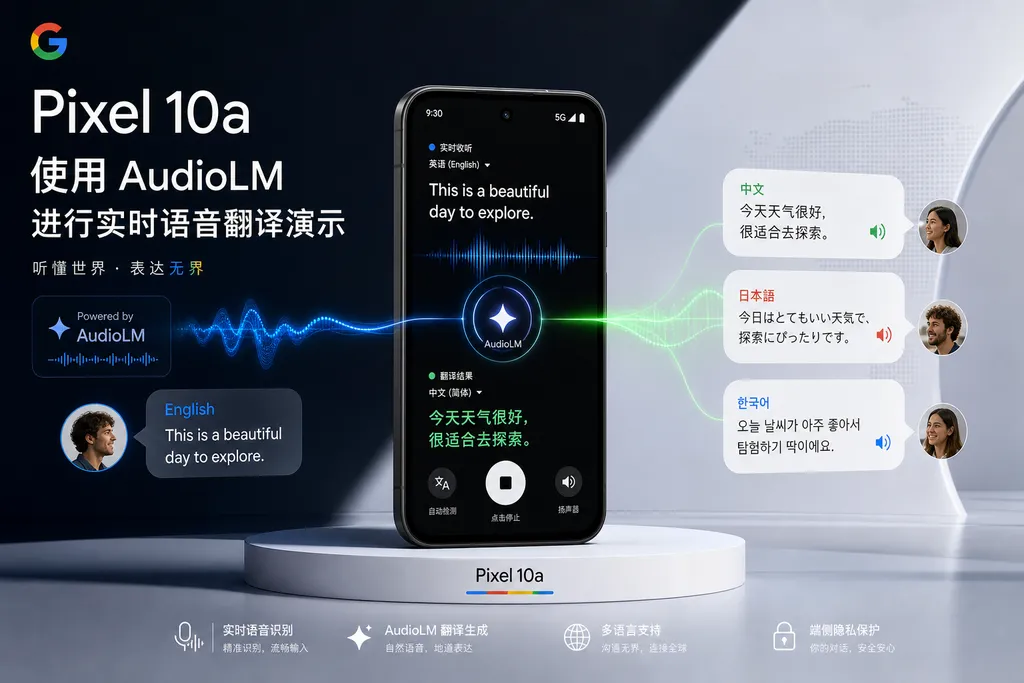
AudioLM’s update this time is more restrained, enabled only on the Pixel 10a. Google positions it as a “speech-to-speech translation” tool, with main use cases in overseas travel and real-time conversations.
Unlike the standard “ASR + machine translation + TTS” three-step pipeline, AudioLM is end-to-end—it directly maps source-language audio to target-language audio without explicitly generating text in between. The advantage is retaining the original speaker’s tone, voice quality, and pauses—it doesn’t sound like mechanical translation, being closer to real human simultaneous interpretation.
The downside is clear: it demands an order of magnitude more computing power than traditional methods, so Google only enables it on the latest Pixel 10a. This is a common challenge for on-device large models—closer to end-to-end means stricter chip requirements, and a narrower user base.
Bubble bar: Android finally tackles multitasking
Outside of AI, Android 17’s biggest interaction-level change is the introduction of the bubble bar.
In simple terms, it collects your recently used apps into bubble icons at the bottom of the screen—you can drag, quick-switch, or split two apps side-by-side. This interaction is somewhat like a blend of macOS’s Dock with iPadOS’s Stage Manager.
It might look minor, but it’s actually a systemic response to the rise of foldables and large-screen devices. In the past, Android’s multitasking approach was fragmented—split screen via gestures, floating windows via OEM customization, recent task cards via vertical swipe. The bubble bar consolidates these into one, giving developers a more stable multitasking programming model.
Implications for developers:
- Lifecycle assumptions must change: your app is now more likely to remain “visible but not full-screen” for longer periods; UI needs to adapt to tall/narrow layouts.
- Cross-app dragging increases: bubble bar encourages dragging images or text between apps—developers need to handle drag & drop well, or users will feel your app is “disconnected from the system.”
Communication & messaging: making “message answering” a system feature
This update includes several less flashy but handy changes:
- Incoming calls can play a personalized voicemail greeting, automatically played when you don’t answer. This may sound minor, but for users in frequent meetings, it’s much friendlier than a cold voicemail box.
- The previously US-only Take a Message feature now expands to more countries/regions. Basically, Google Assistant answers calls for you, transcribes the content, and pushes the key points to you.
- Quick Share interoperability with AirDrop, now available on Pixel 8a and 9a. This is a political move—Google is using compatibility to pry open Apple’s closed ecosystem, similar to how iMessage was eventually pressured into supporting RCS.
Pixel Watch: emergency detection now live
On the Wear OS 7 side, the focus is on adding crash detection, fall detection, and pulse-less detection to Pixel Watch. Abnormal events trigger automatic calls to local emergency services and notify preset emergency contacts.
This capability has been on Apple Watch for years, and Google has finally caught up. It leverages the watch’s accelerometer, gyroscope, optical heart rate sensor, combined with a small on-device model for judgment. For the smartwatch category, “health + safety” has largely overtaken “notifications + fitness” as the core selling point.
Key observations
Overall, the Android 17 upgrade has a few noteworthy points:
First, Google is fully treating the Gemini series as a system base. Gemini is no longer “an app”—it now permeates the camera, gallery, editor, keyboard, phone, and more. This is something Apple Intelligence has been aiming at but hasn’t achieved yet.
Second, Pixel increasingly looks like Google’s AI demo device. Pixel 10a exclusive AudioLM, Pixel Watch exclusive emergency detection—this “run it on our own hardware first” shows Google still considers hardware sales part of its AI strategy, not a separate business.
Third, Android’s UI interaction reform isn’t over yet. The bubble bar is just a beginning; paired with foldables, automotive systems, XR devices, Android 18 will likely push window management toward “multimodal, multitasking, multi-device.”
Fourth, for developers, now is the right time to adapt to multimodal. After Gemini Omni, cross-modal calls will become standard. Using aggregation platforms like OpenAI Hub to make your code switchable and avoid vendor lock-in is the safer stance.
This update doesn’t have flashy new hardware or earth-shaking keynotes, but it packages scattered cutting-edge capabilities into hundreds of millions of devices. This quiet, water-drops-on-stone kind of iteration is exactly Google’s forte.
References
- Android 17 officially released: new multitasking tools online, Gemini capabilities fully expanded - linux.do – A complete introduction to Android 17 and Wear OS 7 updates and new AI capabilities in Pixel Drop


