
Codex natively supports third-party models, with DeepSeek and GLM integrated directly.
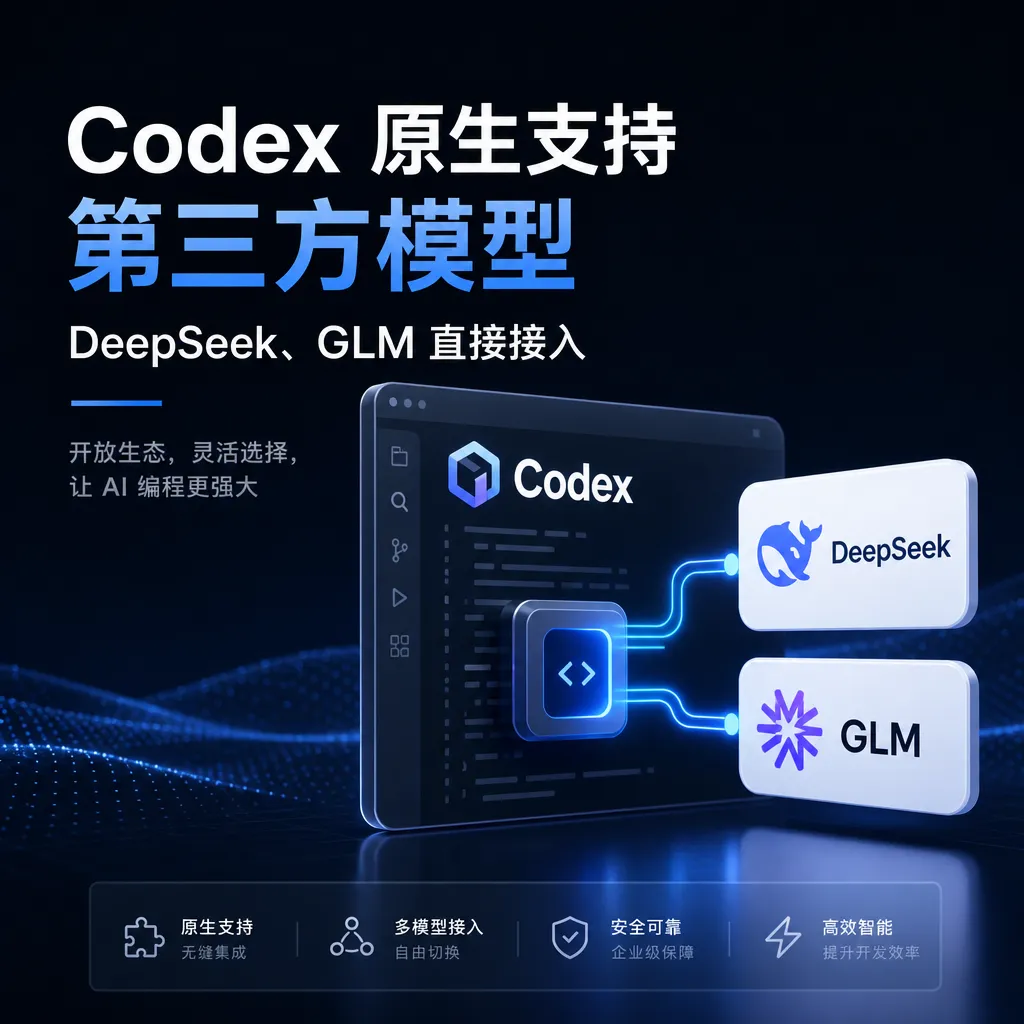
The latest version of OpenAI Codex CLI now natively supports third-party OpenAI-compatible APIs, allowing developers to directly connect to models like DeepSeek, GLM, and Kimi without relying on intermediary tools such as CPA or Codex++.
From “Detour” to “Direct Connection”: Codex Finally Gets It
OpenAI has just rolled out a Codex CLI update that Chinese developers are calling “a year late” — the new version natively supports third-party OpenAI-compatible endpoints. This means you no longer need to mess with community middleware like CPA (Claude Proxy Adapter), Codex++, or CC-Switch to directly call domestic models like DeepSeek, GLM-4.6, and Kimi K2 from within Codex.
This news first appeared on linux.do, where one user’s complaint summed it all up: “A few days ago I was still tinkering with CPA, mapping DeepSeek and GLM to gpt-5.4 and gpt-5.4-mini to trick Codex, and even wrote a plugin for fallback routing. But now the new version supports it directly…” Classic case of “just finished building the wheel, and the official team paves the road.”
Why It Didn’t Work Before
To appreciate the significance of this update, you need to understand Codex’s strict protocol requirements.
For the past half year, Codex CLI’s default pipeline was OpenAI’s Responses API — a stateful interface that OpenAI heavily promoted in 2025, complete with reasoning trace, tool call streaming, persistent conversation states, and other features that only OpenAI itself has fully implemented. Domestic vendors such as DeepSeek, Zhipu, and Moonshot almost exclusively exposed the more generic Chat Completions API (“OpenAI-compatible format”).
They may both be “OpenAI” in name, but they are fundamentally different. Responses API’s request payload contains fields like input, previous_response_id, and reasoning.effort, whereas Chat Completions only has the old trio messages, tools, and stream. If you directly filled in DeepSeek’s Base URL, third-party servers could not handle Codex’s requests — you’d get either a 400 error or a complete hang.
So the community devised various hacks:
- CPA route: Spin up a local proxy to translate Responses requests into Chat Completions, forward them to DeepSeek, and then reassemble the Responses structure on return.
- Codex++: A third-party modified client that changes the request format directly.
- CC-Switch: A configuration switcher that essentially relies on a relay gateway.
- Model name mapping: Disguise
deepseek-chatasgpt-5.4-minito bypass Codex’s model whitelist.
These methods worked, but every Codex update meant chasing changes, making for a poor experience.
What’s Changed in the New Version
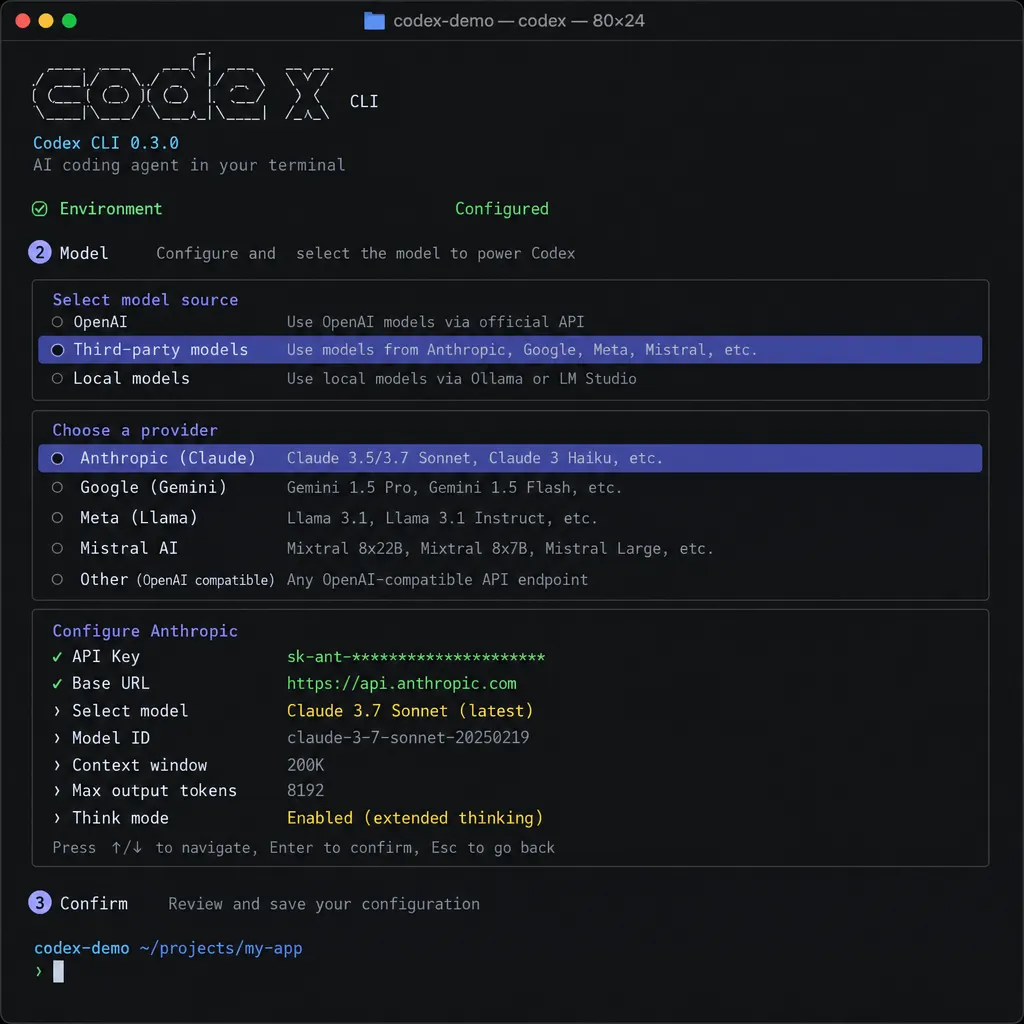
From the configuration examples shared in the community, the new Codex allows users to explicitly declare the provider type in ~/.codex/config.toml, with the key addition of a wire_api field to specify whether to use chat or responses.
A typical DeepSeek configuration looks like:
model = "deepseek-chat"
model_provider = "deepseek"

[model_providers.deepseek]
name = "DeepSeek"
base_url = "https://api.deepseek.com/v1"
wire_api = "chat"
env_key = "DEEPSEEK_API_KEY"
With the corresponding key added to ~/.codex/auth.json, you can restart the terminal, run codex, and it just works — no middleware needed. GLM, Kimi, Moonshot, StepStar, any OpenAI-compatible formats will work; just swap out the base_url and model name.
Compared to the CPA era where you had to run a persistent process and debug numerous field mappings, it’s now back to “just edit a config file.” For developers who want a clean environment, this is a relief.
Not Quite Perfect
But here’s a reality check: This is “usable,” not “fully functional.”
First, Codex’s strongest capabilities — such as reasoning budget control via reasoning_effort, state recovery for long-running tasks, and trace reuse in multi-step tool chains — rely on the stateful nature of Responses API. Using Chat Completions means these features are downgraded or unavailable. In other words, connecting DeepSeek-V3.2 gives you “a DeepSeek coding agent wrapped in Codex CLI,” not “Codex itself running on DeepSeek.”
Second, Claude models (Opus, Sonnet) still don’t connect. Anthropic’s API is completely different from OpenAI’s, with its own prompt caching and tool_use block structures. To use Opus in Codex, you still need CPA or CC-Switch for protocol translation. As that community user said: “To use Opus in Codex right now you still need CPA,” and this route is unlikely to be officially adopted soon.
Third, model name mapping issues remain. Codex internally hard-codes certain model name checks (e.g., reasoning model recognition). If third-party model names aren’t within its expected list, certain UI prompts and token usage stats may be wrong. This will need ongoing patching from OpenAI.
The Real Impact on the Ecosystem
On a larger scale, OpenAI loosening Codex to accept third-party models is an interesting signal.
Claude Code was open from the start — one ANTHROPIC_BASE_URL environment variable could take over — enabling its widespread use domestically with “relay API + Claude Code” combinations, which in turn brought Anthropic significant brand exposure. OpenAI previously locked Codex to ChatGPT login and official API, prompting the community to build numerous modified tools to get around limitations, eventually polarizing Codex’s reputation among Chinese developers.
Opening the gate now essentially admits a reality: The moat for agent tools is product experience and engineering framework, not locking the model. Cursor, Cline, Continue, Aider have long proven this — a good coding agent framework can run on any model, picking whichever is strongest, without locking developers to GPT.
On a smaller scale, for developers already using OpenAI Hub or similar aggregation APIs, this update is basically “painless.” Hub itself is OpenAI-compatible: one key gets you GPT, Claude, Gemini, DeepSeek. Previously you needed Codex++ to connect; now you just add one base_url line to config.toml. GPT-5.x series, DeepSeek-V3.2, GLM-4.6 — all supported by OpenAI Hub — work with the new Codex, enabling zero-cost switching.
Practical Tips
If you want to upgrade today, here are some pitfalls to avoid:
- Run
npm i -g @openai/codex@latestfirst — older versions lack thewire_apifield, so configuration won’t work. - Whether your Base URL needs
/v1depends on the vendor. DeepSeek’s docs sayhttps://api.deepseek.com, but for OpenAI-compatible paths it’s best to add/v1; GLM/Zhipu provides a full/v4path — just use that. model_providername and section title must match — this is the easiest mistake.model_provider = "deepseek"must have[model_providers.deepseek], with no extra spaces.- Windows users should enable ‘show hidden items’ — the
.codexfolder is hidden by default, and you might think it was not created. Officially, Windows support is “experimental”; if possible, use WSL. - If you previously installed Codex++ or CC-Switch, roll back first — these tools write their own provider blocks into
config.toml, which can conflict with the new native config. Codex++ includes its own rollback switch. - For Claude models, just use CPA — Codex will not natively support Anthropic’s protocol in the short term; filling in Claude’s endpoint will only get you 400 errors.
In Closing
This isn’t a huge feature, but it signals OpenAI finally “lowering its stance” at the tooling layer. As the flagship of OpenAI’s own coding agents, Codex used to rely on GPT-5-Codex’s model strength to lead; now, returning model choice to developers shows OpenAI recognizes — in the agent battlefield, openness wins developer trust.
For Chinese developers, the biggest value isn’t “saving a few lines of config,” but “no longer chasing third-party tool version updates.” A stable, officially maintained Codex CLI that can connect to any OpenAI-compatible model, combined with the flexible billing of aggregation APIs, makes for one of the most comfortable coding agent workflows of late 2026.
As for Claude users… hang tight.
References
- linux.do - Codex supports third-party models: Earliest community thread reporting Codex’s new support for third-party OpenAI-compatible APIs.
- Zhihu - Codex integration tutorial with DeepSeek, GLM, Kimi: Detailed comparison of CC-Switch and Codex++ community configuration approaches.
- Zhihu - Full Codex tutorial: from installation to advanced features: Product positioning comparison between Codex and Claude Code, plus a 12-chapter usage guide.
- GitHub - CodexGuide third-party API integration docs: Official documentation reference for manual config, Codex++, CCX, and CC Switch integration methods.


